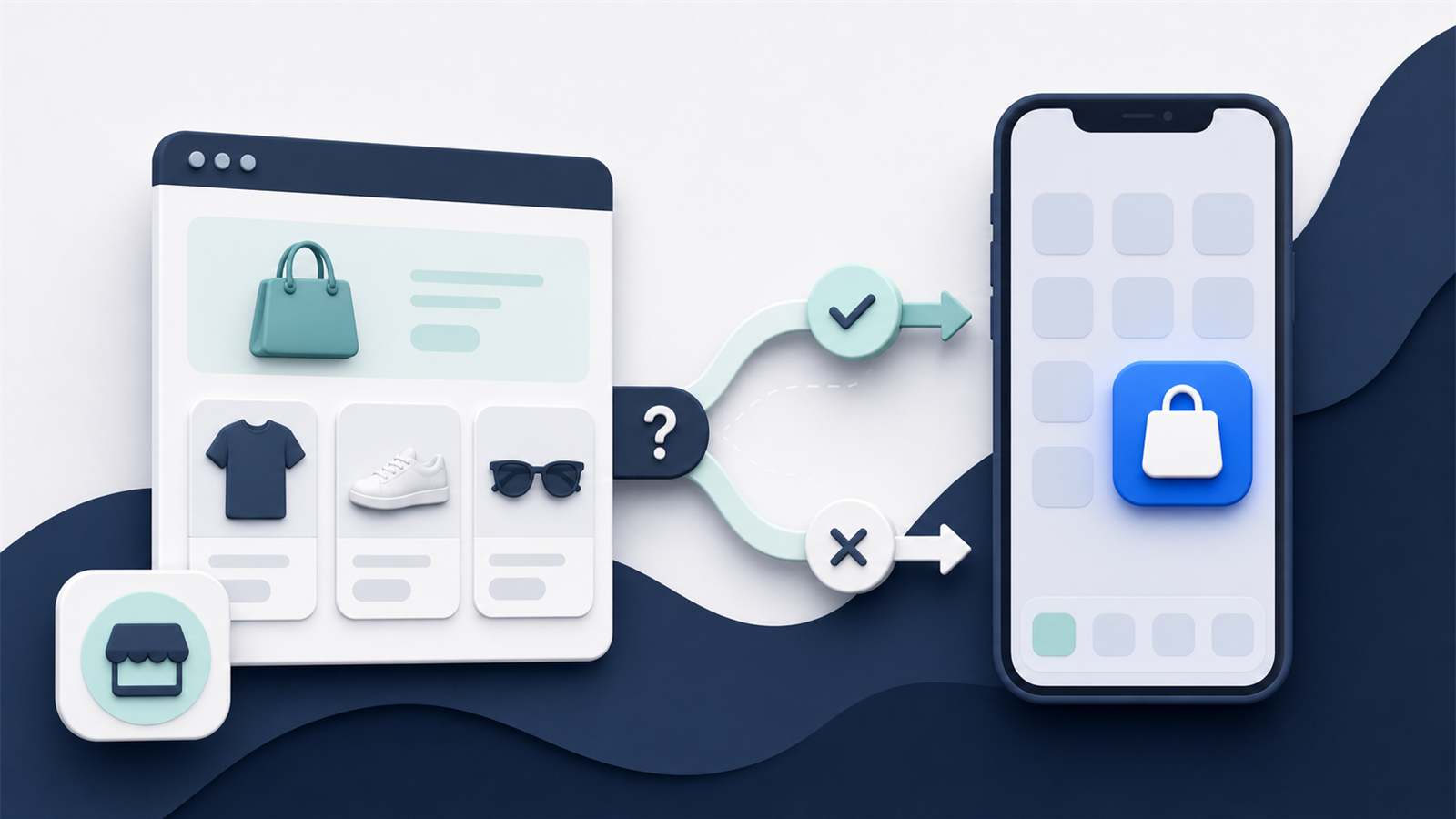
Some app builders promote themselves as offering a “free” plan, or let you “build an app for free”.
Sounds great. Who doesn’t love free?
But it’s not always (or often) as good as it seems. Realistically, you’re not going to get a mobile app for free. At least not one that’s worth putting in front of your customers.
The “free” advertised by some app builders is more often than not a free trial, or a free preview. Keep reading and we’ll break down what you need to know, and whether there really is a “free” path to a mobile app.
Free Plans Range From Preview Tools to Production Apps
“Free” usually means one of four things:
| Free offer | What it normally allows | What may still cost money |
|---|---|---|
| Free trial | Temporary access to paid features | The plan after the trial ends |
| Free to build | Design and configure in a dashboard | Publishing and production use |
| Free preview | Test through a companion app or browser | Your own branded store listing |
| Free plan | Limited ongoing use | Features, traffic, integrations, support, or branding removal |
Current products show how different those offers can be:
| Builder | What the free plan currently includes | Where payment may begin |
|---|---|---|
| AppOkart | Design and test iOS and Android experiences in its preview app | Its Shopify listing puts branded iOS and Android apps on the $49-per-month Starter plan |
| AppMySite | Build and publish an Android app | Its free-plan documentation says Apple App Store publishing isn’t included |
| OneMobile | Publish iOS and Android apps with one customizable theme and a limited set of design blocks and screens | Paid plans add more layouts, automation, integrations, support, and other operating features |
Those terms were checked in September 2026 and can change. They also don’t remove Apple and Google account costs or the internal work involved in launching and running the mobile app.
Before investing time, ask one direct question:
Can we publish and operate our own branded iOS and Android apps for real customers on this plan?
If the answer is no, the free tier is a product evaluation tool rather than a production budget. If the answer is yes, the next question is whether the free app can support your real customer journeys and operating requirements.
What a Free Builder Can Be Good For
A free plan can reduce risk early in the buying process.
It may let your team test the editor, connect a development store, and see how products, collections, accounts, and navigation appear. You can also create a working stakeholder prototype and identify missing integrations before a contract is signed.
That’s real value. A working prototype exposes more than a sales presentation.
Use the free stage to test critical customer journeys, not only the home screen. Add products with options, discounts, subscriptions, bundles, loyalty, multiple markets, and any custom rules your store depends on.
The expensive problem isn’t discovering that the colors are limited. It’s discovering after purchase that checkout, pricing, account logic, or an important integration doesn’t work. Once the prototype passes those tests, the next costs usually appear when you try to publish it.
The Costs That Can Still Appear Before Publishing
The first unavoidable costs usually arrive when the prototype needs to become a branded public app.
A Paid Plan May Be Required to Publish
Many builders separate creation from distribution. AppOkart, for example, provides iOS and Android previews on its free plan but moves branded store apps to a paid tier. AppMySite currently includes Android publishing for free while reserving iOS publishing for paid plans. OneMobile advertises both on its free tier.
Confirm whether the price covers both iOS and Android. Also check whether annual billing is required and whether the vendor charges a setup or launch fee.
Apple Developer Program Membership
Apple lets anyone access development resources and test apps with a basic account, but App Store distribution requires membership in the Apple Developer Program.
Apple currently lists enrollment at $99 per membership year, or the local equivalent where available. Eligible nonprofits, educational institutions, and government entities may qualify for a waiver.
The brand should normally own this account. That keeps the store listing, legal identity, access, and app history under its control if it changes vendors.
Google Play Console Registration
Google currently charges a one-time $25 registration fee for a Play Console developer account.
Account verification and testing requirements can add time even when the cash fee is small. New personal developer accounts created after November 13, 2023, must complete a closed test with at least 12 opted-in testers for 14 continuous days before applying for production access.
Use an organization account when that correctly reflects the business, and plan account setup before the intended launch date. Store accounts may be the first unavoidable expense, but they are rarely the last upgrade needed for production.
Features Hidden Behind Paid Tiers
A free plan may create a convincing demo while withholding the capabilities needed to operate the app.
Depending on the builder, paid tiers may add App Store or Google Play publishing, branding removal, automated push notifications, advanced analytics, and priority support. Important commerce capabilities such as loyalty, subscriptions, reviews, search, multiple markets, custom layouts, APIs, and SDK extensions may also sit behind an upgrade.
Make a requirements list before comparing tiers. A cheap plan is irrelevant if two must-have capabilities move the project into an enterprise package.
Our requirements checklist helps turn broad feature labels into testable requirements.
Usage and Success-Based Charges
Some builders charge according to app revenue, monthly active users, push volume, orders, locations, markets, or another usage measure.
That can make the entry price low and the mature cost much higher.
A revenue-based fee deserves particular attention. Model it across conservative, expected, and strong app sales:
Variable platform cost = app-attributed revenue × fee percentageA 1% fee on $50,000 in monthly app revenue is $500 per month. On $500,000 it becomes $5,000.
Check whether the percentage applies to gross merchandise value, net sales, or revenue attributed through a specific system. Ask how refunds, taxes, subscriptions, gift cards, and orders completed in a web checkout are treated. Then repeat the same exercise for the services connected to the builder.
Integrations May Have Their Own Price
“Integrates with loyalty” doesn’t tell you what the integration costs.
The app builder may require a higher tier, a paid add-on, or custom implementation. The loyalty, reviews, subscriptions, search, analytics, or support provider may also charge more for app access or higher usage.
There can be three layers of cost:
- The app builder subscription.
- The third-party software subscription.
- The work needed to configure, test, or customize the connection.
Verify the complete journey in a production-like environment. A logo on an integrations page doesn’t guarantee every function your website uses will be available in-app.
The Cost of Internal Work
Even genuinely free software takes time to operate.
Your team still needs to define the strategy, configure the experience, and create store-listing and launch assets. It also needs to test customer journeys, complete privacy and accessibility reviews, promote downloads, run app content and push campaigns, and monitor analytics, reviews, errors, and support issues.
If existing employees do the work, it may not create a new invoice. It still has an opportunity cost.
Estimate the hours by role and multiply them by a loaded internal rate. Keep cash outlay and allocated labor separate if finance wants both views. That internal workload continues after launch, even if the software subscription remains free.
Free Doesn’t Remove the Need for Maintenance
The app sits on top of a changing system.
iOS and Android release new versions. Your ecommerce platform, theme, APIs, checkout, payment methods, customer accounts, analytics, privacy tools, and integrations change. Product and marketing teams launch new features and promotions.
Someone needs to confirm that the app still works and remains at least as capable as your website for the journeys it supports.
Ask the builder:
- Who updates the app for operating system and policy changes?
- Are compatibility releases included in the plan?
- Who tests changes to the ecommerce stack?
- How are urgent defects handled?
- What happens if the free plan is changed or discontinued?
A free production app that no one maintains can become an expensive customer-service problem. Maintenance is only one part of the long-term commitment; ownership and the cost of leaving matter too.
Branding, Ownership, and Exit Costs
Free plans often use shared technology and standardized templates. That isn’t automatically a problem. The important issue is whether the resulting experience and ownership model fit your brand.
Check whether builder branding appears and whether the app is listed under developer accounts owned by your business. Confirm who owns the store listing, bundle identifier, designs, data, and custom work, along with what can be exported.
Then ask what happens if the free plan changes, you stop paying for an upgraded tier, or the service closes. Depending on the ownership model, switching providers may require customers to update or even reinstall the app.
Low entry cost can coexist with high switching cost. It also doesn’t guarantee that Apple or Google will accept the finished app.
App Store Acceptance Still Matters
Paying nothing for the builder doesn’t guarantee distribution.
Apple’s App Review Guidelines say an app should provide adequate utility and an experience beyond a repackaged website. The app also needs accurate metadata, working features, appropriate privacy disclosures, and compliance with every relevant policy.
Template technology can support an acceptable app, but the brand still needs to deliver useful functionality and submit it through the correct account.
Confirm who prepares the listing, handles reviewer questions, fixes rejections, and resubmits. “Submission support” can range from documentation to a fully managed process.
Calculate the Real Cost Before Choosing a Free Plan
Build a 12-month and three-year cost table before committing.
| Cost category | Year 1 | Years 2–3 |
|---|---|---|
| Builder plan and add-ons | ||
| Apple and Google accounts | ||
| Third-party integrations | ||
| Setup or custom work | ||
| Internal labor | ||
| Testing and maintenance | ||
| Launch and adoption | ||
| Expected variable fees | ||
| Exit or migration provision |
Use the plan that supports every must-have requirement. Don’t use the free price in the model if the app can’t launch on that tier.
When a Free Builder Is the Right Choice
A free option is useful when you are exploring the channel, validating requirements, comparing editors, building a stakeholder prototype, or testing whether a standard app structure fits the store.
It may also work for a very small project if the free tier genuinely supports publishing, the limitations are acceptable, and the team understands the ownership and maintenance model.
It’s a poor basis for a production decision when the business case depends on capabilities, service, reliability, or control that only exist on paid plans.
Bottom Line
Free ecommerce app builders can be valuable for evaluation, and some now support genuine app-store publishing. What they rarely remove is the cost of operating, growing, and maintaining the app as a serious customer channel.
Check the production plan, developer account fees, integrations, variable charges, internal labor, maintenance, ownership, and exit terms. Then compare the complete cost with the value the app is expected to create.
Evaluate the cost of a working app over the full period you expect to use it, not the price of opening an account.