In 2026, launching a mobile app for your ecommerce store doesn’t have to mean hiring a development team and building one from scratch.
The platforms in this guide can help you turn an existing ecommerce store into an iOS and Android app. Some do it via a visual, drag-and-drop builder. Others are more managed approaches, letting you build a more custom app that’s not constrained to pre-built blocks and templates.
All can be a great foundation for your store’s mobile app.
This guide compares nine of the best ecommerce mobile app builders available in 2026. We broke down the platforms they support, how they connect to your store, what your team has to manage, the level of customization available and the full pricing model.
So read on and get all you need to know to find the right platform to build and launch a branded mobile app for your ecommerce store.
The short answer
There’s no single “best” ecommerce mobile app builder, because every store is different, and each platform has its own pros and cons.
The trick is finding which one best fits with what you want your app to be, and how you want to manage it.
Here’s a quick summary of the best options out there:
| Builder | Best for | Ecommerce platforms | Operating model | Public starting price |
|---|---|---|---|---|
| Tapcart | Shopify teams that want a visual app builder and broad integration support | Shopify and Shopify Plus | Visual builder with service and developer options | $500/month |
| MobiLoud | Established brands that want their existing website to power the app | Shopify, Shopify Plus and any other web platform | Fully managed, website-powered service | $1,499/month plus setup |
| Shopney | Shopify brands looking for a lower-cost no-code builder | Shopify and Shopify Plus | Self-serve visual builder with onboarding support | $149/month |
| Appmaker | Shopify brands that need custom blocks, APIs or developer access | Shopify | Visual builder with an open developer model | $999/month plus 1% of app sales |
| Superfans | Shopify brands focused on app-only access, loyalty and engagement | Shopify | No-code builder with design and account support | $150/month on the Shopify listing |
| JMango360 | Multi-platform retailers and B2B ecommerce teams | Shopify, BigCommerce, Adobe Commerce, Salesforce Commerce Cloud and others | Managed open-SaaS platform | $299/month |
| Poq Commerce | Enterprise retail, DTC and B2B app programs | Shopify, Salesforce Commerce Cloud, BigCommerce, Adobe Commerce and composable stacks | Native app platform with implementation services | Custom pricing |
| AppMySite | WooCommerce stores and smaller teams using a DIY workflow | WooCommerce, WordPress, Shopify and other websites | Self-serve no-code builder | $99/month for iOS and Android, billed annually |
| FlutterFlow | Technical teams building a custom app through low-code development | Platform-agnostic through APIs | Low-code development platform | Free to build; Basic is $39/month |
Ecommerce app builders don’t all work the same way
Before deciding on the right app builder for your store, it pays to understand a little about how these tools work.
Most ecommerce app builders use their platform’s APIs to pull products, collections, customer accounts and orders from your ecommerce store into a new UI.
Your existing store (through Shopify, WooCommerce, Magento, or whichever platform you’re on) powers the backend commerce operations, while the app builder creates a new frontend specially for the app.
This approach gives the app a distinct native design. But it also means your team may need to recreate parts of the storefront inside the builder. Changes you make on your site don’t automatically carry over to your app, and there’s risk of a disconnect between your web and app experiences.
Some app builders (FlutterFlow) take a low-code approach, requiring more work, but giving more control over the small details of your app. Some (Poq Commerce) are enterprise-focused platforms that are closer to an agency model, just with a more standardized build approach that reduces the cost and launch timeline vs a fully custom app.
And others, like MobiLoud, take a different route: using your existing website as the foundation for your app, and building a native layer on top of that.
This approach gives you guaranteed feature parity between your website and app, and effectively lets you build from one codebase, while shipping to two separate channels at the same time.
How we selected these ecommerce mobile app builders
To compile this list, we conducted deep market research into every app builder with a verified reputation in the mobile app industry.
We put together info from public documentation, app store listings, and customer reviews, with everything checked for authenticity at the time of publishing.
In building and ordering the list, we chose a range of options based on operating model (see above), supported platforms (Shopify, Adobe Commerce, WooCommerce, etc) and price range.
As a result, there should be at least one tool on this list that fits the bill for what you’re looking for: whether it’s a hands-on, visual builder, or a hands-off platform that takes care of everything for you; whether you’re on Shopify or somewhere else; whether you’re a small store or an established enterprise brand.
So then, without anything further, here’s a deeper dive into our recommended app builders.
Tapcart: A visual app builder for Shopify
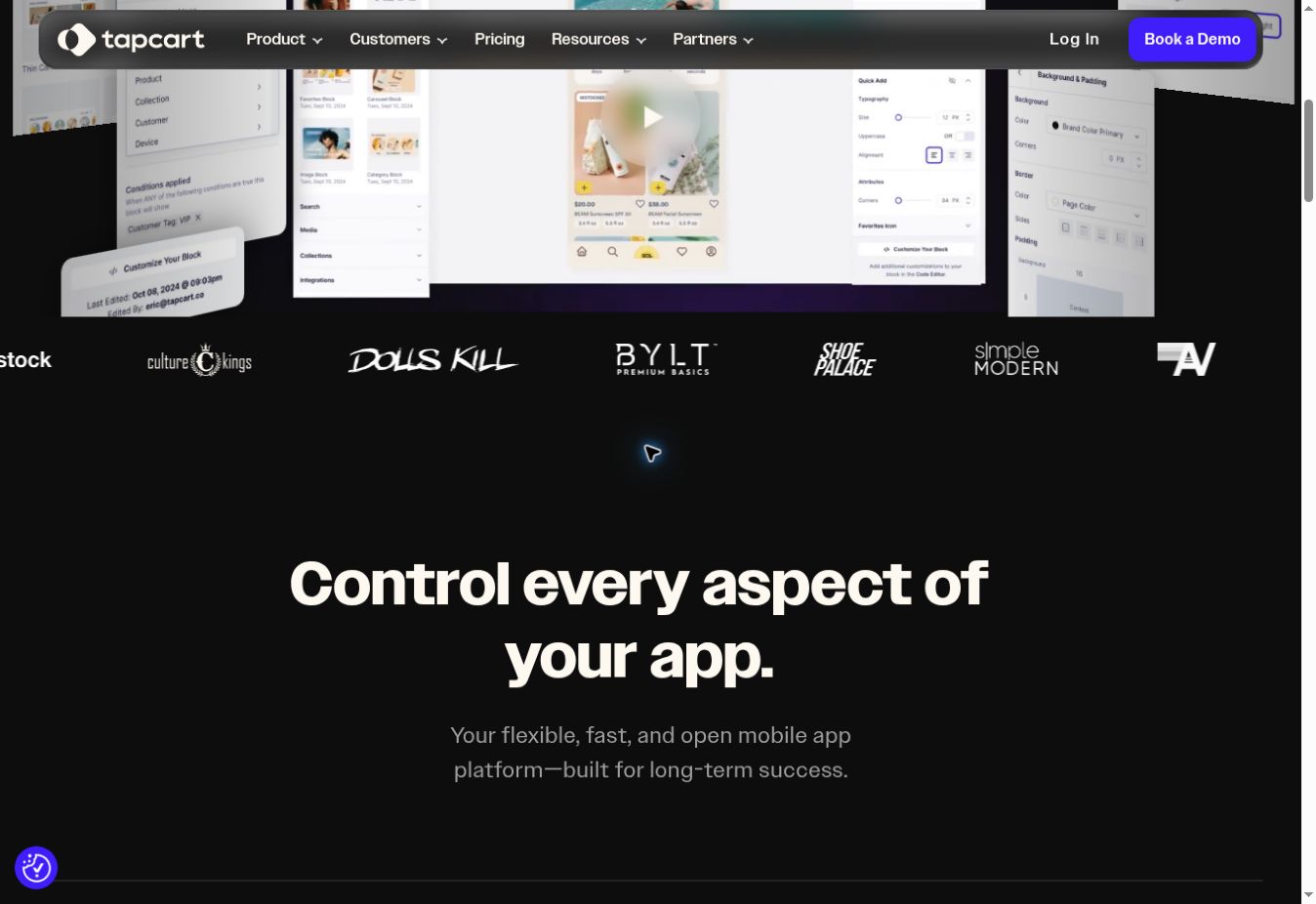
Tapcart is a Shopify-only mobile app platform built around App Studio, its visual editing environment. Ecommerce teams can arrange pages and blocks, control the app’s navigation and publish content without rebuilding the underlying Shopify catalog.
Products, customers and orders sync with Shopify, while the presentation layer is managed separately inside Tapcart. This gives a brand more control over an app-specific experience, but it also makes the app another storefront to operate. Website campaign pages and theme changes don’t automatically become matching app layouts.
Tapcart documents a broad set of integrations and marketing features, including push notifications, personalization, user segmentation and app analytics. Higher plans add capabilities such as A/B testing, conditional visibility, advanced analytics, heatmaps and Shopify metafield support.
App Studio also includes developer tooling for requirements that go beyond standard blocks. That creates a path for custom work without replacing the whole platform, although any proposed custom feature should still be scoped against Tapcart’s developer documentation and the brand’s Shopify setup.
Monthly pricing starts at $500 for the Growth plan. The next public tier is $1,250 per month, while Enterprise starts at $2,850 per month. Tapcart displays lower effective rates for annual billing, but the exact offer should be confirmed when the contract is prepared.
Tapcart is a good option when your store runs on Shopify and the team wants to manage a distinct mobile app experience. The main operational question is whether the team has the time and ownership to keep that experience current alongside the website.
MobiLoud: A managed app powered by your existing website
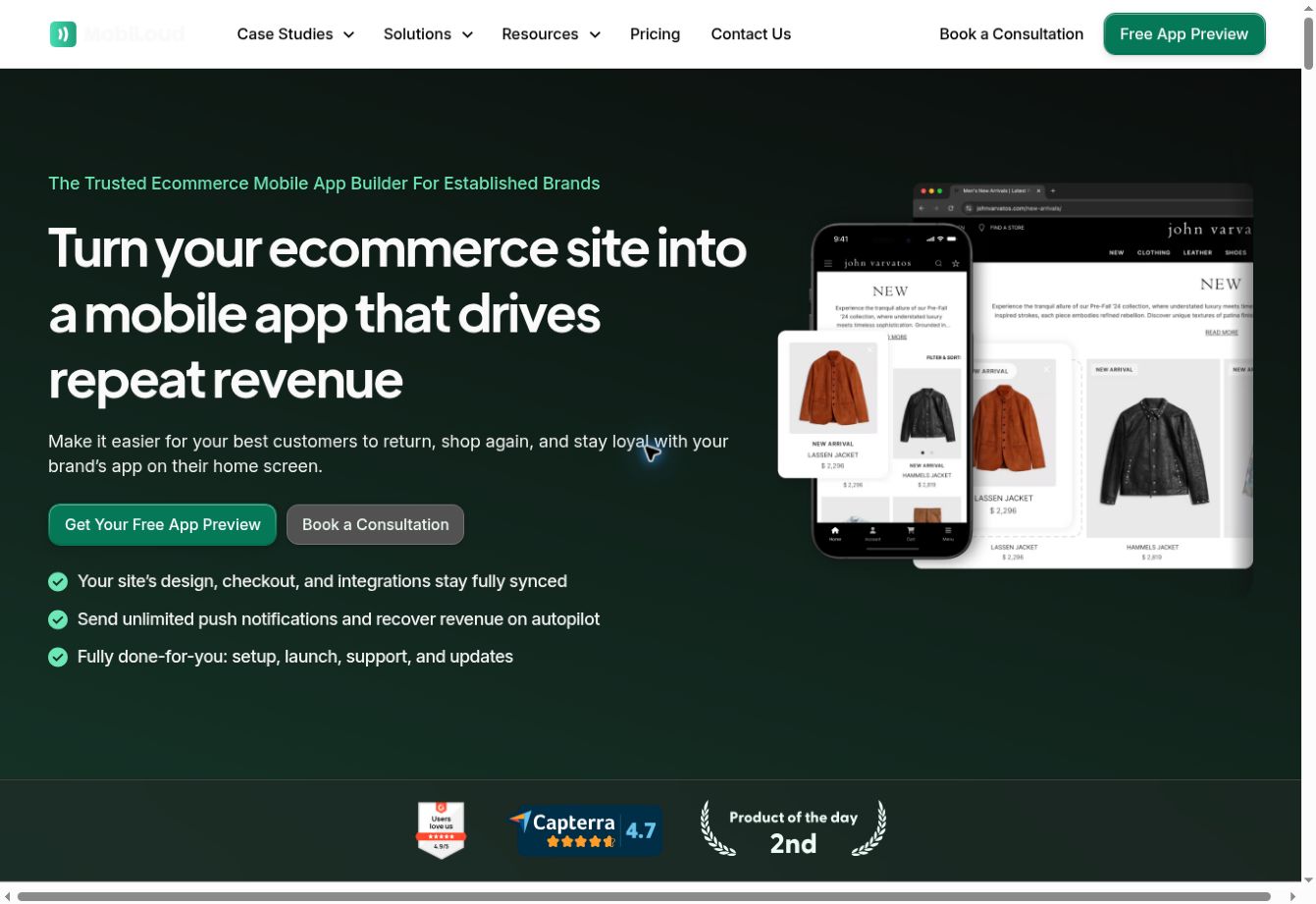
MobiLoud builds iOS and Android apps on top of your existing ecommerce website.
The website supplies the shopping experience, while MobiLoud powers the native layer of your app: native navigation, push notifications and app-specific elements around your existing UX.
This model is the main reason ecommerce brands on Shopify, Adobe Commerce, Salesforce Commerce Cloud, and many others choose MobiLoud. Your team doesn’t have to recreate your storefront in a separate visual editor, or manage two separate versions of your store.
This makes MobiLoud a great fit for any store with a custom UX, or unique elements that a traditional app builder can’t replicate.
It also means MobiLoud works with any ecommerce platform, as (again unlike most app builders) it’s not tied to a specific platform’s APIs.
MobiLoud is a complete service, rather than a self-serve builder. Its team handles app configuration, testing, submission to Apple and Google, updates and ongoing maintenance. The brand still owns the ecommerce experience and marketing plan, but MobiLoud is effectively their app team, making sure everything on the app side runs smoothly.
MobiLoud comes in a little more expensive than the standard entry-level app builder. MobiLoud’s pricing starts at $1,499 per month, or $1,274 per month when billed annually, with a one-time setup fee as well that covers the build and publishing work.
It’s still a massive discount on the cost of building an ecommerce app from scratch, - and may actually end up being a more affordable option than higher-touch app builders that require more labor to maintain.
Shopney: A lower-cost visual builder for Shopify
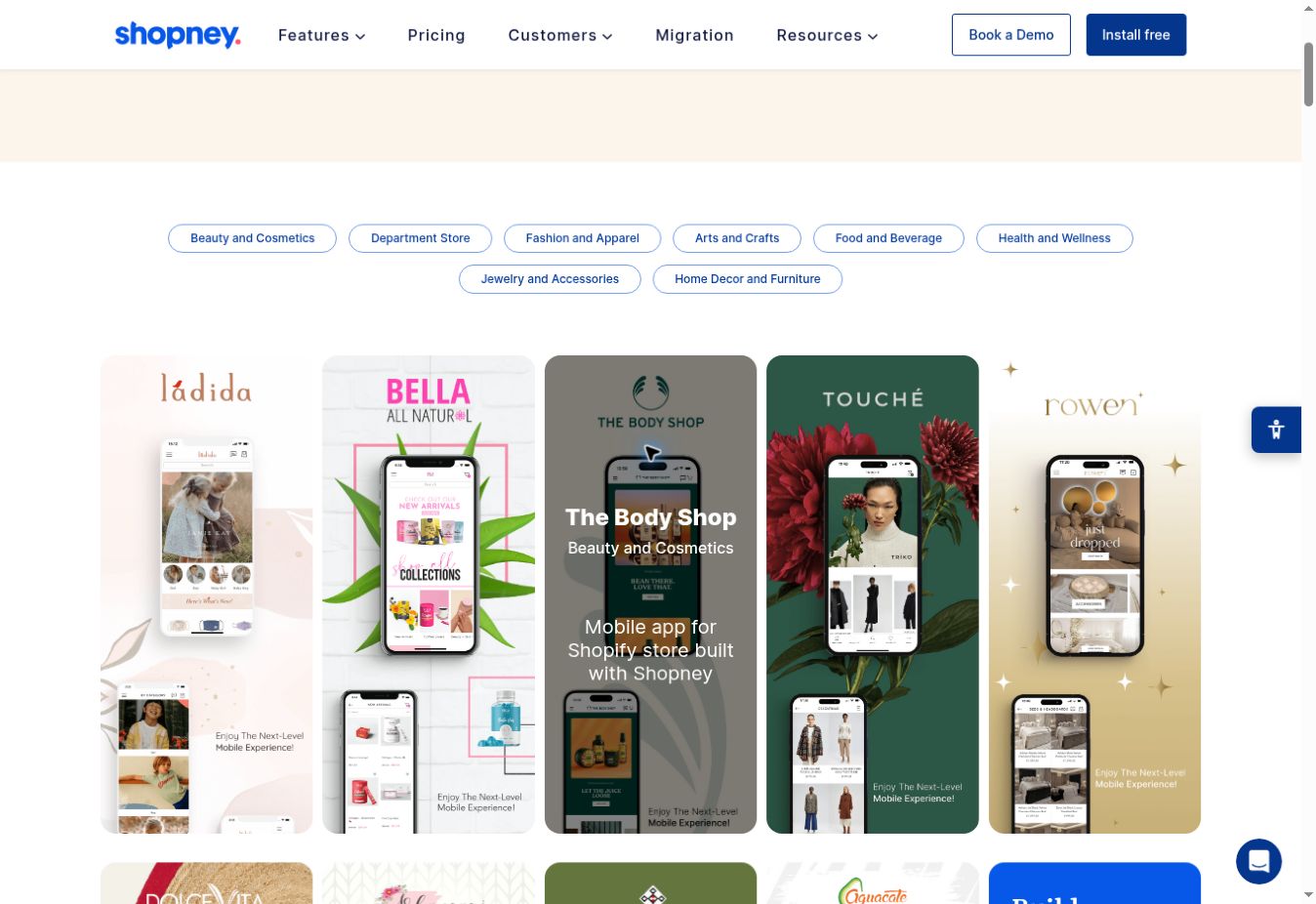
Shopney is a no-code mobile app builder for Shopify and Shopify Plus. It uses a drag-and-drop design editor and provides onboarding support across its plans.
The app pulls products, collections, customer accounts and orders from Shopify. Teams then choose app themes, arrange content and manage app-specific campaigns through Shopney. Push notifications, in-app chat, app-only discounts and real-time Shopify sync are included in the public feature set.
The plan structure is important because several capabilities don’t sit on the entry tier. The $149 per month Silver plan covers the main app foundation. Gold costs $299 per month and adds features such as abandoned-cart notifications, product-review integrations, multi-language and multi-currency support, and search integrations.
Platinum costs $599 per month and adds more automation and integrations, including segmented push, loyalty, subscriptions, Klaviyo, Rebuy and Nosto. Enterprise starts at $1,299 per month with multi-store support, attribution integrations and a dedicated success manager. Shopney states that it doesn’t take a commission on sales.
The pricing is clear enough to make an initial comparison, but brands should map their actual stack before choosing a tier. A store that needs Recharge, Klaviyo and advanced push isn’t evaluating a $149 product. It’s evaluating the $599 plan.
Shopney is relevant for a Shopify team that wants a self-serve builder at a lower entry price than several mid-market platforms. As with other separate app storefronts, someone still needs to maintain the design, campaigns and app-specific content.
Appmaker: A Shopify builder with developer access
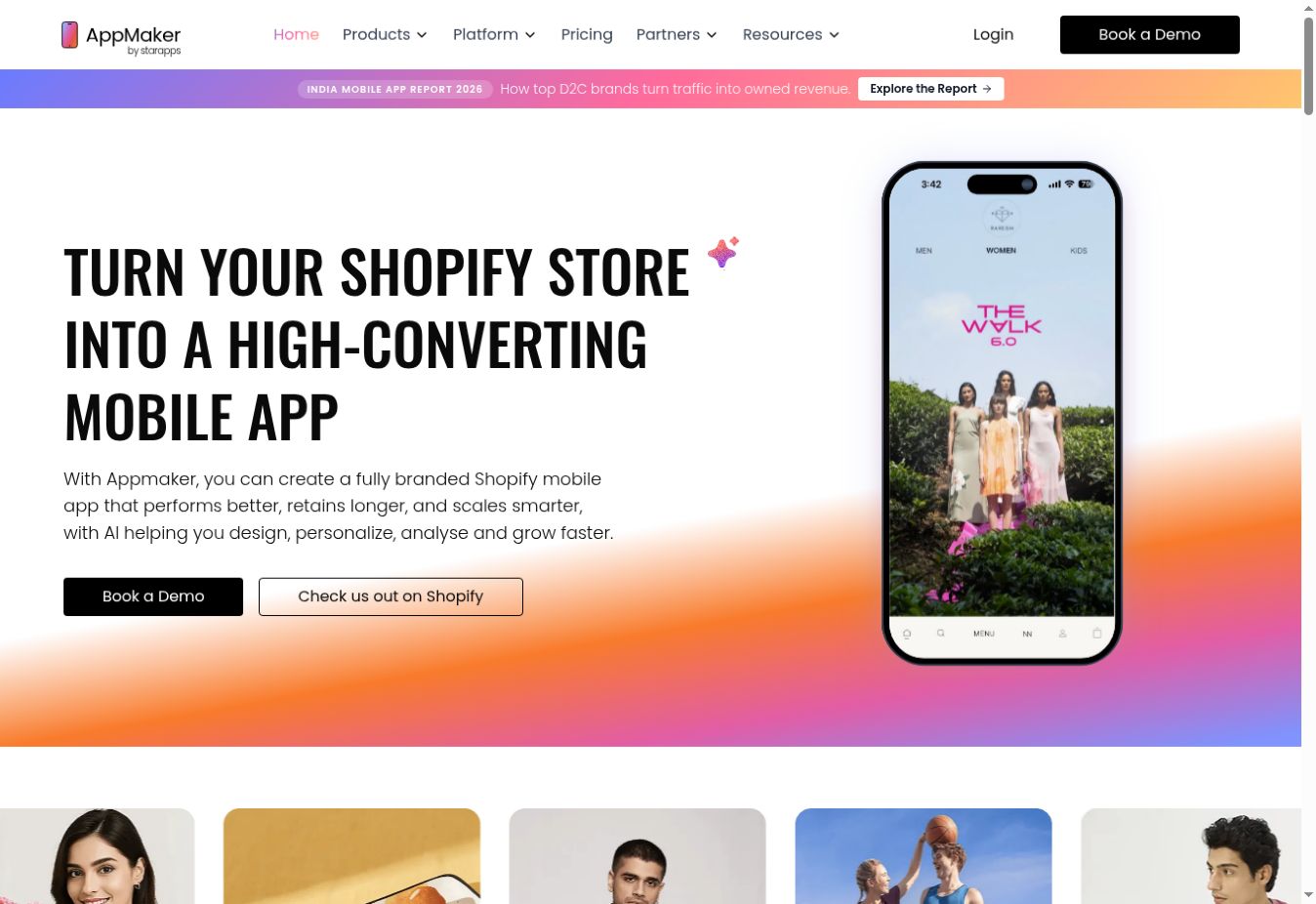
Appmaker combines a Shopify app builder with a more open development model. Its standard tools cover the expected app-building workflow, while the Enterprise plan adds deeper access for custom components, APIs and integrations.
Appmaker Studio provides a drag-and-drop content management system for the app. Shopify products, orders and customers sync into the platform, and teams can use conditional blocks to change content based on customer, product and order tags or metafields.
That conditional logic is useful when the app needs to show different content to a VIP customer, a wholesale buyer or someone in a particular market. Appmaker also documents support for custom product pages, checkout scripts, extensions and API integrations, although several of these capabilities depend on the plan and implementation scope.
The public Growth plan costs $999 per month plus 1% of in-app sales. Enterprise starts at $2,000 per month plus the same 1% charge. Full developer access, custom themes, custom APIs and deeper integrations are listed under Enterprise, and Appmaker states that solutioning and one-time development fees are charged separately.
That pricing model needs to be calculated against expected app revenue, not just the subscription. An app generating $200,000 per month would add $2,000 per month in revenue share before any custom development costs.
Appmaker is relevant for Shopify brands that want a builder but expect to extend it. The main checks are whether the needed customization sits on Growth or Enterprise, what has to be developed separately and how the revenue fee changes the total cost at scale.
Superfans: A Shopify builder centered on loyalty and engagement
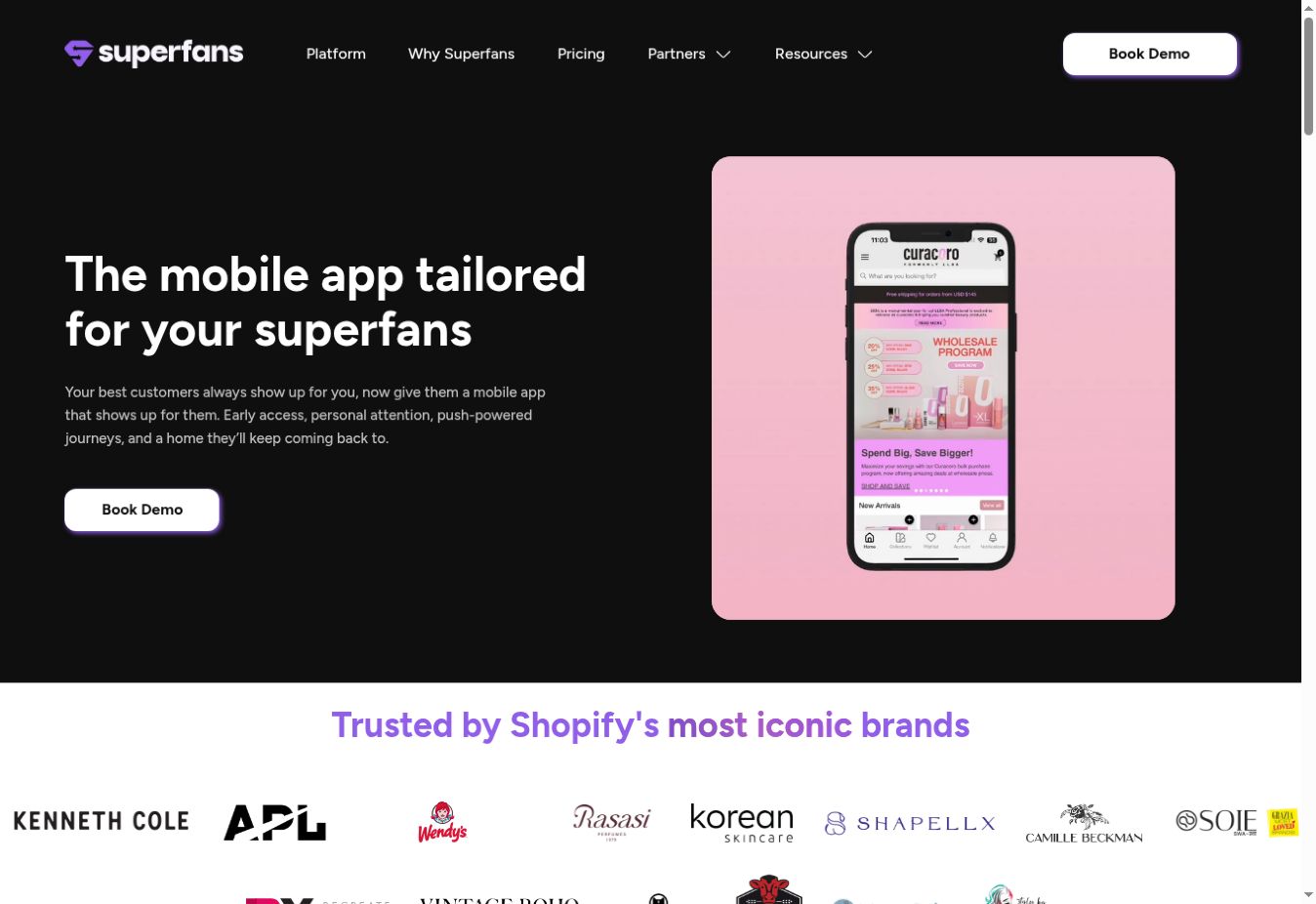
Superfans is the new name for Vajro, an established Shopify mobile app builder. The rebrand has shifted the product’s public positioning toward loyalty, VIP treatment and repeat engagement.
The underlying model is still a no-code Shopify app builder. Teams can create a branded app, send push notifications and use mobile-specific features without building a native application from scratch.
The feature set emphasizes app-only product drops, discounts and shipping offers, alongside live chat, live selling, back-in-stock notifications and cart reminders. Superfans also offers design and account support on its Unlimited plan.
There is a pricing difference between Superfans’ public pages. Its Shopify App Store listing shows a $150 per month Starter plan with unlimited push, app-only offers, in-app chat and support. It also lists the Unlimited plan at $1,000 per month, or $10,000 per year.
The Superfans pricing page currently focuses on the $1,000 Unlimited plan. That tier adds unlimited blocks, landing pages and integrations, along with a dedicated design manager, strategic account manager and priority support.
Buyers should confirm whether the Starter plan supports the exact app experience they want and which integrations or custom features require Unlimited. The gap between $150 and $1,000 is too large to treat the advertised starting price as the likely cost without checking the scope.
Superfans is relevant when the app strategy is built around giving repeat customers a distinct channel for access, offers and communication. It remains Shopify-specific, and the brand still manages an app storefront alongside its website.
JMango360: A multi-platform option with B2B capabilities
JMango360 combines an app platform with design, integration, launch and ongoing app support. Its public site now describes the business as an app agency for mobile growth, which reflects a more service-led model than a basic DIY builder.
The platform supports several ecommerce systems, including Shopify, BigCommerce, Adobe Commerce, Salesforce Commerce Cloud, SAP Commerce Cloud and Shopware. Some older JMango360 materials also reference PrestaShop and Lightspeed, so support for those systems should be confirmed directly for a new implementation.
JMango360 covers B2C mobile shopping apps, B2B ordering apps and custom mobile development. Its B2B materials describe requirements such as customer-specific pricing, login-gated catalogs, account structures and repeat ordering. These are materially different from the needs of a standard consumer Shopify app.
The delivery process includes platform integration, design, development, app-store launch and app marketing support. The company also offers optional custom work when the standard platform doesn’t cover a feature or integration.
Public pricing starts at $299 per month for iOS and Android with real-time integration, excluding VAT. That starting figure doesn’t define the cost of a custom B2B or enterprise implementation. Advanced features, integrations and development need to be scoped separately.
JMango360 is relevant when a retailer needs broader platform coverage or B2B functionality and wants more implementation support than a self-serve builder provides. The key comparison is the full proposed scope, not the advertised base subscription.
Poq Commerce: An enterprise native app platform with implementation support
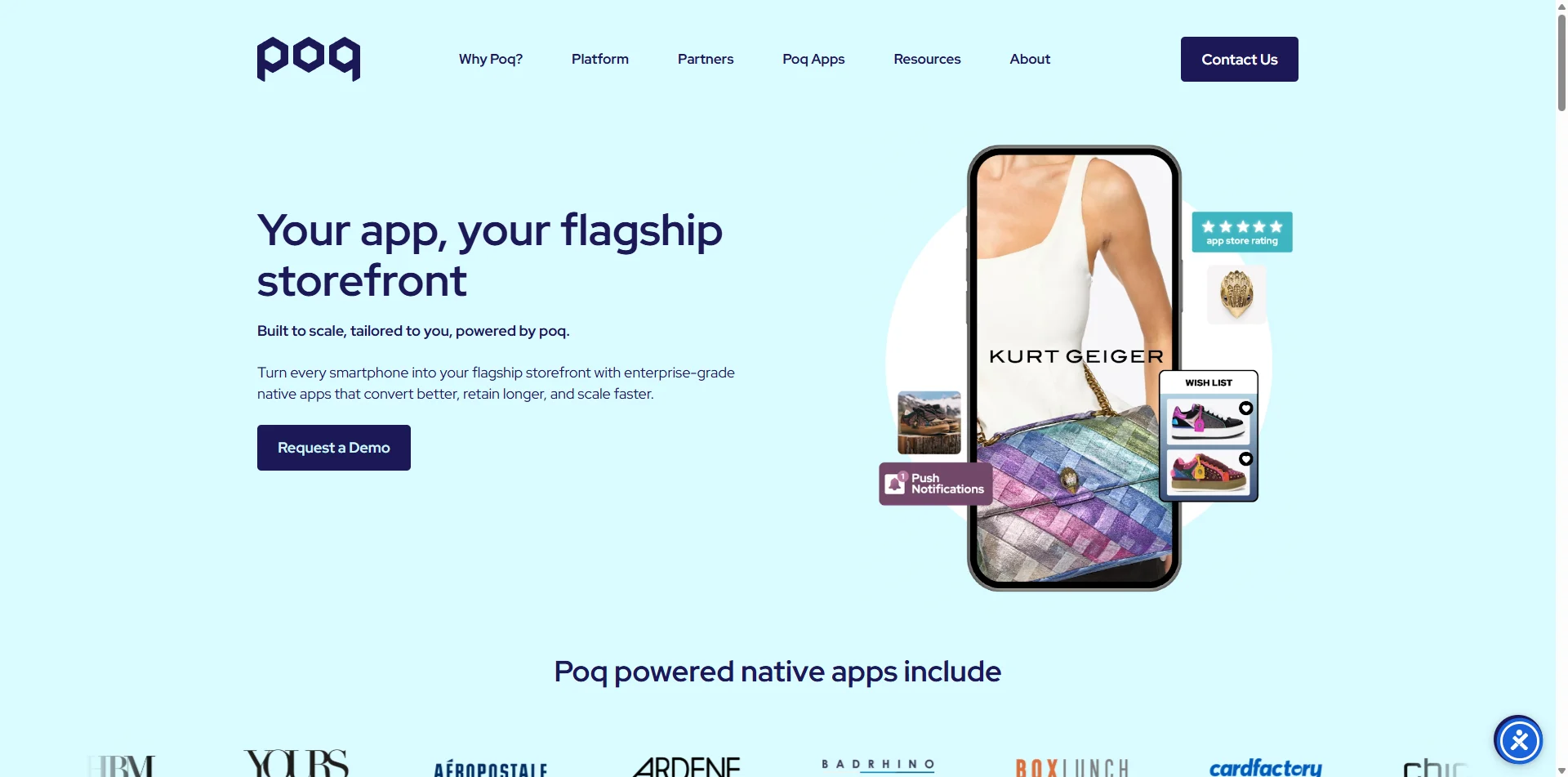
Poq Commerce provides native app technology and implementation services for enterprise retailers, DTC brands and B2B companies. It isn’t positioned as a lightweight self-serve builder.
Poq’s platform combines native iOS and Android applications with modular integrations and management tools. Its public materials describe support for Shopify, Salesforce Commerce Cloud, BigCommerce, Adobe Commerce and composable commerce systems. The final technical fit still needs to be confirmed during scoping, particularly when the retailer uses a custom headless frontend or a complex group of backend services.
Marketing and digital teams use poqstudio to manage app content, while Poq and its implementation partners handle the underlying app program. The company also offers app growth services and works with systems integrators and agencies for broader enterprise projects.
This delivery model is relevant when an app touches multiple internal teams and systems. A large retailer may need identity, search, loyalty, personalization, analytics, payments and store services connected to the same application. The work is closer to a structured implementation program than installing a Shopify app and choosing a template.
Poq doesn’t publish standard package pricing. Cost is set through a custom proposal, so buyers need to compare the full scope: platform access, implementation, integrations, custom development, ongoing services and any agency work.
The clearest reason to include Poq in a shortlist is the combination of a native commerce platform and enterprise delivery support. It won’t be comparable to a $149 self-serve plan on price or setup process, because it addresses a different type of project.
AppMySite: A DIY builder with dedicated WooCommerce support
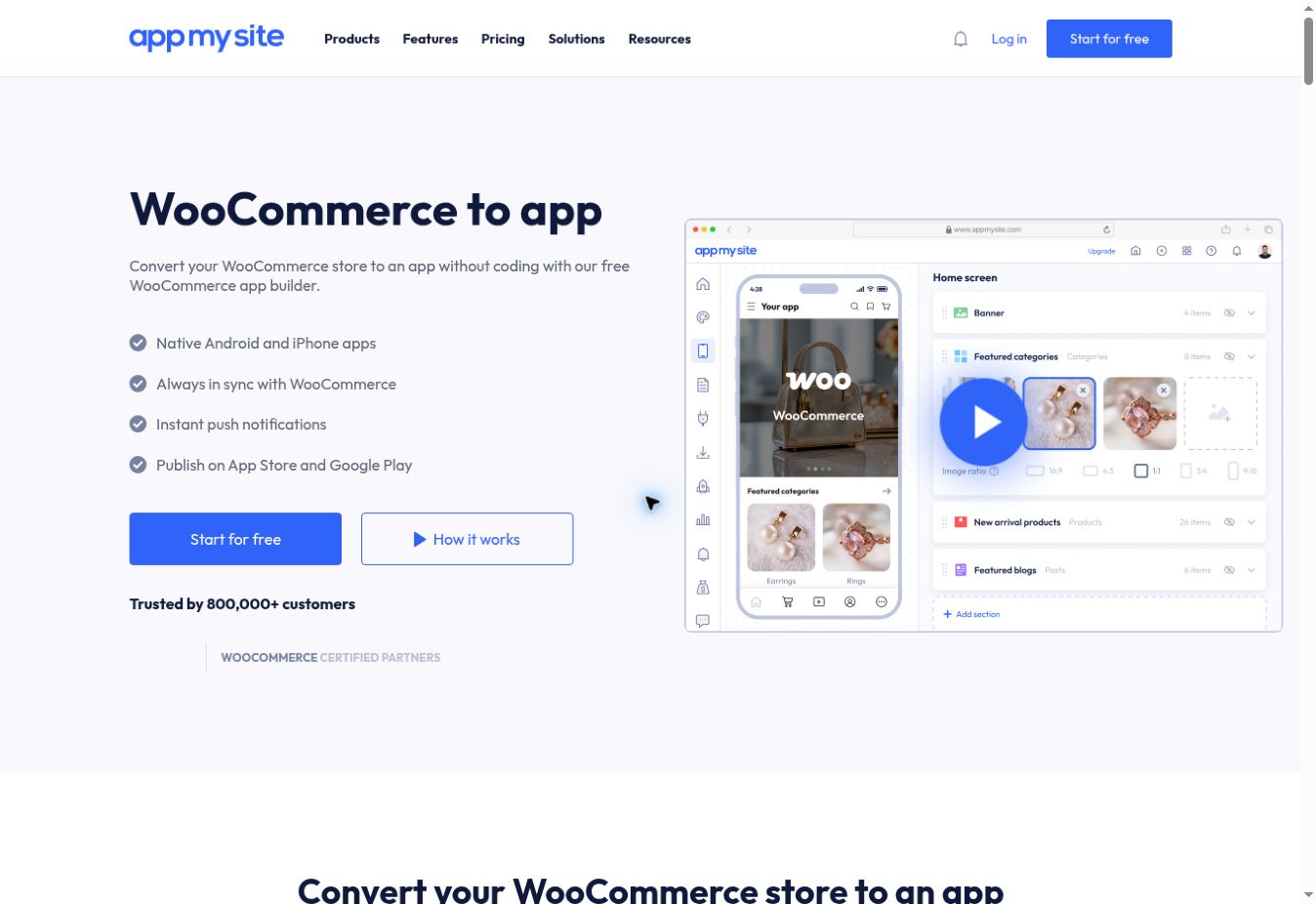
AppMySite is a self-serve app builder with dedicated workflows for WooCommerce and WordPress. It also offers products for Shopify, general websites and custom app projects.
For WooCommerce, AppMySite uses its WordPress plugin and WooCommerce APIs to fetch store data into native app screens. Products, categories, prices, inventory and orders remain connected to WooCommerce, while the app uses AppMySite’s layouts and navigation.
The platform also supports WebView screens. These load a website page inside the app and provide a fallback for features that don’t translate through the standard APIs. For example, a plugin that only changes the website frontend may need to be displayed through a WebView rather than a native screen.
That makes plugin compatibility an important test. AppMySite’s documentation says many plugins can work when their data or functionality is available through an API. Website scripts and visual effects don’t automatically operate on native screens.
There are other documented constraints to check. The native app cart isn’t synchronized with the website cart. Automated abandoned-cart, back-in-stock and order push notifications aren’t currently provided by AppMySite, although manual and scheduled notifications are available. Checkout is completed through the existing WooCommerce web checkout in a WebView.
AppMySite lets teams build and preview for free. The Pro WooCommerce plan costs $99 per month when billed annually and includes Android and iPhone apps, unlimited downloads, push notifications and no commission on sales. Premium costs $199 per month on annual billing.
AppMySite is relevant for a smaller WooCommerce team that wants a DIY path and is comfortable testing its plugin stack. It costs much less than a managed service, but the buyer takes on more setup, testing and publishing work.
FlutterFlow: A low-code route to a custom ecommerce app
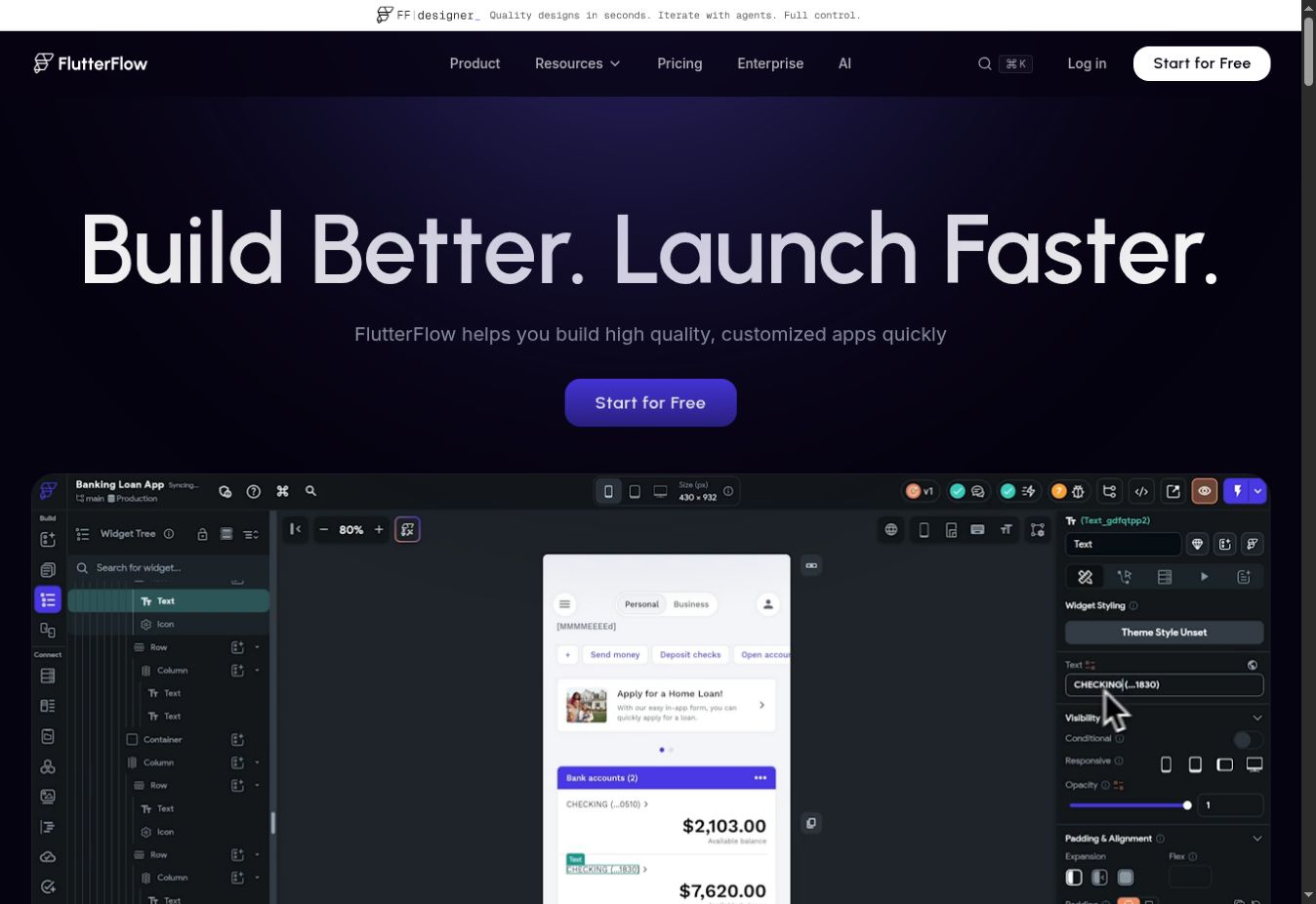
FlutterFlow isn’t a turnkey ecommerce mobile app builder. It’s a visual development environment for creating mobile, web and desktop applications with Flutter.
That distinction matters. FlutterFlow gives a technical team a UI builder, application logic tools, API connections, Firebase and Supabase support, custom code and Flutter source-code export. It doesn’t give the team a preconfigured Shopify or WooCommerce app with catalog, accounts and checkout already working.
To build an ecommerce app, the team or its development partner must design the screens and connect the commerce backend. It must also implement authentication, customer accounts, cart behavior, checkout, analytics, search, reviews, loyalty and any other required services. App store configuration, testing and long-term application maintenance remain part of the project too.
The advantage is control. The app isn’t limited to the layouts and extensions offered by a specific ecommerce builder. The team can create custom logic, work with APIs and export the code when it needs to continue development outside FlutterFlow.
The subscription itself is inexpensive. FlutterFlow has a free plan for building and testing. Basic costs $39 per month and includes code download, APK download, local-device testing and one-click app-store deployment. Growth starts at $80 for the first seat and adds GitHub integration, collaboration and OpenAPI imports.
Those prices aren’t the cost of a completed ecommerce app. The real cost includes the people designing, building, integrating, testing and maintaining it. FlutterFlow belongs on this list for teams that want a low-code development route, not for operators looking for a ready-to-launch store app.
How to choose the right ecommerce mobile app builder for your store
The content we’ve shared in this article is a shortlist of tools to consider (though by no means exhaustive).
But you’ll want to narrow the list down to options that fit your brand - match with your tech stack, how you want to run your business, and what you want your app to achieve.
Here are a few tips on narrowing down to the right choice for your brand.
Start with platform and technical fit
Eliminate products that don’t support your ecommerce platform. Then go deeper than the platform logo.
A Shopify builder may sync a standard catalog perfectly but still need separate work for a custom checkout, loyalty program or headless frontend. A WooCommerce builder may support default product data but display a heavily customized plugin through a WebView.
Write down the parts of your current store that can’t be compromised. Test those first, not after the app design is approved.
Decide whether you want one storefront or two
A separate app storefront gives you an app-specific layout and native components. It also creates another experience for the team to manage.
A website-powered app keeps the web storefront at the center. That reduces duplicated content and preserves more website functionality, but it doesn’t give you the same clean separation as building every screen in a dedicated native editor.
Neither model is universally better. The right choice depends on whether your priority is an independent app experience or close parity with the website.
Be honest about who will run the app
Launching the app is only the start. Someone has to update app content, schedule campaigns, send push notifications, test releases and monitor performance.
For a lean ecommerce team, a builder that creates several hours of extra work every week can become expensive even if the subscription is low. A larger mobile team may prefer more control and be comfortable managing a separate roadmap.
Put a name against the ongoing work before signing a contract. If nobody owns it, the app is likely to fall behind the website.
Test the integrations and custom features that matter most
Don’t rely on a logo in an integration directory. Confirm what the integration does inside the app.
A loyalty integration might display points but not every redemption flow. A reviews integration might support standard product reviews but not custom questions or user-generated content. A subscription integration might work for new orders but handle account changes through a web page.
Ask the provider to demonstrate your specific workflow using your current setup. If custom work is needed, get the scope, price and maintenance responsibility in writing.
Compare total cost, not just the monthly plan
The subscription is only one part of app cost. Setup fees, revenue share, higher feature tiers, custom development, agency work and internal time can all change the comparison.
Consider a tool advertised at $149 per month. If the brand needs the $599 tier for its integrations and a team member spends eight hours every month recreating web campaigns in the app, $149 isn’t a useful cost estimate.
Calculate the likely cost at your required tier and expected app revenue. Then add implementation and the internal time needed to operate it for at least the first year.
Matching the builder to your requirements
If you want your existing website to power your, app experience and want a partner to handle all the technical parts of your app, MobiLoud is the first choice to look into.
If you run Shopify and want a visual builder, compare Tapcart, Appmaker, Shopney and Superfans based on the integrations, app-specific workflows and pricing tier you need. Tapcart and Appmaker start higher and document broader customization paths. Shopney offers a lower entry price with several integrations on higher tiers. Superfans emphasizes app-only access and retention, with a large price difference between Starter and Unlimited.
If you’re running an enterprise app program that needs professional services, Poq belongs in the shortlist. JMango360 also provides a more service-led approach, with broader platform and B2B coverage.
For WooCommerce, AppMySite provides a lower-cost self-serve route. Test every custom plugin and checkout requirement before committing.
If your team wants to build a custom application and is prepared to own the development work, FlutterFlow provides the tools. It isn’t a substitute for a turnkey commerce platform, so compare the full development cost rather than its $39 subscription.
The useful decision isn’t which company has the longest feature page. It’s which operating model fits your store and which limitations you’re prepared to manage.
Frequently asked questions
How much does an ecommerce mobile app builder cost?
Entry-level self-serve products can start around $99 to $150 per month. More developed Shopify platforms commonly start around $500 to $1,000 per month, sometimes with revenue share. Managed and enterprise services can start above $1,000 per month or use custom pricing, and may add implementation fees.
The required tier matters more than the advertised starting price. Confirm integrations, usage limits, app revenue fees, setup and ongoing services before comparing totals.
Can I build an ecommerce app without coding?
Yes. Shopify and WooCommerce builders can create the main app experience without code, and managed services can handle the build for you.
No-code doesn’t mean no technical checking. Custom features, checkout changes and third-party integrations still need to be tested. A low-code platform such as FlutterFlow requires much more application and integration work than a turnkey ecommerce builder.
Do ecommerce app builders work with platforms other than Shopify?
Yes, but Shopify has the largest selection of dedicated visual builders.
AppMySite has a dedicated WooCommerce product. JMango360 supports several mid-market and enterprise platforms. Poq integrates with enterprise commerce stacks, and MobiLoud works across web platforms because it uses the existing website as the source of the app experience.
Will my website and mobile app stay in sync?
Product, inventory, customer and order data usually sync through the ecommerce platform. Design and functionality are a separate question.
With an API-based visual builder, the app has its own presentation layer. Website theme changes and custom features won’t necessarily appear automatically. With a website-powered app, changes to the live web experience carry into the app because both use the same frontend.
Is an app builder better than custom development?
An app builder is usually the more practical route when the store fits its supported platform, layouts and integrations. It reduces initial development and provides a maintained foundation for iOS and Android.
Custom development gives the team more control, but it also creates a larger build, testing and maintenance commitment. Low-code tools can reduce some of the implementation work without removing the need to design and own the application.