Building a mobile app used to mean hiring developers, designing the entire experience from scratch, and maintaining separate versions for iOS and Android.
For most ecommerce brands, that made launching an app expensive, slow, and difficult to manage.
Ecommerce mobile app builders offer a simpler alternative.
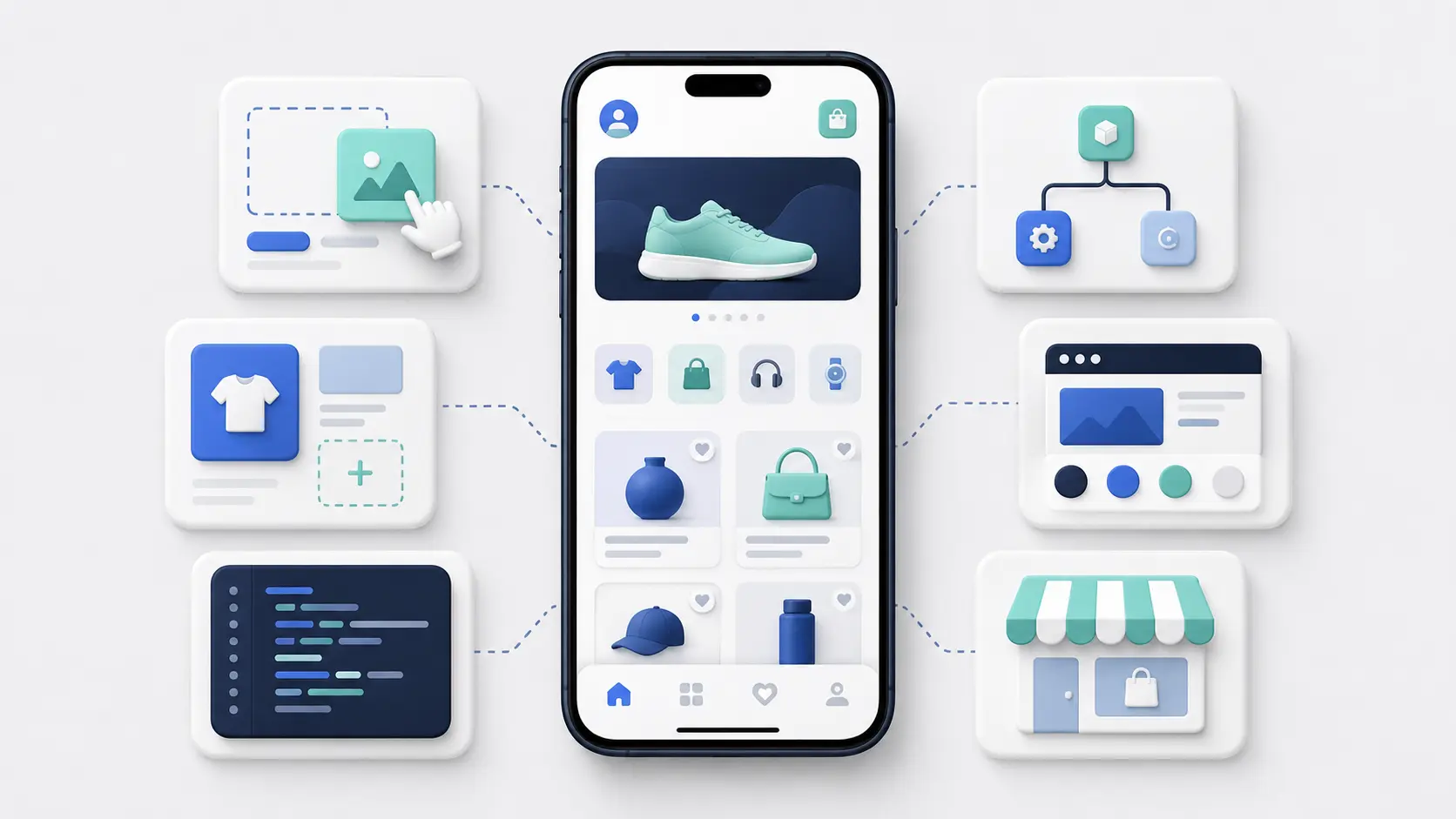
These platforms give online retailers a way to create a branded shopping app using prebuilt technology, rather than developing every part of the app themselves. They typically connect to an existing ecommerce store, pull in products, customer accounts, checkout, and other store data, then add mobile-specific features such as push notifications and native app navigation.
The result is a much faster route to launching an app on the Apple App Store and Google Play.
In this guide, we’ll explain what an ecommerce mobile app builder is, what these platforms do, how they work, the advantages they offer, and what it takes to launch an app using one.
What Is an Ecommerce Mobile App Builder?
An ecommerce mobile app builder is a platform or service that helps online retailers create a branded shopping app for iOS and Android.
Instead of building the app from scratch, the brand can use a software tool to massively cut down the time, cost and complexity of launching a native app.
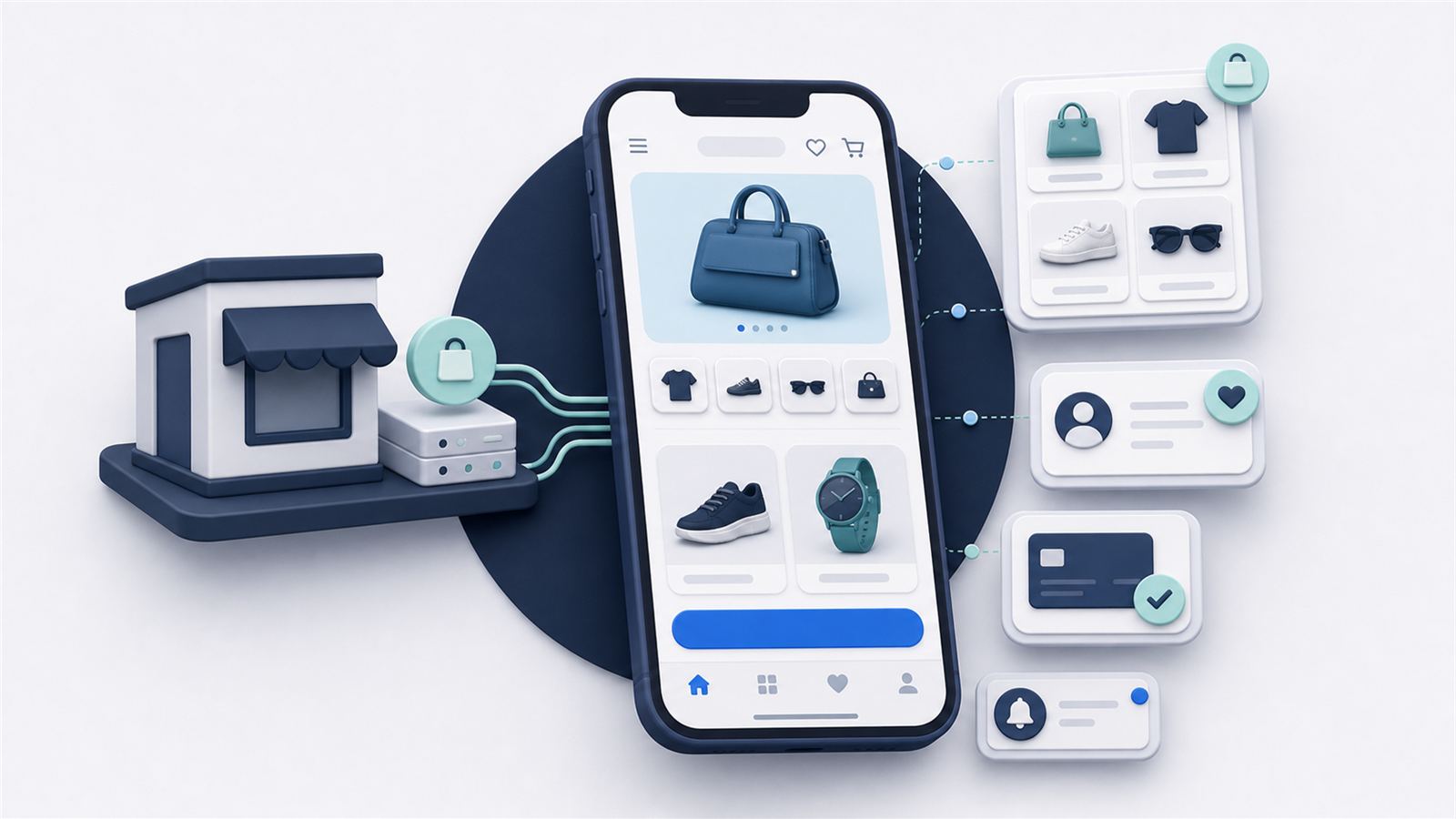
The app builder connects and syncs with the store’s backend, to pull in product data, collections, pricing, inventory, customer accounts, cart information, and checkout functionality.
At the same time, it creates a native frontend, and all the native features and framework needed to ship an app that can be published on the app stores, and downloaded to a customer’s phone.
What Does an Ecommerce Mobile App Builder Do?
At a basic level, an ecommerce app builder takes care of the technical work needed to turn an online store into a functioning mobile app.
It’s a tech-powered replacement for the painstaking development work that usually comes with developing a mobile app.
Not all app builders are exactly the same - the “app builder” category can be defined quite broadly, as we’ll explain shortly.
But there are four core jobs that most tools do.
Connecting the App to the Brand’s Store
The app builder connects to the brand’s ecommerce platform (e.g. Shopify) to keep product data and orders synced across both web and app channels.
That means product information, prices, inventory, customer accounts, discounts and orders are all managed through the same systems the brand already uses.
Crucially, it’s all managed through one platform - because a separate inventory management and account system for website and app would be a disaster to maintain.
When a product is added, a price changes, or an item goes out of stock, that information can be reflected in the app without the brand having to update it separately.
Creating the App’s UI
The app builder also creates the frontend customers use to browse and shop.
Some platforms do this using prebuilt templates and drag-and-drop components. The brand can customize the colors, fonts, navigation, homepage and product layouts, but the overall experience is built within the app builder’s framework.
Others may have a more custom, flexible approach, or pull elements from the brand’s existing site.
Adding Native App Features
On top of the basic UI (product pages, collections, etc), the app builder adds the native functionality needed for the app to work properly on iOS and Android - and to look and feel like a real mobile app.
This can include:
- The app framework and foundation
- Push notifications
- Tab navigation and native menus
- Deep linking
- Native logins
- App-only pages and experiences
App Store Requirements
Most app builders also help facilitate the app store submission and publishing process.
Getting your app into the Apple App Store and Google Play Store is the final step to getting it live. This is a crucial step, where your app becomes discoverable and downloadable with just a click or two.
It also takes more work than you think. It’s not as simple as just creating a profile and adding your app. It needs to pass each app store’s requirements, it needs to come with certain certificates and documentation, and often requires some technical back and forth before the app is approved for publishing.
Some app builders leave this up to the brand to figure out. But the best will handle it for you, and take a major source of stress off your plate.
How Do Ecommerce Mobile App Builders Work?
Ecommerce mobile app builders all aim to solve the same problem, but they don’t necessarily work in the same way.
The category, as a whole, can be very broadly defined. It could simply mean “any tool or service that helps ecommerce businesses build an app”.
It tends to fan out to several sub-categories, which cover a few different ways that app builders approach the end goal: getting you a working mobile app.
Template-Based/API App Builders
Template-based app builders create a separate mobile frontend that connects to the ecommerce platform through APIs.
The app builder pulls product data, collections, prices, inventory and customer information from the store’s backend, then displays it through its own app interface.
Brands usually build the frontend using a visual editor. They can choose layouts, add content blocks, rearrange sections, and customize elements such as colors, fonts and navigation.
This is similar to using a website builder like Wix or Squarespace or Elementor. You’re not coding the app from scratch, but assembling it from components that have already been created for you.
This approach gives relative simplicity, as you can put together a decent-looking app with no coding, only visual tools. But there are inherent limitations involved with this, as you’re confined to what’s possible with the app builder (and your platform’s APIs).
Website-Based App Builders
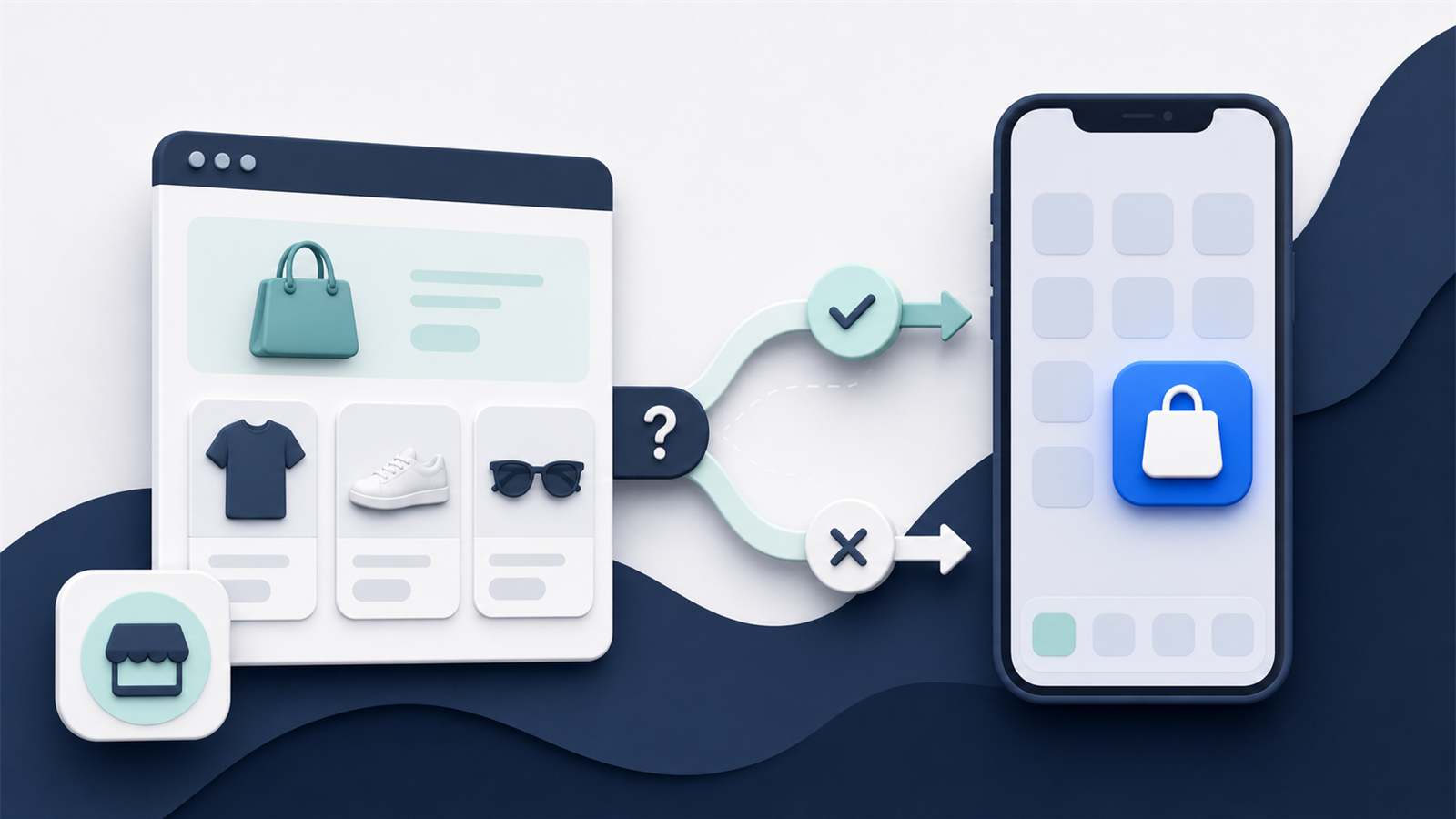
Website-based app builders use the brand’s existing mobile site as the foundation of the app.
Instead of building a new frontend for the app via templates, it pulls directly from the brand’s website, building a native layer on top of that.
You get everything people expect from an app - push notifications, tab navigation, app-only pages - but with everything from your website carrying over to the app too.
With a template-based app builder, if you want to mirror what already exists on your website, you need to rebuild it. And that’s not always going to be possible with the functionality provided by the app builder.
Website-based app builders ensure that everything from your site, no matter how granular, works in your mobile app.
Custom App Platforms
Some app builders sit somewhere between a prebuilt tool and a fully custom development project.
They’re productized, like an app builder, generally utilizing the same API-based, technical foundation as a standard app builder.
The difference is the custom work on top. Their team will help you build a custom app with their underlying software, sometimes including fully custom elements or features, developed from scratch.
These app builders can be a good way to get a fully custom, fully unique mobile app. But they come with more work, longer lead times for each update, and a higher cost than other options.
App Builders vs Custom Development (Why App Builders Change the Economics for Mobile Apps)
Not long ago, launching a mobile app was only realistic for larger ecommerce brands.
Building one meant hiring developers, working with an agency, or putting together an internal product team. The brand had to scope the project, design every screen, build the frontend, connect it to the ecommerce backend, recreate key integrations, test everything, and maintain the app after launch.
That required a serious budget, technical expertise, and a willingness to take on a long-term software development project.
App builders have changed that.
Instead of building every part of the app from scratch, brands can use technology that has already been developed, tested, and connected to major ecommerce platforms.
The difference is similar to building a website from the ground up versus using a platform like Shopify, Webflow, or Squarespace.
You could hire developers to create a completely custom website. But most ecommerce brands don’t need to. They can start with an existing platform, customize it to fit their business, and launch much faster.
App builders bring that same model to mobile apps.
Lower Upfront Cost
A custom app can require months of design and development work before anything is ready to launch.
Every screen, feature, integration, and user journey needs to be designed and built. The more complex the store, the more expensive the project becomes.
An app builder removes much of that upfront work.
The core framework already exists. Connections to the ecommerce platform are already in place. Common features such as navigation, customer accounts, checkout, push notifications, and deep linking have already been developed.
The brand is configuring and customizing an existing system, rather than funding the creation of an entirely new one.
This significantly lowers the cost of getting an app live.
A Faster Route to Launch
Custom development also takes a long time.
Before development even begins, there may be weeks of planning, technical scoping, wireframing, and design. After that comes development, integration work, quality assurance, app store submission, and revisions.
All up, it can easily be six to twelve months just to get a first version of the app live.
An app builder shortens this process drastically.
Whether you’re building from a template, or building on top of your existing site, a lot of the work is already done.
You’re not writing code line-by-line - you’re working with pre-built elements and integrations (or the features and UI that already exists on the web).
This means you can go live in a matter of weeks, instead of what may be a year-long process.
Less Technical Expertise Required
A custom app project requires people who understand mobile development, backend integrations, app store requirements, security, analytics, and ongoing release management.
Most ecommerce teams don’t have that expertise in-house. It can be hired - but at a significant cost.
With an app builder, the technical responsibility sits with the platform or service provider.
On the brand’s side, there’s not that much new to understand. No new frameworks to figure out, minimal technical configuration.
The brand can focus on the customer experience and commercial strategy, rather than having to become an app development company.
Lower Ongoing Maintenance
The cost of custom development doesn’t end when the app launches.
Apps need to be maintained. Bugs appear, operating systems change, devices are updated, third-party tools change their APIs, and Apple and Google introduce new requirements.
A custom-built app needs developers available to handle all of this.
With an app builder, maintenance is spread across the platform’s customer base. The provider maintains the underlying framework, releases updates, and keeps the app compatible with changes to iOS, Android, and the ecommerce platform.
There may still be app-specific work to do, but the brand doesn’t have to carry the full technical burden alone.
Less Risk
Custom app development involves a large commitment before the brand knows whether the app will deliver a return.
There is the risk of the project running over budget, taking longer than expected, or failing to work properly with the existing ecommerce stack.
There is also the risk of building too much too early.
App builders reduce that risk by giving brands a proven foundation and a more predictable route to launch.
The initial investment is lower, the timeline is shorter, and the scope is easier to control.
Brands can launch, build an app audience, learn how customers use it, and invest further once there is evidence that the channel is working.
Making Mobile Apps Accessible to More Brands
The biggest change is that mobile apps are no longer reserved for major retailers with large development budgets.
An ecommerce brand doesn’t need an internal engineering team or a six-figure custom project to launch on the Apple App Store and Google Play Store.
In many cases, launching an app can now be almost as straightforward as launching an ecommerce website.
The brand chooses a platform, connects its store, configures the experience, tests it, and submits it to the app stores.
There is still work involved. The app needs to be designed well, integrated properly, tested thoroughly, and promoted after launch.
But the barrier to entry is dramatically lower.
App builders have turned mobile apps from a specialist software project into an accessible ecommerce tool.
That means almost any established ecommerce store can consider launching an app, rather than treating it as something only the largest brands can afford.
How to Choose the Right Ecommerce Mobile App Builder
The app builder category, in general, is a better way to build a mobile app today than developing a custom app from scratch.
But not all ecommerce mobile app builders offer the same level of flexibility, support, or technical capability.
Choosing the right app builder (the right one for your store) will have a major impact on your ROI.
Remember that you’re building a core brand asset. You’re not adding an optin form or a banner. You’re building one of your brand’s most important surfaces.
That’s why it’s worth taking the time to do your search the right way, and pick a company that’s compatible with what you want to do, and can grow with you over time.
Here’s what to look for:
Compatibility With Your Ecommerce Platform
Before anything else, the app builder needs to work properly with your ecommerce platform.
Some tools are built specifically for Shopify, while others support platforms such as BigCommerce, WooCommerce, Adobe Commerce, Salesforce Commerce Cloud, or custom and headless stores.
Your web store and mobile app can’t be two completely separate platforms. They need to be linked and synced, and the app builder you choose needs to support this.
Support for Your Existing Features and Integrations
Your app shouldn’t force you to give up important parts of your ecommerce experience.
Look closely at whether the builder supports the tools and functionality you already rely on, including:
- Search and filtering
- Reviews
- Loyalty programs
- Subscriptions
- Personalization
- Product bundles
- Customer accounts
- Alternative payment methods
- Checkout customizations
- Analytics and attribution
- Customer support tools
This is particularly important with template-based app builders.
Because the app uses a separate frontend, each integration may need to be specifically supported or rebuilt for the app.
A feature working on your website doesn’t automatically mean it will work in the app.
As a rule of thumb, ensure that your app can be at least as good as your website. Avoid anything that limits your app’s functionality to the point where it falls behind what your site can do.
Design Flexibility
Most app builders let you customize basic branding such as colors, fonts, imagery, and navigation.
The bigger question is how much control you have beyond that.
Can you recreate your existing storefront accurately? Can you build custom landing pages or app-only experiences? Can you change product layouts and navigation flows? Are you restricted to a small set of templates and content blocks?
There’s no universal right answer.
Some brands are happy with a simple, standardized shopping experience. Others have invested heavily in a distinctive storefront and don’t want the app to feel like a simplified version of their website.
The right builder should give you enough flexibility for the experience you actually want to create.
Ease of Ongoing Management
Launching the app is only the beginning.
You’ll need to update content, run promotions, send push notifications, make design changes, troubleshoot issues, and respond as your ecommerce stack evolves.
Find out how much of this your team will need to manage.
Some platforms give you a visual dashboard and leave most of the work to you. Others provide ongoing support and handle technical changes on your behalf.
A cheaper platform may not be cheaper overall if it takes hours of internal work every week to keep the app updated.
App Store Submission and Maintenance
The app builder should also make it clear who is responsible for publishing and maintaining the app.
Ask whether the provider handles:
- Creating the iOS and Android builds
- Configuring app certificates
- Preparing app store documentation
- Submitting the app for review
- Responding to feedback from Apple and Google
- Releasing updates
- Keeping the app compatible with new operating system versions
These tasks are manageable, but they can become a significant burden if your team has no experience with mobile apps.
A managed submission and maintenance process can remove a lot of technical risk.
Pricing and Total Cost
App builder pricing can include setup fees, monthly subscriptions, revenue-based charges, additional integration costs, and fees for custom design or development.
Compare the total cost, not just the headline monthly price.
You should also consider:
- How much internal time the app will require
- Whether technical support is included
- Whether app updates cost extra
- Whether you’ll need developers for custom work
- Whether fees increase as revenue or usage grows
- What happens if you decide to leave the platform
The cheapest option may work well for a simple store, but it can become expensive if it creates extra management work or limits the app as the business grows.
Level of Service and Support
Finally, consider how much help you want.
Some ecommerce teams want a self-service tool they can control independently. Others want a provider that will manage the project, handle technical issues, and advise them on how to launch and grow the app.
Neither model is inherently better.
The important thing is choosing one that matches your team’s resources and experience.
A good app builder should make launching and running the app easier. It shouldn’t simply replace one technical project with a different set of problems.
Final Thoughts
Ecommerce mobile app builders give online retailers a faster, simpler, and more affordable way to launch a native app for iOS and Android.
This category has completely changed the economics of launching branded mobile apps. What used to be restricted to brands with technical teams, or high levels of capital to play with, is now open to any brand.
Even small, independent stores can launch their own mobile apps, and have them live in the app stores and on their customers’ phones, next to Sephora, Amazon and Instagram.
So if you’re weighing up whether to build an app for your store, there’s never been a better time.
It just comes down to choosing the right tool, and executing on your app project.
FAQs: Ecommerce Mobile App Builders
How long does it take to launch an ecommerce mobile app?
With an app builder, a relatively straightforward ecommerce app can often launch within a few weeks.
The exact timeline depends on the complexity of the store, the number of integrations, the level of customization required, and the app store review process. A highly customized app may take longer, but it will generally be much faster than a fully custom development project.
How much does an ecommerce mobile app builder cost?
Pricing varies widely between providers.
Most app builders charge a monthly subscription, sometimes alongside an initial setup fee. There may also be extra charges for custom development, integrations, app updates, or higher usage levels.
Brands should compare the total cost of launching and managing the app, rather than looking only at the advertised monthly price.
Do you need coding skills to use an app builder?
Usually not.
Many ecommerce app builders provide visual editors that let brands customize their app without writing code. Managed providers may handle the design, setup, testing, and publishing process for the brand.
Coding may still be required for highly custom features or unusual integrations.
Can an app builder create apps for both iOS and Android?
Yes. Most ecommerce app builders create versions for both the Apple App Store and Google Play Store from the same underlying platform.
This means the brand doesn’t need to manage two completely separate development projects.
Does an app builder create a real native app?
Yes. The finished app can be published in the app stores and downloaded directly to a customer’s device.
However, the technical approach differs between providers. Some create a separate frontend using APIs and templates, while others use the existing website within a native app framework.
Will everything from the website work in the app?
Not necessarily.
Template-based app builders only support the features and integrations available through their platform and the ecommerce platform’s APIs. Some website functionality may need to be rebuilt, replaced, or removed.
Website-based app builders generally carry over more of the existing site because the app uses the website itself as its foundation.
Who submits the app to the app stores?
This depends on the provider.
Some app builders generate the app but leave the submission process to the brand. Others handle certificates, documentation, submission, app store feedback, and approval as part of a managed service.
Who maintains the app after launch?
The app builder usually maintains the underlying technology and keeps it compatible with changes to iOS, Android, and the ecommerce platform.
The brand may still be responsible for managing content, promotions, push notifications, and other day-to-day activities. The exact division of work depends on whether the platform is self-service or fully managed.
Is an ecommerce app builder better than custom development?
For most ecommerce brands, an app builder offers a faster, less expensive, and lower-risk route to launch.
Custom development gives the brand more control, but requires a larger budget, a longer timeline, and ongoing access to developers. It generally makes sense only when the brand has requirements that existing app-building platforms can’t support.