An ecommerce mobile app is a powerful asset for your brand to have. But it also creates another customer experience your business has to earn, operate, measure, and maintain.
That can be worthwhile for brands with a strong repeat customer base and a useful reason to install. It can also create cost and complexity without enough customer value to justify either.
The main disadvantages aren’t limited to development. Adoption is hard, the app can fall behind the website, store rules add constraints, and channel reporting can exaggerate the commercial impact.
This guide explains the challenges clearly, along with the practical ways to reduce them.
The 10 Main Disadvantages at a Glance
| Challenge | Why it matters |
|---|---|
| Customers must install it | The app adds a commitment that a mobile website doesn’t require |
| It creates another storefront | Content, promotions, navigation, and features need ongoing attention |
| Costs continue after launch | Software, integrations, testing, releases, and internal labor recur |
| Platform rules apply | Apple and Google control review, distribution, and policy requirements |
| Parity can break | The website may change faster than the app |
| Measurement is difficult | App-attributed revenue isn’t automatically incremental |
| Push can damage trust | Irrelevant or excessive messages lead to opt-outs and uninstalls |
| Privacy and accessibility duties grow | More data flows, SDKs, and interfaces need review and testing |
| The economics are easy to overstate | App-attributed revenue isn’t automatically incremental |
| Technology choices can lock you in | Switching may require rebuilding, migrating, and reacquiring users |
None of these is automatically a reason to reject the channel. They are reasons to evaluate it as an operating commitment rather than a launch project.
1. Customers Need a Reason to Install
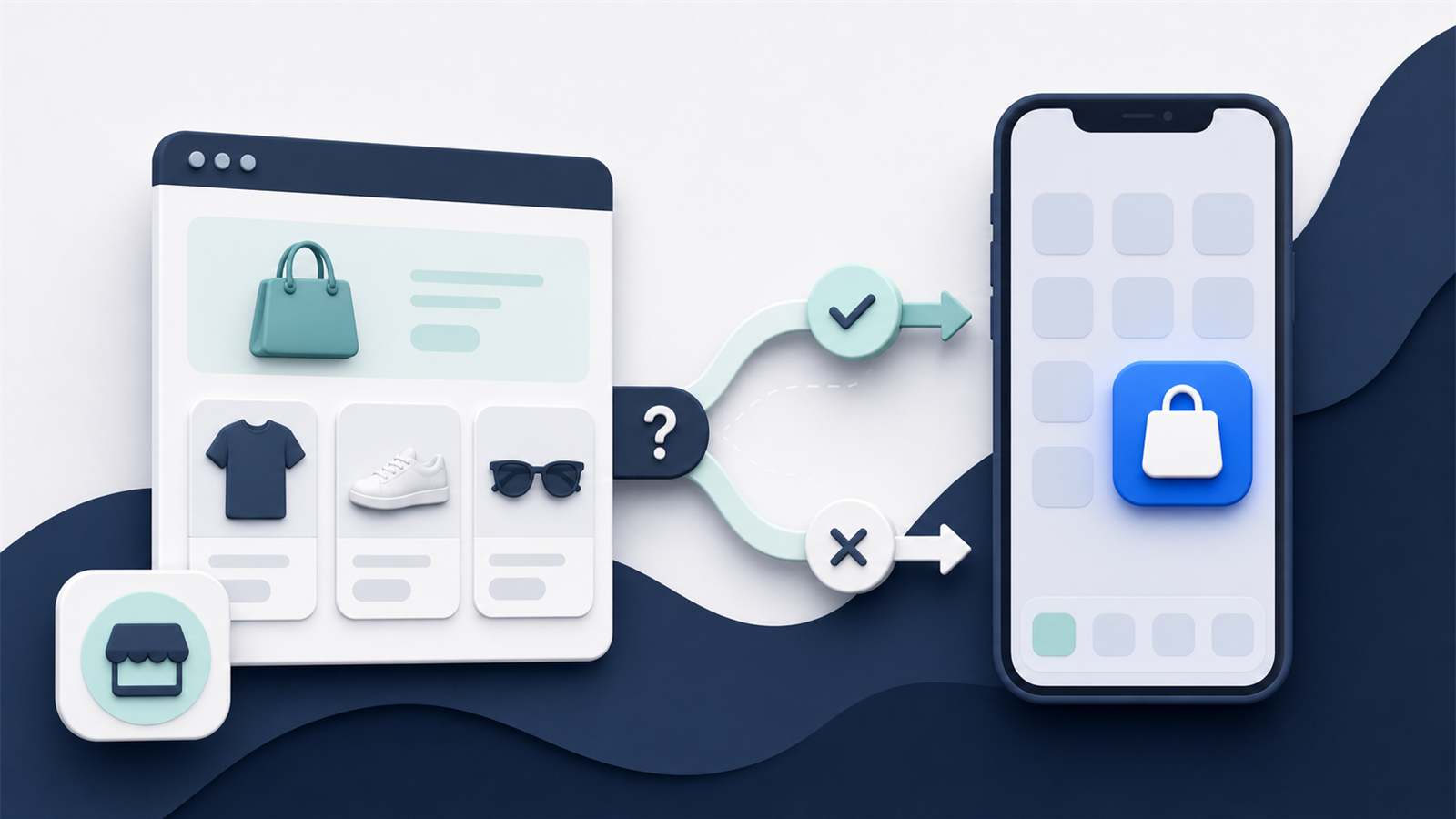
A mobile website opens from a search result, ad, email, social post, QR code, or direct link. An app adds several steps: visit the store listing, approve the download, wait for installation, open it, accept or decline permissions, and often sign in again.
Most shoppers won’t do that for a slightly different version of your website.
The value proposition needs to be clear and durable. Early access, useful loyalty features, faster repeat ordering, personalized alerts, subscriber tools, or a genuinely better shopping experience can create a reason. A one-time discount may buy an install without creating a reason to keep the app.
This is the first adoption challenge: convincing a customer to install. The second is activation. The third is retention.
Track all three separately. A large download number can hide a small active audience.
Define the Ongoing Value Before Building
Define the target customer and the ongoing value before choosing features. Test the proposition with real customers, then build the adoption forecast around the people most likely to benefit. Earning the install is only the first hurdle; the app then has to justify using it instead of your mobile website.
2. The App Can Become a Worse Version of Your Website
Customers compare the app with your store, not with the original project brief.
If the website supports a new payment method, product option, subscription change, loyalty reward, promotion, market, or account feature that the app doesn’t, the app becomes the weaker channel.
This is common when a brand changes its ecommerce stack frequently or relies on custom storefront logic. A connector may sync the product catalog while missing the rules that make the buying journey work.
The baseline should be simple: the app must not be worse than your website for the customers and journeys it serves.
That doesn’t mean every website page needs a native equivalent. It means the app must preserve the relevant promise. A subscriber should still manage a subscription. A loyalty member should still earn and redeem points. A customer buying a bundle should see the same products, pricing, availability, and checkout outcome.
Create a Website Parity Matrix
Create a parity matrix covering catalog, pricing, promotions, search, accounts, checkout, payments, markets, loyalty, subscriptions, analytics, and support. Repeat the check whenever the website or commerce stack changes. Maintaining that parity is one reason the cost continues after launch.
3. Costs Continue After Launch
The initial build or setup fee is only one part of the cost.
Ongoing expenses may include:
- Platform subscriptions and usage-based charges.
- Integration fees and third-party software.
- Internal merchandising, lifecycle, design, analytics, and support work.
- Testing and release management for iOS and Android.
- Custom development and compatibility updates.
- App promotion, creative assets, and customer incentives.
A low monthly price can still create a high total cost if the team has to duplicate work or pay for each important integration. A custom app can avoid a platform fee while creating a permanent engineering and infrastructure responsibility.
Calculate the Three-Year Cost
Compare options using a three-year total cost of ownership model. Include internal labor and exit costs, not just vendor invoices. Much of that internal labor comes from operating the app as another customer-facing storefront.
4. An App Creates Another Storefront to Operate
Apps don’t stay useful by themselves.
Someone needs to own home-screen merchandising, campaign content, deep links, push notifications, app-specific offers, release coordination, customer feedback, analytics, and the roadmap. If no one owns that calendar, the app can become stale soon after launch.
The work may also be duplicated. A campaign built for the website may need separate app modules, creative crops, navigation, targeting, QA, and links.
The amount of duplicate work depends heavily on the platform and integration model. Some builders reuse commerce data and content efficiently. Others require the app to be maintained as a separate surface.
Assign One Accountable App Owner
Map the weekly and monthly operating tasks before signing a contract. Give the app one accountable business owner, then assign clear support from merchandising, lifecycle, creative, development, analytics, and customer service.
Once that internal ownership is clear, the release schedule still has to account for two external gatekeepers.
5. Apple and Google Control Distribution
Your website can usually be updated whenever your team is ready. Native apps operate within platform rules and review processes.
Apple’s App Review Guidelines require an app to provide adequate utility and an app-like experience rather than simply repackaging a website. Store submissions also need accurate metadata, privacy information, working review access, and compliance with the policies relevant to the app’s features.
Google Play has its own account, testing, policy, and release requirements. For example, new personal developer accounts created after November 13, 2023, must complete a closed test with at least 12 opted-in testers for 14 continuous days before applying for production access.
Rules can change. A rejected build, expired agreement, missing declaration, or account verification issue can delay a launch or urgent update.
Build Store Review Into the Launch Schedule
Use developer accounts owned by the brand, keep legal and admin access current, review platform policies during planning, and leave time for testing and review. Don’t plan a critical campaign around an unapproved release.
6. iOS and Android Increase Testing Complexity
One product idea becomes multiple technical environments.
The app needs to work across operating system versions, device sizes, permissions, notification settings, network conditions, accessibility configurations, and platform-specific behaviors. Checkout may move between native screens, embedded web content, and third-party payment flows.
Changes to your ecommerce platform, APIs, authentication, consent tools, analytics, or integrations can break the app even when the app code itself hasn’t changed.
Maintain a Critical-Journey Test Plan
Maintain a real-device test plan for the critical journeys. Cover sign-in, browsing, search, product options, cart, promotions, checkout, payment, loyalty, subscriptions, deep links, push, analytics, and account management. Define who tests each release and who can stop it.
Technical testing protects the experience. Message discipline protects the customer’s willingness to keep the app installed.
7. Push Notifications Can Become a Liability
Push is a direct and inexpensive reach channel once a customer opts in. That makes it easy to overuse.
Generic sale messages, poor timing, broken deep links, inaccurate stock alerts, or a high send frequency can teach customers to disable notifications. Continued irritation may lead them to uninstall the app.
Permission is not permanent trust. It has to be maintained through relevance.
Set Limits Around Push Frequency and Relevance
Give customers control over message types where possible. Prioritize behavioral and service messages such as back-in-stock, order updates, loyalty changes, and replenishment. Measure opt-outs, uninstalls, and holdout performance alongside clicks and revenue.
8. Privacy, Security, and Accessibility Responsibilities Grow
An app can collect account data, behavioral events, device identifiers, notification tokens, location, payment-related information, and preference data. Every additional data flow needs a clear purpose, appropriate consent, secure handling, and accurate disclosure.
Software development kits can create risk too. Analytics, marketing, support, personalization, and attribution tools may collect or share data in ways the brand needs to understand and declare.
Accessibility also needs deliberate testing. A site that works with a screen reader doesn’t guarantee the app will.
Review App Data and Every Third-Party SDK
Create a data inventory, minimize collection, review every SDK, align privacy disclosures with real behavior, protect account and API flows, and include accessibility in acceptance testing. Give legal and security teams enough time to review the production implementation rather than only the vendor contract.
9. App Revenue Can Be Misread
An app dashboard can report growing revenue while the business gains little incremental value.
Existing customers may simply move purchases from mobile web into the app. The app audience may convert better because it contains more loyal shoppers, not only because the experience is better. A push-attributed order may have happened without the message.
None of this makes the channel unhelpful. It means channel attribution and business impact are different questions.
Separate App Revenue From Incremental Revenue
Track total customer spend, frequency, retention, and contribution margin before and after adoption. Use comparable cohorts and holdout tests where possible. Report app-attributed revenue and estimated incremental revenue as separate figures. Measurement protects the business case, while ownership and exit planning protect the investment behind it.
10. Vendor Lock-In and Switching Can Be Expensive
An app builder may own the underlying code, release process, layout system, or integrations. A custom agency may hold critical knowledge. An in-house app may depend on a small number of employees.
If the relationship ends, the brand may need to rebuild the app, migrate accounts and analytics, recreate integrations, transfer store listings, and persuade customers to update or reinstall.
Even when the store listing remains, a major platform migration can interrupt releases and customer journeys.
Keep Developer Accounts and Exit Rights Under Brand Control
Clarify ownership before signing:
- Who owns the Apple and Google developer accounts?
- Who owns the app listing, bundle identifiers, signing assets, data, designs, and custom work?
- Can the brand export content, configuration, analytics, and customer data?
- What happens to the live app when the contract ends?
- How are credentials, documentation, and operational knowledge transferred?
Put the answers in the contract and the exit plan.
When an Ecommerce App May Not Make Sense
An app may be premature if the business has few repeat customers, low mobile demand, a weak mobile website, infrequent purchase cycles, limited owned reach, or no team capacity to operate another channel.
Fixing the mobile website, checkout, product data, loyalty proposition, or retention program may produce more value first.
Our mobile app readiness guide provides a more complete decision framework.
Bottom Line
The biggest disadvantage of an ecommerce app is the ongoing commitment it creates.
You need to earn adoption, maintain parity, operate the channel, comply with platform rules, test continuously, protect customer trust, and measure incrementality honestly.
For the right brand, those responsibilities can support a valuable repeat-purchase channel. For the wrong one, they create a second storefront that costs more attention than it returns.