Ecommerce mobile app builders give brands a faster way to launch a shopping app without designing and engineering the entire product from scratch.
They combine a reusable mobile framework with the ecommerce systems you already use. The builder connects to your store, creates the customer-facing app, adds native mobile features, and produces versions that can be published in the Apple App Store and Google Play.
That’s the simple explanation.
If you’re going to use one of these tools to build your app, and if you’re comparing different options to find the best ecommerce mobile app builder for your store, you should understand how they work on a deeper level.
That’s what we’re going to share with you today.
The Short Answer
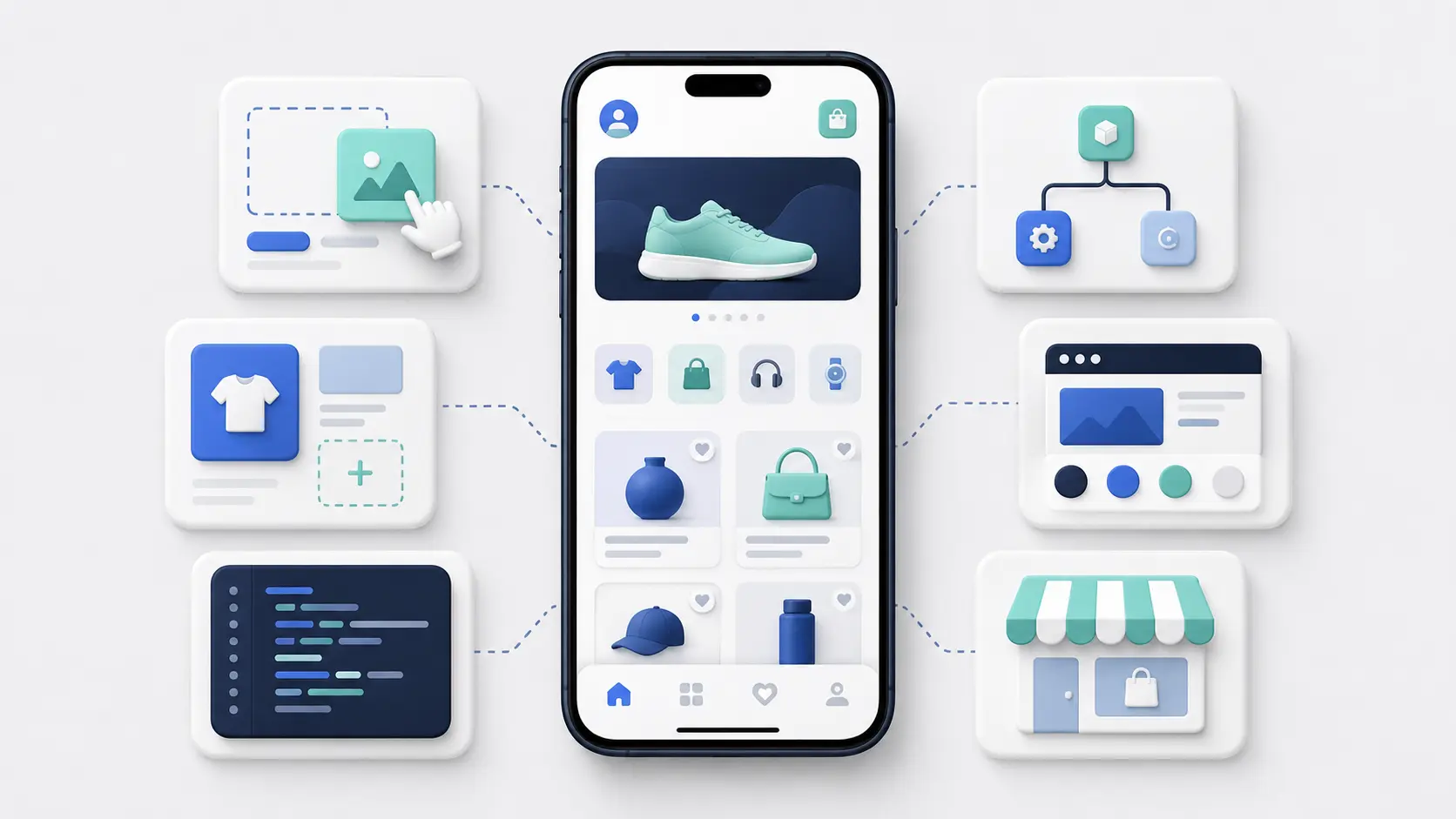
An ecommerce mobile app builder usually does four things:
- Connects to your ecommerce platform and store data.
- Creates the interface customers use to browse and buy.
- Adds native app features such as push notifications and tab navigation.
- Builds and publishes the final iOS and Android apps.
The main difference between builders is the technology they use to create the app frontend.
Some rebuild your store inside a template-based app. Others use the foundation of your existing mobile website. Some combine both approaches or add custom development on top.
There isn’t one architecture that is automatically best. The right option depends on how complex your store is, which integrations you need, and how much control you want over the app experience.
The Four Layers Behind an Ecommerce App
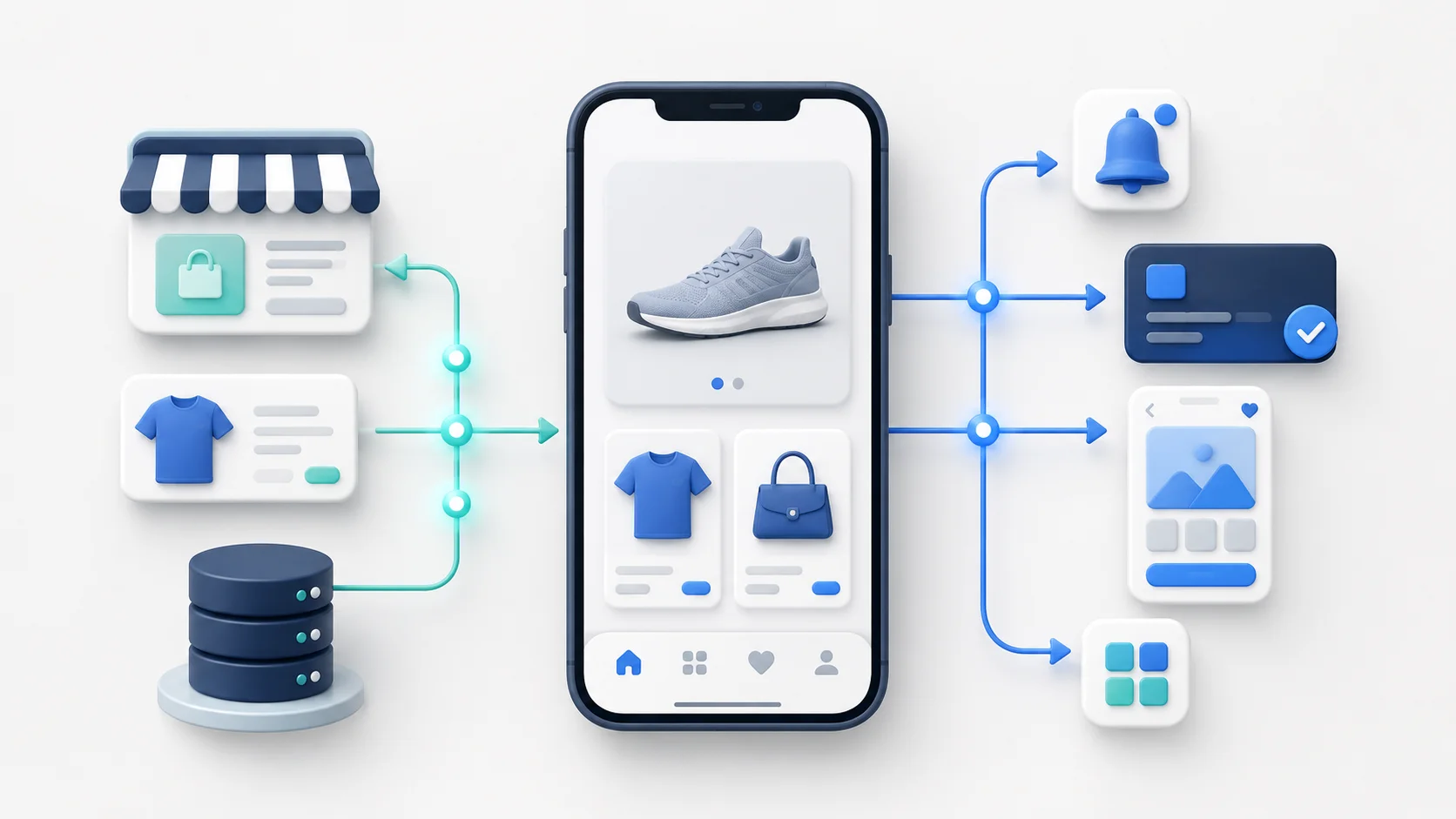
Most ecommerce apps built through a platform have four practical layers:
- The ecommerce backend, where you manage products, customers, inventory, orders, markets, and promotions.
- The connection layer, which moves information and actions between the store and the app.
- The app frontend, which customers use to browse, search, add products to their cart, and check out.
- The native layer, which handles mobile-specific features and app-store requirements.
The app builder provides some or all of the technology across the final three layers.
Think of the ecommerce backend as the engine of the store. The app builder doesn’t usually replace it. It gives customers a new way to interact with it.
How the Builder Connects to Your Store
The first job is connecting the app to Shopify, WooCommerce, BigCommerce, Adobe Commerce, Salesforce Commerce Cloud, or another ecommerce platform.
The app may need access to:
- Products and collections
- Prices and discounts
- Variants and inventory
- Customer accounts
- Carts
- Orders
- Checkout
- Markets, languages, and currencies
Many builders handle this through APIs.
An API gives the app a defined way to request information or perform an action. For example, the app might use an API to load a product, check stock, add an item to the cart, or retrieve a customer’s order history.
Other builders use the existing mobile website as part of the app. Some combine APIs, web content, native components, and custom integrations.
This architectural choice matters because it determines how closely the app follows the website and how much needs to be rebuilt separately.
How Store Data Stays in Sync
A good app builder shouldn’t leave you maintaining a second product catalog by hand.
When you update a product, price, collection, or inventory level in the ecommerce backend, the app should reflect the change. When a customer places an order in the app, that order should enter the same payment, fulfillment, reporting, and customer-service workflows as an order from the website.
In practice, synchronization can happen in a few ways:
- In real time
- Close to real time
- Through scheduled updates
- When the customer reloads a screen or starts a new session
The exact behavior depends on the platform, the builder, and the type of data involved.
For a merchant, the important questions are simple: what stays synchronized, how quickly does it update, and what happens if the connection fails?
How the Customer-Facing App Is Created
The frontend is the part of the app customers actually use.
This is where the main differences between ecommerce app builders become visible. Most use one of three approaches.
1. Template-Based Frontend
With a template-based builder, you assemble the app using prebuilt sections, screens, and navigation patterns.
You might choose a homepage layout, add product grids, configure menus, and arrange banners in a visual editor.
The advantage is speed. A non-technical team can make changes without waiting for a developer.
The trade-off is flexibility. The app is limited to the components, design rules, and integrations the builder supports. If your website relies on custom functionality, a template-based app may not reproduce it exactly.
2. Website-Based Frontend
A website-based app uses your mobile website as the main shopping experience, then adds native app features around it.
This can preserve more of your existing design, checkout flow, custom code, and third-party tools. It also reduces the amount of content and merchandising work you need to repeat in a separate app editor.
The trade-off is that the quality of the app depends heavily on the quality of the mobile website. A slow or poorly designed site won’t become a strong app simply because it’s placed inside a mobile framework.
3. Custom Frontend Built on a Platform
Some providers start with a reusable technical foundation but add custom design and development on top.
This gives the brand more control over the interface and customer journey without requiring a completely custom app from the ground up.
The trade-off is cost and complexity. Custom work usually takes longer, costs more, and creates more dependence on the provider when the app needs to change.
How Checkout Works Inside the App
Checkout is one of the most important parts of the app architecture.
Many ecommerce apps use the platform’s existing checkout rather than creating a completely separate one. This keeps payments, discounts, tax rules, shipping options, fraud checks, and order processing aligned with the website.
That sounds simple, but the handoff still needs to work properly.
A customer shouldn’t lose their cart, login state, discount code, selected market, or checkout context when moving from the app into checkout.
This is an area where a polished demo can be misleading. Ask the provider to show checkout using your actual payment methods, customer accounts, discounts, subscriptions, and store configuration.
How Native App Features Are Added
The native layer is what allows the product to behave like an installed mobile app rather than a website opened in a browser.
Depending on the builder, this can include:
- App icons and launch screens
- Native tab navigation
- Push notifications
- Deep linking
- Persistent or biometric login
- Native sharing
- Device permissions
- App-only screens
- In-app messages
- Native analytics events
These features can have a direct effect on the customer experience.
For example, a deep link can open the exact product or cart referenced in a push notification. Persistent login can reduce the number of steps a returning customer needs to take before buying again.
Not every builder supports every feature, and two providers may use the same feature name while offering very different levels of control.
How Ecommerce Integrations Are Supported
Most established ecommerce stores depend on more than the core platform.
They may use separate tools for reviews, loyalty, subscriptions, search, personalization, customer support, analytics, payments, or promotions.
Template-based builders often need a dedicated integration for each service. The provider has to map that tool’s data and interface into the app frontend.
Website-based approaches may preserve more integrations automatically because the existing web experience remains part of the app.
Neither approach guarantees that every tool will work perfectly.
The question isn’t whether a builder has “lots of integrations.” It’s whether it supports the exact customer-facing functions your store relies on.
For example, saying that a subscriptions platform is supported isn’t enough. You need to know whether customers can start, pause, edit, and cancel subscriptions inside the app.
How the iOS and Android Apps Are Produced
Once the app is configured, the platform creates builds for iOS and Android.
Most ecommerce app builders share technology across both versions. This avoids running two completely separate development projects while still producing downloadable apps for Apple and Google devices.
The builder may only generate the app files, or it may also handle:
- Certificates and signing
- Developer-account setup
- App-store listings
- Screenshots and submission materials
- Review feedback
- Rejections and resubmissions
- Future releases
This part of the service can make a significant difference to the workload on your internal team.
What Happens During App Store Review
Before the app goes live, Apple and Google review it against their technical and policy requirements.
The submission usually needs app listings, screenshots, privacy information, permissions disclosures, and other supporting material.
Approval isn’t automatic. Reviewers may ask questions, request changes, or reject the first submission.
An experienced provider should be able to explain:
- Who owns the developer accounts
- Who prepares and submits the app
- Who responds to reviewer questions
- How rejections are handled
- What happens when Apple or Google changes a requirement
Ownership matters here. In most cases, the brand should retain control of its developer accounts and app listings rather than leaving them entirely with the provider.
How the App Is Updated After Launch
Not every change requires a new app-store release.
Product data, content, merchandising, and web-based experiences may update immediately. Changes to native code, device permissions, software libraries, or operating-system compatibility may require a new build and another review.
One of the main benefits of using an app builder is shared maintenance.
The provider can update the core framework across its customer base instead of every brand maintaining the entire app stack independently.
The trade-off is that custom features may still need separate work. Before choosing a provider, make sure you understand which updates are included and which will be treated as additional development.
What the Brand Still Needs to Manage
An app builder removes a large amount of technical work. It doesn’t run the channel for you.
Your team may still need to manage:
- App positioning and launch promotion
- Merchandising and content
- Push notification strategy
- Customer support
- Analytics and performance reviews
- Loyalty or app-only benefits
- Coordination when the ecommerce stack changes
Some managed providers will help with parts of this. Others will give you the software and leave the commercial work to your team.
Make that division of responsibility clear before launch. A technically complete app can still underperform if nobody owns promotion, messaging, or ongoing optimization.
Final Thoughts
Ecommerce mobile app builders work by connecting a reusable mobile framework to the ecommerce operation you already have.
That’s what makes them faster and less expensive than starting with a blank codebase. You’re reusing the store, checkout, product data, and business systems that already work rather than building all of them again.
The trade-off is that every builder has its own architecture, supported feature set, and way of dividing responsibility between the provider and the brand.
Don’t choose a builder based only on how the demo looks. Choose one based on how well it supports your existing store, how much duplicate work it creates, and how easy the app will be to manage after launch.