An ecommerce app doesn’t operate on its own.
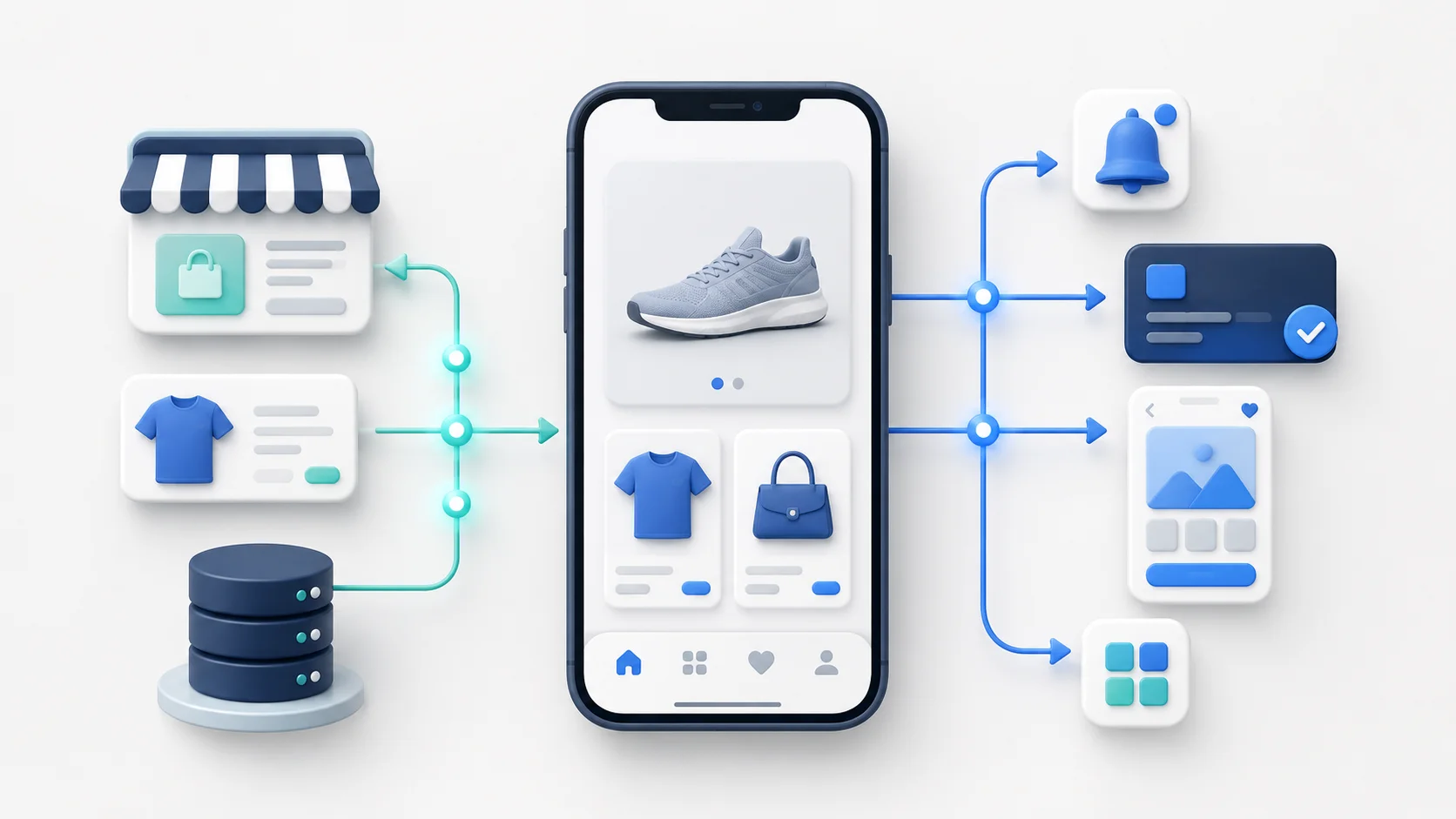
99% of the time, the app is connected with an existing store that runs on the web. The app needs to connect to that store to access and sync products, prices, inventory, customer accounts, carts, checkout, orders, loyalty, subscriptions, reviews, search, analytics, and every other system customers rely on.
The difficult part of building a mobile app isn’t creating a pretty product grid. The hardest part (and where your app is most likely to go wrong) is in the connection layer between your website and your app.
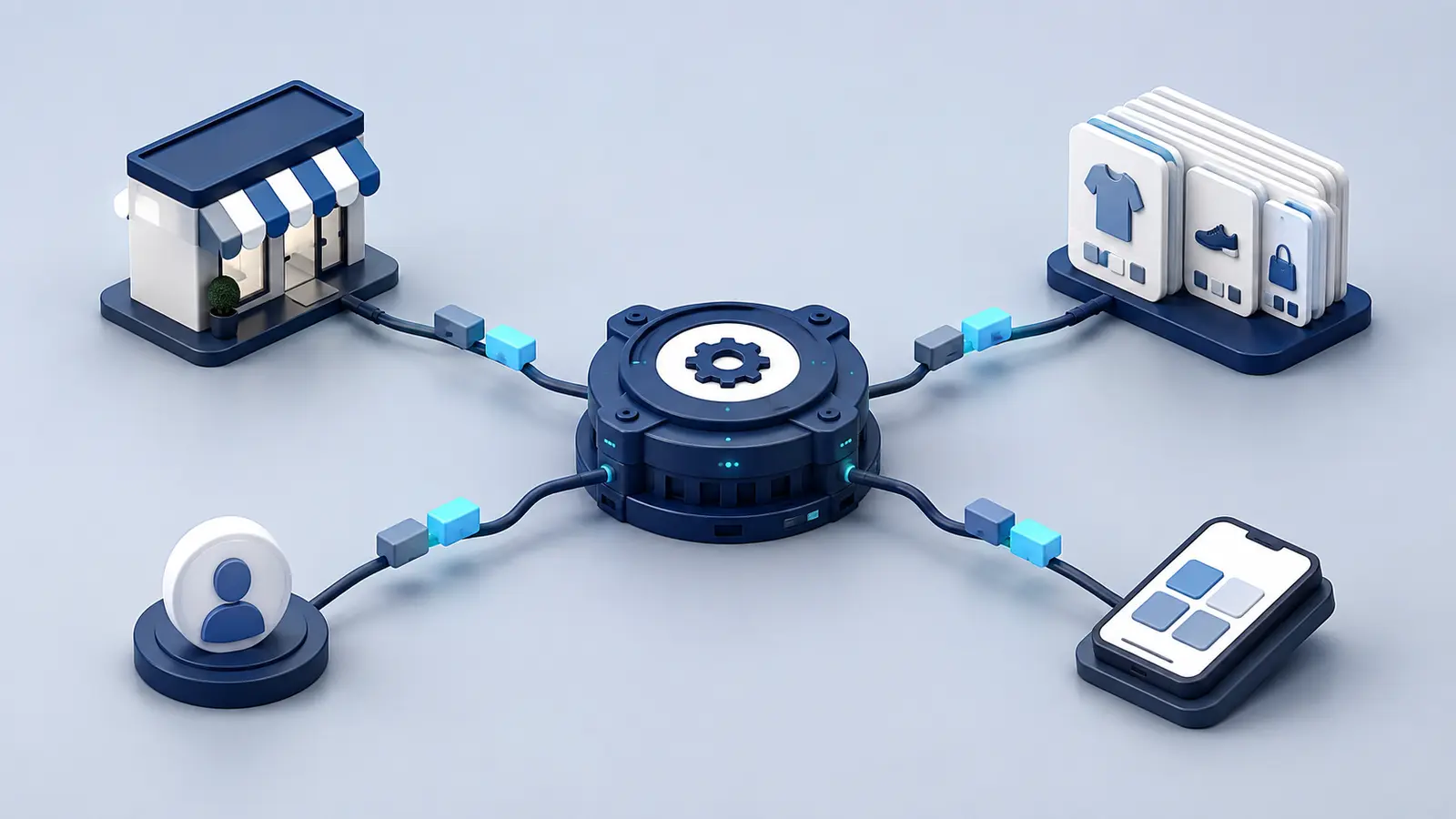
APIs, software development kits, webhooks, and web content can all form part of that connection.
These are all semi-technical concepts, which can (likely will) confuse you when you first dip your toes into the mobile app realm.
If you’re working with an app builder or a development team, they’ll handle all this for you. But it pays to understand what all these concepts are about, so you can actually understand what’s powering one of your core revenue channels.
The Short Answer
An API lets the app request data or perform an action in another system. A webhook tells the app’s backend that an event has happened. An SDK provides code for adding a service directly to the mobile app. Data sync is the broader process that keeps all of these systems consistent.
| Connection | Typical job | Ecommerce example |
|---|---|---|
| API | Request data or perform an action | Load products, create a cart, retrieve loyalty points |
| Webhook | Notify another system that an event occurred | Tell the app backend that inventory or an order changed |
| SDK | Add a service directly to the app | Push notifications, analytics, attribution, support chat |
| Web content | Run an existing website journey inside the app | Checkout, subscription management, custom product page |
Most ecommerce apps use a combination. The important question is whether the complete customer journey works and which system remains the source of truth.
What an Ecommerce App Needs From Your Store
The app has to read and sometimes change several kinds of data.
Catalog data includes products, variants, collections, images, descriptions, metafields, prices, and availability. Commerce state includes carts, discounts, shipping, tax, checkout, orders, and returns. Customer state includes identity, addresses, order history, preferences, saved items, subscriptions, loyalty, and consent.
Those categories aren’t independent. A customer’s market can change the currency and catalog. A loyalty reward can affect the cart. A subscription product can require a different purchase flow. An inventory update can make an item unavailable while it is sitting in a cart.
The app needs a defined source for each piece of information and a plan for resolving conflicts.
What an API Does
An application programming interface gives software a structured way to communicate with another system.
The app might call an ecommerce API to request a collection, search products, create a cart, update a line item, identify a customer, or retrieve orders. The service responds with structured data that the app can render and use.
For example, Shopify’s current Storefront API is a GraphQL API for building custom storefront experiences. Its cart data includes a checkout URL that sends the buyer to Shopify’s checkout. Shopify has separate Admin and Customer Account APIs for other jobs.
That separation illustrates an important point: a platform doesn’t have one universal API that exposes everything. Different data may require different authentication, permissions, rate limits, and integration paths.
An API also doesn’t reproduce the user interface. It may provide loyalty balances, but your app still needs screens and logic for showing and redeeming those points.
What Webhooks Do
APIs are often used when the app or backend wants information. Webhooks work in the other direction. A service sends an event when something changes.
If a product, inventory level, customer, or order changes, a webhook can notify another system without that system repeatedly asking whether anything is new. Shopify describes webhooks as a way to receive near-real-time event data and keep apps synchronized without continual polling in its developer documentation.
The receiving system still has work to do. It must verify the event, handle duplicates, recover from failures, and decide whether to update a local record, invalidate a cache, or request fresh data from the source.
Webhooks are helpful, but they don’t create guaranteed instant consistency on their own.
What an SDK Does
A software development kit is a package of tools and code for adding a service to an application.
Mobile apps commonly use SDKs for push notifications, analytics, attribution, crash reporting, payments, customer support, personalization, and social sign-in.
The SDK runs inside the app and may collect events, display an interface, register the device, or communicate with the provider’s service. It has to be configured separately for iOS and Android even when most app code is shared.
SDKs also create maintenance. Your team must track supported versions, operating-system changes, privacy requirements, and conflicts with the rest of the application. An integration that worked at launch isn’t finished forever.
How Ecommerce Data Stays in Sync
Not every piece of data should be copied into the app.
The safest model is usually to keep the ecommerce platform or specialist service as the source of truth and retrieve fresh data when it matters. The app can cache selected information for speed, but it should know when that cache is stale and how to refresh it.
Several patterns are common.
Read on demand: The app requests current information when the customer opens a screen. This is simple and fresh, but can feel slow if every screen waits on several services.
Cache and refresh: The app or a middleware service stores selected results temporarily, displays them quickly, and refreshes them in the background. This improves responsiveness but creates expiration and invalidation work.
Event-driven updates: Webhooks or event streams notify the backend when important data changes. The backend updates its records or invalidates the relevant cache.
Scheduled synchronization: A job periodically imports data that doesn’t need to change instantly. This can work for reporting or secondary content, but it is risky for prices and inventory.
Most real systems use more than one pattern. Product descriptions can tolerate different timing from stock availability, cart totals, or order status.
The Source-of-Truth Rule
Every important data field should have one authoritative owner.
The ecommerce platform may own products, variants, pricing, cart, and orders. A search provider may own search ranking. The loyalty platform may own points and reward status. The subscription platform may own schedules and renewal actions.
The app should present and act on that data, not quietly create competing versions of it.
Problems begin when two systems can change the same state without a clear winner. A cached price can disagree with checkout. An app-only customer record can drift from the ecommerce account. A locally calculated loyalty balance can differ from the actual reward ledger.
Decide which service wins before building the synchronization logic.
Customer Identity, Sessions, and Cart State
Identity is one of the hardest parts of a multi-surface ecommerce setup.
A customer may sign in on the website, install the app later, add an item while signed out, then authenticate at checkout. The app needs to know which session, cart, market, consent state, and customer record to use.
Website cookies don’t automatically become native app credentials. API tokens may be scoped to a specific storefront or expire on a different schedule. A cart created through one API may not be discoverable from another surface unless the implementation stores and maps its identifier.
Before launch, test sign-in, sign-out, account creation, password recovery, cart creation, cart merging, session expiry, and cross-device behavior. Don’t assume that “customer accounts are supported” covers every one of those journeys.
What Integration Support Really Means
An integration logo tells you very little about the depth of support.
Consider a subscription platform. The app might support purchasing a subscription product, but not pausing, skipping, swapping, or canceling an existing subscription. A loyalty integration might display points without letting customers redeem rewards. A reviews integration might show stars but omit questions, media, or review submission.
Integration support generally falls into four levels:
- Data display: The app can show selected information from the service.
- Core actions: Customers can complete the most common task.
- Full journey: The app supports the important states and account actions your website does.
- Operational integration: Events, analytics, consent, and backend workflows also behave correctly.
Ask the provider to demonstrate your exact journey with a real account and product. If a workaround opens a browser or replaces a feature with a different one, you should know before signing.
How the Build Approach Changes Integration Work
An app builder normally provides a set of prebuilt integrations. This reduces development, but only the supported implementation is available. Custom changes may be limited.
A custom or headless app can connect to almost any service with a suitable API or SDK. That gives you more control and more work. Your team owns authentication, data mapping, interface design, testing, error handling, and upgrades.
A WebView-led app can keep many web integrations running within the existing storefront. This can preserve deeper parity, although native SDKs and bridge work may still be needed for app-specific services.
None of these models removes integration risk. They move the work to different places.
Questions to Ask an App Builder or Development Team
Start with the customer journeys your store depends on, not a generic integration checklist.
- Which system is the source of truth for each major data type?
- Is data loaded live, cached, copied, or synchronized on a schedule?
- Which webhooks or events keep the app current?
- What does each named integration let the customer do?
- Which journeys open web content or an external browser?
- How are authentication, cart state, markets, and consent shared?
Then ask what happens when something fails. A useful answer should cover retries, stale data, monitoring, incident ownership, and how customers are protected from placing an incorrect order.
How to Test the Connected App
Use real store complexity, not a clean demonstration catalog.
Test products with variants, bundles, subscriptions, selling plans, custom fields, multiple prices, and limited inventory. Use real discounts and loyalty rewards. Test customers in different markets and states. Change product data while the app is open and see what updates.
Run complete journeys from discovery to post-purchase. Confirm that analytics record the same event only once, push deep links preserve the intended state, and orders reach the systems used by fulfillment and support.
The goal is not to prove that each API responds. It is to prove that the business still works through the app.
Common Integration Failure Modes
The most damaging failures are often subtle.
A stale catalog can show the wrong price or available quantity. A cart may accept a promotion that disappears at checkout. Account data may be correct on one screen and outdated on another. An analytics SDK may count a purchase twice. A deep link may send a customer to a generic page because the app can’t map the website URL.
These issues come from inconsistent state, incomplete integration depth, missing error handling, and changes made after launch without app regression testing.
Assign ownership for monitoring and regularly test the journeys that generate orders.
Final Verdict
APIs and integrations are not background technical details. They determine whether your app is a real extension of your store or a separate storefront that slowly drifts away from it.
The best architecture keeps authoritative data in the right system, synchronizes only what needs to be synchronized, and makes failures visible. The best provider can explain how your specific customer journeys work from end to end.
Don’t buy an integration list. Verify the experience behind it.