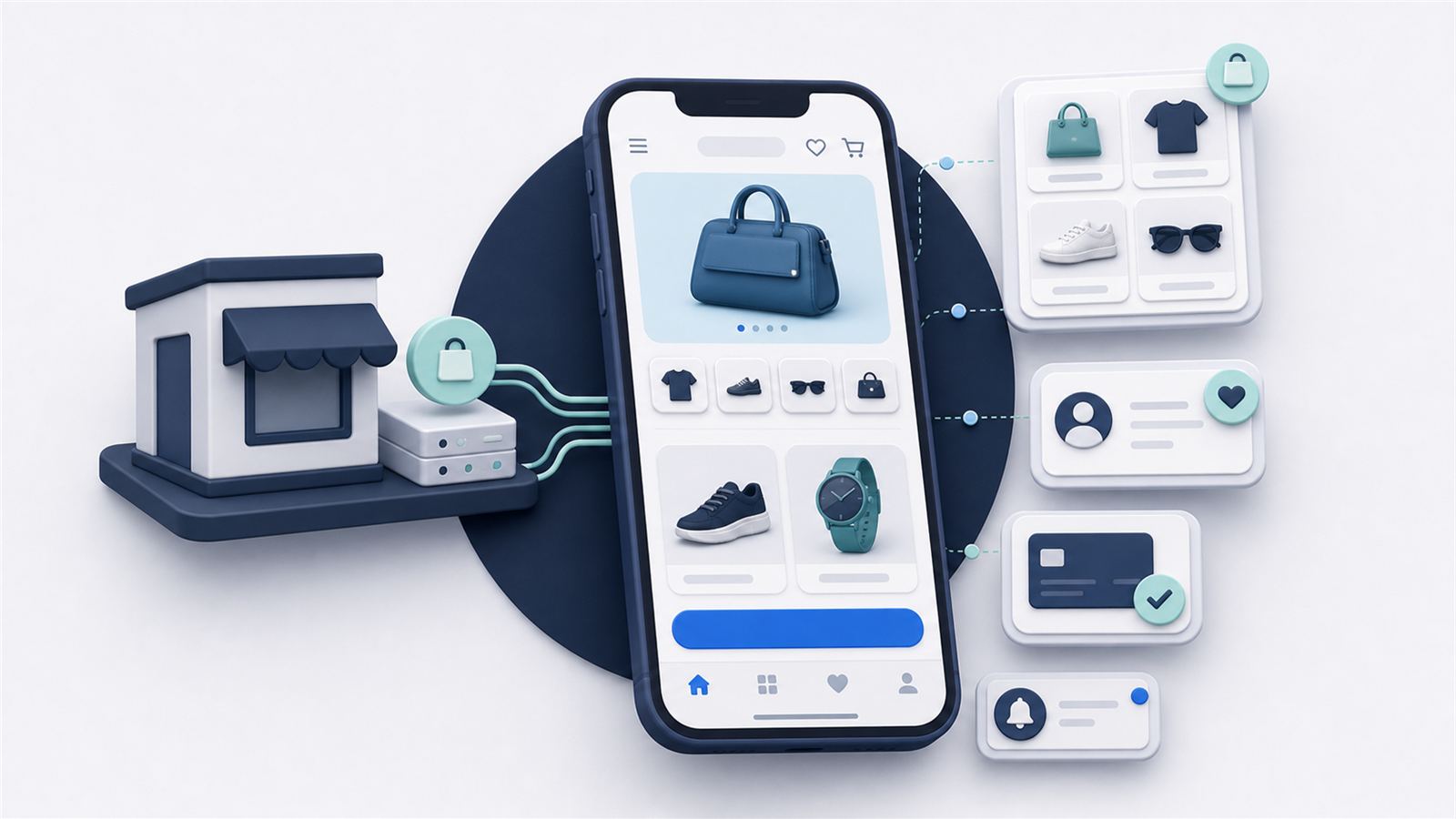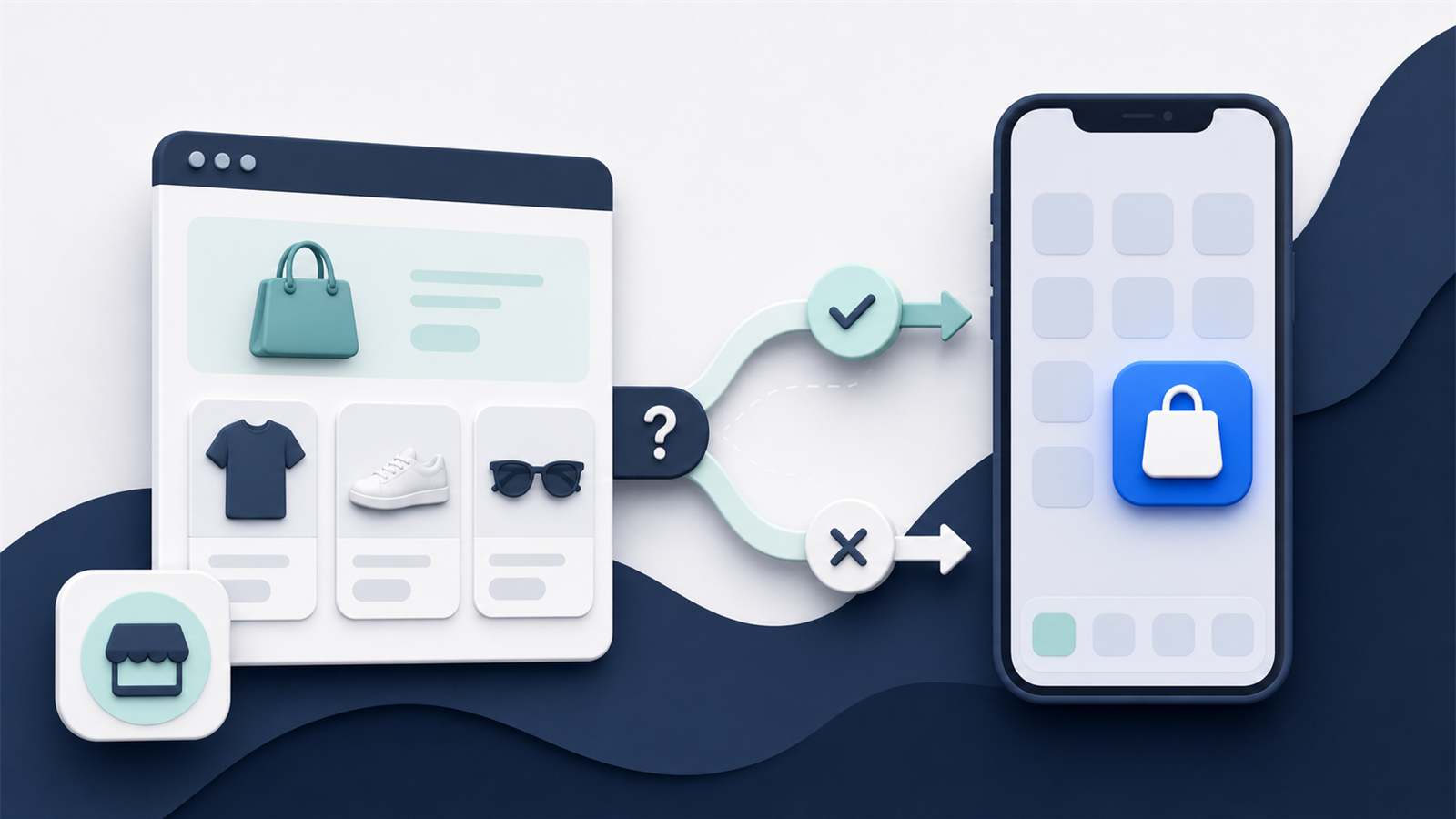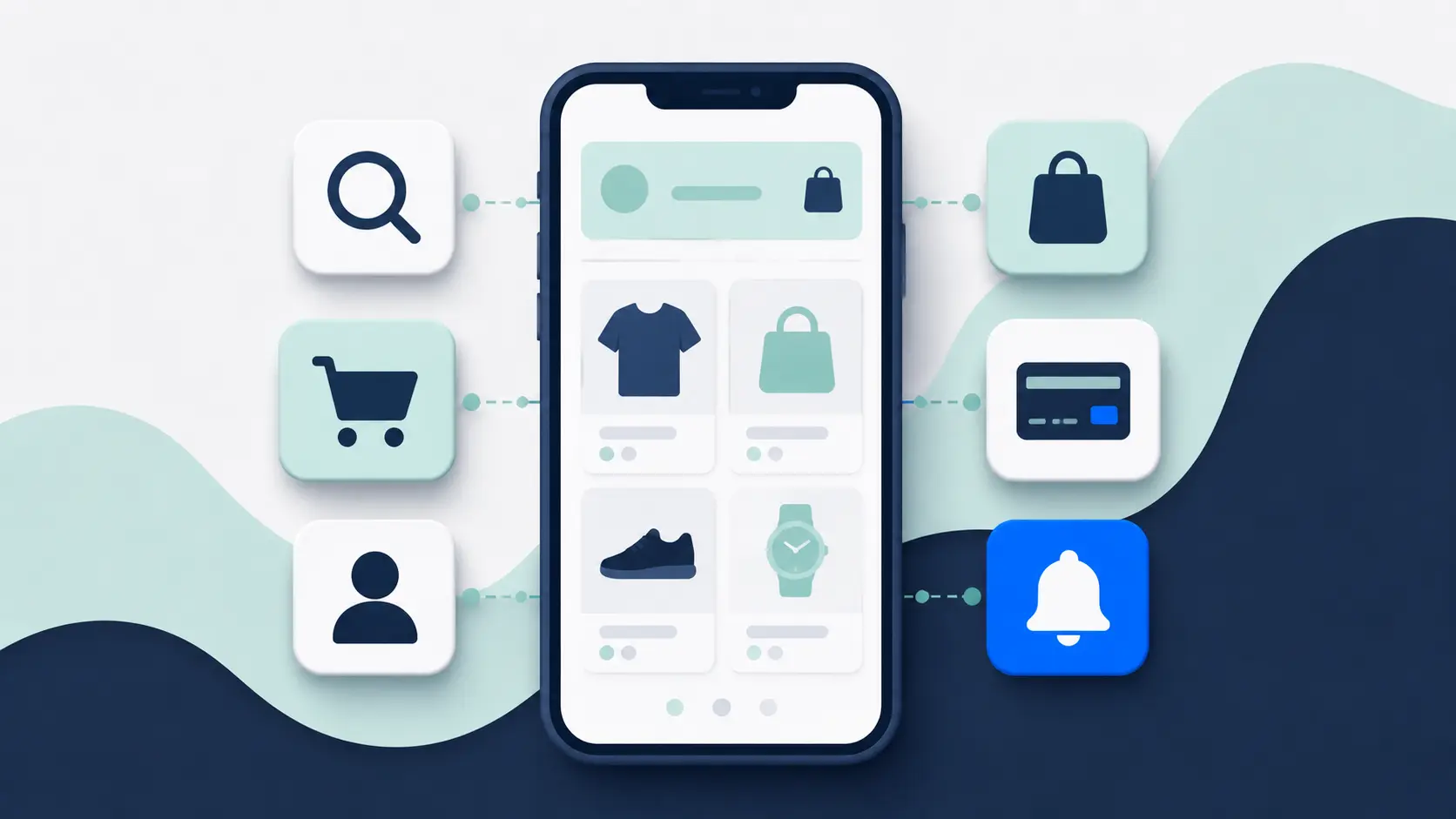
An ecommerce app needs more than a product feed and a checkout button.
At minimum, it needs to support the journeys customers already rely on. If shoppers can use subscriptions, loyalty points, product bundles or a particular payment method on your website, removing that functionality in the app creates a worse experience for some of your best customers.
The app should also give people a reason to install it. Faster access, persistent login and push notifications are useful. Loyalty benefits, easier reordering and app-only experiences can make it more compelling.
That does not mean you need every feature available. The right app is the one that handles your real customer journeys well and stays manageable for your team.
The Short Version: What Does an Ecommerce App Need?
Most ecommerce apps need six things at launch:
- Strong product discovery: Navigation, search and filters that suit the size and complexity of the catalog.
- Complete product pages: The information, variants and purchase options customers need to make a decision.
- A reliable cart and checkout: The same promotions, payments, shipping rules and commercial logic customers expect from the website.
- Useful customer accounts: Easy login, persistent sessions, order history and access to relevant loyalty or subscription features.
- Push notifications: A direct channel for campaigns and useful automated messages, with deep links to the right screen.
- Reliable operations: Analytics, quality assurance, app-store management, updates and support after launch.
Everything else should earn its place. Add a feature because it solves a customer problem or supports a commercial goal, not just because it appeared in a provider demo.
Start With Feature Parity on the Journeys That Matter
Feature parity does not mean copying every page and interaction from your website.
It means protecting the functionality customers depend on. A fashion store may need size guides, variant swatches, wishlists and returns. A supplement brand may care more about subscriptions, bundles and replenishment. A furniture retailer may need delivery estimates, product configuration and augmented-reality previews.
Before comparing app providers, document the main journeys on your existing store.
Start with how customers discover and compare products, then follow the path through product options, promotions, shipping, payment and account management. Include any third-party tools that appear along the way, along with the markets, languages and currencies you support.
Do not stop at checkout. Order tracking, returns, subscription management and other post-purchase tasks are part of the experience too.
Test those journeys in any prospective app. “We integrate with your ecommerce platform” is not enough. The app needs to support the way your particular store uses it.
1. Product Discovery That Fits Your Catalog
Customers need to find the right product without fighting the interface.
For a store with 30 products, clear collections and simple navigation may be enough. A store with 30,000 SKUs needs capable search, filters and merchandising controls.
At minimum, shoppers need clear category navigation, capable search, and filters and sorting that match the catalog. Recently viewed products and recommendations can help people resume or narrow their search, while featured collections give the team room to merchandise campaigns.
Deep links are also important. They let emails, ads and push notifications open the relevant product, collection or campaign page instead of dropping every shopper on the home screen.
Search deserves particular attention. Check how it handles misspellings, synonyms, product codes and natural-language queries. If your website uses a specialist search provider, confirm that the same logic and merchandising rules work in the app.
The same applies to filters. A fashion store may need size, color, fit and availability. An electronics store may need technical specifications and compatibility. Generic filters can make a large catalog much harder to shop.
2. Product Pages That Answer Buying Questions
A product page should give the customer enough information to buy with confidence.
The basics include images, descriptions, prices, variants and an add-to-cart button. The details that make the page work depend on what you sell.
Depending on the product, that may mean video and zoomable media, size or compatibility information, reviews, inventory by location, or a delivery estimate based on the customer’s postcode.
The purchase options matter just as much. Subscriptions, bundles, personalization fields and member-specific pricing all need to behave correctly. Back-in-stock alerts and relevant recommendations can support the decision, but they should not distract from the information the customer needs to buy.
Do not assume a provider supports these because it can import your catalog. Ask to see a real product with your most complicated options working inside a test build.
This is often where template-based apps show their limits. Standard products look fine in the demo, while bundles, custom fields or unusual variant logic require a workaround.
3. Cart and Checkout Without Surprises
Checkout is not the place to simplify away functionality.
The app should normally follow the same commercial rules as the website. Customers should not discover that a discount, gift card, shipping method or preferred payment option disappears when they move into the app.
Start with the commercial basics: cart persistence, discounts, gift cards, store credit, shipping, tax and duties should follow the same rules as the website.
Then test the ways customers actually pay. That includes express wallets, local payment methods, buy now, pay later, and saved addresses or payment details. Errors should be easy to understand, and an abandoned-cart link should restore the relevant cart rather than starting the journey again.
Cart synchronization is useful when customers switch between the website and app, but it is not always straightforward. It may depend on whether the shopper is logged in, how your platform stores carts and which checkout you use.
Run test orders across different products, discounts, customer types, markets and payment methods. A checkout that works in the simplest case can still fail on the edge cases that matter commercially.
4. Customer Accounts Built for Returning Shoppers
Apps are primarily a retention channel. The signed-in experience matters more than it does on a website designed to serve large numbers of first-time visitors.
Customers should be able to register, log in and recover access without friction. Once signed in, the app should keep the session active and, where appropriate, support biometric login.
The account area should cover the tasks repeat customers return for: order history and tracking, saved details, returns, wishlists, communication preferences and account deletion.
Persistent login is a small feature with a meaningful benefit. It lets a repeat customer open the app and immediately see relevant prices, rewards, recommendations or order information.
Account functionality can also be more complicated than it looks. Custom identity systems, wholesale accounts, membership rules and multi-store setups need to be tested directly.
5. Loyalty, Membership and Subscription Features
These features often create the strongest reason to keep an app installed.
A useful loyalty experience lets customers see their points and status, earn and redeem rewards, access member pricing and understand how close they are to the next tier. Referral benefits and early access can add a stronger reason to return.
For subscription brands, customers should be able to see the next order, skip or reschedule it, swap products, update payment or address details, and pause or cancel. Replenishment reminders are useful when they support that experience rather than simply adding another message.
Simply displaying a points balance or subscription status is not enough. Customers should be able to complete the underlying tasks without leaving the app or contacting support.
If loyalty or subscriptions drive a meaningful share of your revenue, treat the relevant journeys as launch requirements rather than later additions.
6. Push Notifications With Useful Targeting
Push notifications give the brand a direct line to customers who have installed the app and granted permission.
The basic requirement is the ability to send a message and open the right place in the app. Beyond promotional broadcasts, a stronger setup supports segmentation and useful automations such as abandoned-cart, back-in-stock, delivery, loyalty and replenishment messages.
Rich images and local-time scheduling can improve campaigns, but deep linking and preference controls are more fundamental. The team also needs reporting that connects delivery and engagement with actual conversion.
The deep link matters. If a customer taps a notification about a specific product and lands on the app home screen, you have added friction to the journey.
More sending capability is not automatically better. Repetitive, irrelevant messages teach customers to disable notifications or uninstall the app. Plan the permission prompt, message frequency and segmentation alongside the technical setup.
7. Merchandising Your Team Can Actually Manage
The ecommerce team should be able to keep the app current without waiting for a developer or a new app-store release.
Depending on your operating model, the team may need to change homepage content, product placement, banners, landing pages and app-only experiences. Scheduled content matters for launches and promotions, while preview and approval workflows become more important when several people manage the channel.
Ask exactly what your team can change, where those changes are made and how quickly they appear.
Some platforms give you a separate visual editor for the app. That offers control, but it also creates another storefront to maintain. Other approaches use more of the existing website, which can reduce duplicate work but provide fewer app-specific layout controls.
Neither model is automatically better. The right choice depends on how different you want the app to be and how much ongoing work the team can support.
8. International and Multi-Store Support
“Supports international commerce” can mean anything from translating navigation labels to running distinct catalogs across several countries.
A genuinely international app may need different languages, currencies, catalogs, inventory, prices, promotions and content by market. Local payment methods, tax and duty handling, country switching and right-to-left layouts can also change the customer journey materially.
Define the expected customer journey for each market. Then test it.
Pay particular attention to how the app chooses a market, whether customer accounts carry across stores, which catalog opens from a push notification and how app-store availability is managed by country.
9. Analytics You Can Reconcile With the Rest of the Business
You need to know whether the app is working.
At minimum, track five groups of signals:
- Acquisition and activity: Installs, active users and returning users
- Shopping behavior: Searches, product views, add-to-cart and checkout events
- Commercial outcomes: Purchases, revenue and conversion
- Retention: Account, loyalty, push and deep-link activity
- Reliability and consent: Crashes, technical errors and permission status
The app should connect with your existing analytics and attribution stack where possible. A provider dashboard can be helpful, but it should not create a second definition of revenue, conversion or customer activity that no one can reconcile.
Agree on the key metrics before launch. If event tracking is left until the end, you may launch without a reliable baseline or a way to explain the app’s impact.
10. Accessibility, Privacy and Security
These are core product requirements, not optional extras.
Accessibility testing should cover screen readers, text scaling, focus order, color contrast, control labels and touch-target size. Test on real devices with assistive settings enabled. A checklist alone does not tell you whether the app is usable.
Privacy and security start with secure authentication, encrypted connections and appropriate storage of customer data. The app also needs clear disclosures and controls for consent, tracking and permissions, including a workable process for account and data deletion.
Third-party dependencies need the same scrutiny. Define how long data is retained, where it moves and who is responsible when a dependency creates a vulnerability or compliance issue.
Ask the provider to explain which responsibilities it owns and which remain with your business. Also confirm how releases are reviewed when Apple, Google or a regulator changes a requirement.
11. The Operational Features Customers Never See
An app is not finished when it reaches the app stores.
The operational model determines how much work the app creates after launch. Establish who handles store submission and review feedback, operating-system updates, releases, monitoring, quality assurance and integration maintenance.
Also check whether the team receives staging or preview builds, how staff access is controlled and where technical support begins and ends.
Ask for response times and ownership, not a vague promise of “ongoing support.” If checkout breaks after a third-party update, who investigates it, how quickly and at what cost?
This is an important difference between self-service software, a managed app service and custom development. The visible app can look similar while the workload behind it is completely different.
How to Prioritize Your Feature List
Split requirements into three groups.
Essential for Launch
These are features without which a core journey fails, the app becomes worse than the website or the business cannot operate the channel safely.
Examples might include subscription management for a subscription brand, loyalty redemption for a membership-led retailer or local payment methods in a major market.
Valuable After Launch
These features have a plausible benefit but do not need to delay the first release.
This might include more advanced personalization, richer app-only content, referral mechanics or additional push automations. Launch the reliable core, observe how customers use it and then prioritize the next improvement.
Unproven Ideas
These are features without a clear customer need or commercial case.
Augmented reality, live shopping, gamification and AI assistants can all be useful in the right context. They can also consume budget and attention without solving an important problem.
Ask what customer behavior the feature should change and how you will measure it. If the answer is unclear, it should not hold up launch.
A Practical Feature Selection Process
Use this process before you choose a platform or sign a development contract:
- Map the important journeys on your current store. Include unusual products, customer types, markets and integrations—not only the happy path.
- Identify the app-specific value. Decide why a good customer should install the app and what will keep it useful.
- Classify every requirement. Mark it essential, valuable later or unproven.
- Test the difficult features first. Ask providers to demonstrate your actual subscription, loyalty, checkout or multi-market flows.
- Assign operational ownership. Decide who updates content, sends push campaigns, reviews analytics and handles problems.
- Define launch metrics. Know how you will judge adoption, engagement, conversion and incremental value.
This gives you a useful brief without turning the first release into an endless wishlist.
Final Thoughts
The best ecommerce app is not the one with the longest feature list.
Start by protecting the customer journeys that already make your store work. Then add the app-specific capabilities that make shopping faster, make loyalty or subscriptions easier, and give the brand a useful direct channel through push.
Be cautious with features that look impressive in a demo but have no clear job in the customer experience.
The right app does the important things well, produces reliable data and can be operated without creating a second ecommerce business for your team to maintain.