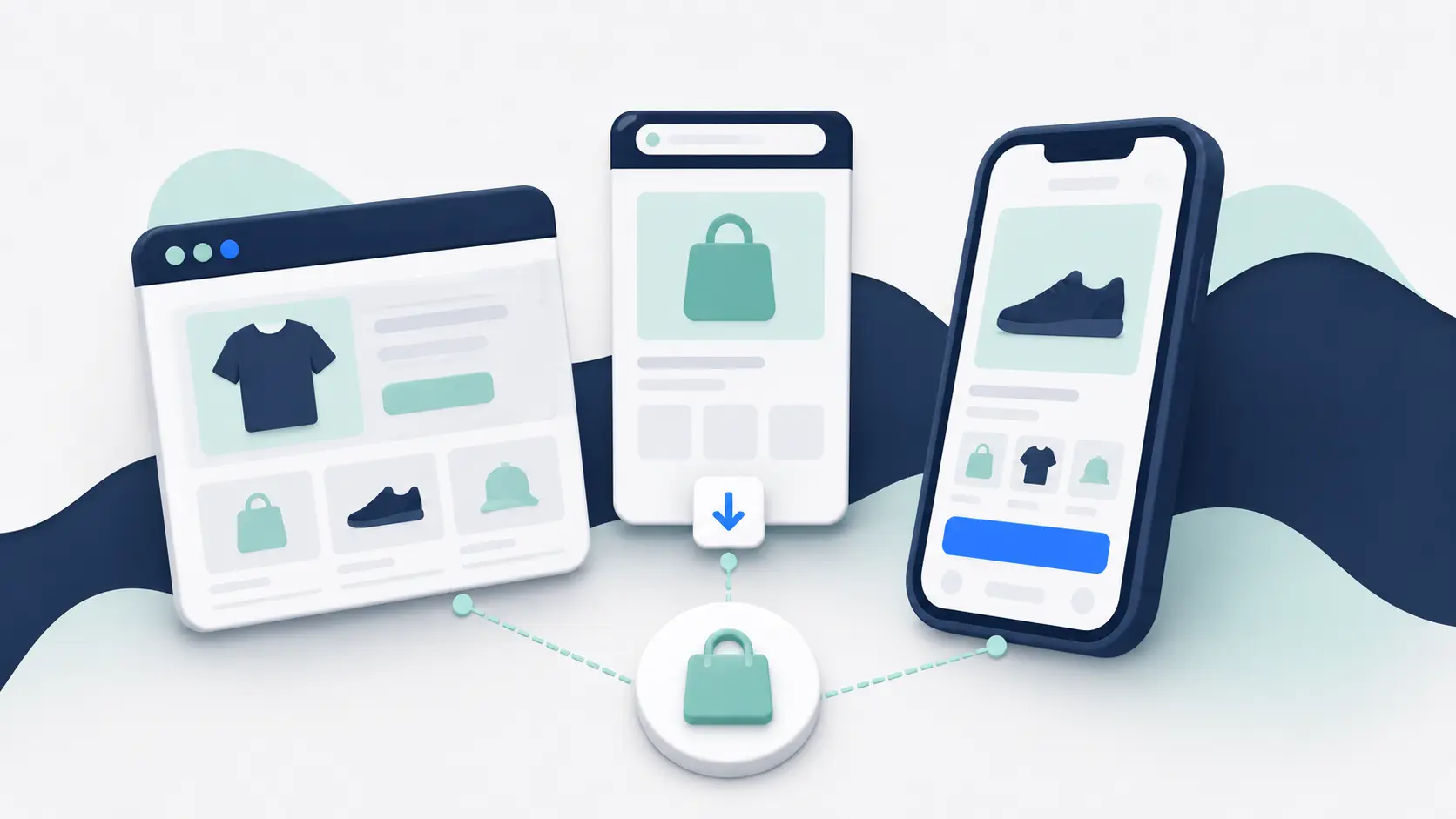
A mobile website, progressive web app, and downloadable mobile app can all give customers a good shopping experience on a phone.
But they are not interchangeable.
Your mobile website is usually the best way to reach new customers. A progressive web app can make that website faster and more app-like. A downloadable app gives your best customers a more direct route back to your brand.
For most established ecommerce brands, the answer is not to choose one and abandon the others. Keep the mobile website as the universal storefront, then decide whether a PWA or app would add enough value on top.
The Short Answer
Every ecommerce brand needs a strong mobile website. It’s open to everyone, works from a link, and supports discovery through search, ads, email, and social media.
A PWA is useful when you want to improve the web experience. It can add faster repeat loading, selected offline behavior, home-screen installation, and some device features without creating a separate app-store product.
A downloadable app is best when retention is the goal. It adds a familiar installation journey, app-store presence, push notifications, persistent access, and more consistent integration with the phone.
If most visitors are discovering you for the first time, focus on the mobile site. If you have a meaningful base of repeat customers, an app can become a valuable additional channel.
Native App vs Mobile Website vs PWA at a Glance
| Mobile website | Progressive web app | Downloadable mobile app | |
|---|---|---|---|
| How customers access it | Open a URL in a browser | Open a URL, with the option to add it to the home screen | Download it from an app store |
| Best role | Acquisition and universal access | A faster, more app-like web experience | Retention and repeat shopping |
| Search visibility | Strong | Strong | App-store search only; app pages may also appear in web search |
| Installation required | No | No for basic use; optional for the full installed experience | Yes |
| Push notifications | Browser and device support varies | Available on supported browsers and installed web apps | Mature support across iOS and Android |
| Device integration | Limited | More than a standard website, but varies by platform | Broadest and most consistent |
| Offline capability | Limited unless specifically built | Can cache selected assets and journeys | Can support richer offline behavior, depending on the build |
| App-store presence | No | Usually no | Yes |
| Build and maintenance | Part of running the ecommerce site | Additional web development | Additional app platform, release, and store responsibilities |
The table shows the general pattern. The quality of the implementation still matters more than the label.
A fast, well-designed mobile site will beat a neglected app. A good PWA can feel smoother than a poorly built native product. And many apps sold as “native” use a mixture of native, cross-platform, and web technology behind the scenes.
Judge what the customer receives and what your team has to operate.
What Is a Mobile Website?
A mobile website is the version of your store customers open in a browser on their phone.
Modern ecommerce sites normally use responsive design, which adapts the same site to different screen sizes. Customers can arrive from Google, an Instagram ad, an email, a QR code, or a link from a friend and start shopping immediately.
That lack of friction is the mobile website’s biggest advantage.
The customer does not need to know your brand already. They do not need to visit an app store, approve a download, or give up storage space before seeing a product.
The website is therefore the default acquisition channel for almost every ecommerce business.
Its weakness is the return journey. Once the customer closes the tab, your store disappears back into the browser. They may not stay signed in, and reaching them again usually depends on paid media, search, email, SMS, or another external channel.
What Is a Progressive Web App?
A progressive web app, or PWA, is still a website. It uses modern browser technology to add capabilities that make it behave more like an installed app.
Depending on how it is built and the device being used, a PWA can offer:
Depending on the browser and implementation, a PWA can run in a standalone window, install a home-screen icon, cache selected assets for faster repeat loading, support some offline behavior, receive background updates and push notifications, and access certain device features.
Customers can still open the experience from a normal URL. Installation is optional.
That makes a PWA attractive when the main goal is to improve the website rather than create a new customer channel.
The trade-off is inconsistency.
Browser and operating-system support has improved, but it is not identical across devices. Apple supports notifications for Home Screen web apps on recent iOS and iPadOS versions, for example, but the site must be added to the home screen before it can request permission. Apple’s documentation explains the current requirements.
The installation journey is also less familiar than downloading an app from the App Store or Google Play. Many shoppers do not know what a PWA is, and “Add to Home Screen” is not always prominent.
What Is a Native Mobile App?
Strictly speaking, a native app is built specifically for one operating system using its native tools: Swift or Objective-C for iOS, and Kotlin or Java for Android.
In ecommerce, people often use “native app” more loosely to mean any downloadable app available through the App Store and Google Play.
That app might be fully native, built with a cross-platform framework such as React Native or Flutter, or combine native navigation with web-based shopping screens. Customers generally do not care which framework was used. They care whether it is fast, easy to use, reliable, and better than opening the website.
A downloadable app can offer:
A downloadable app gives the brand an app-store listing and a familiar installation process, followed by a persistent home-screen presence. It can keep customers signed in, preserve more app state, use native navigation and gestures, and send push notifications that deep-link into a specific product, cart, or account screen.
It can also offer more consistent access to phone features and support app-specific content, offers, and experiences. The exact result still depends on how the app is built.
The trade-off is that you now operate another product.
The app must be built, tested, submitted, maintained, and updated. You also need to give customers a reason to download it.
Your Website Is Better for Discovery
The mobile website wins the first visit.
Imagine someone sees a paid social ad for a product they have never heard of. Tapping the ad can take them directly to the product page in seconds.
Requiring that person to download an app first would add several steps before they have decided whether they trust the brand or want the product.
The same applies to organic search. Product pages, category pages, buying guides, and other website content can appear in search results and be shared with a normal link.
A PWA keeps these advantages because it is built on the web.
A downloadable app can be discovered in an app store, but that is rarely the main acquisition route for an ecommerce brand. Most brands promote the app to people who already visit the site, buy from the store, follow the brand, or subscribe to its marketing.
This is why an app should not replace the mobile site.
An App Is Better for the Return Journey
An app becomes valuable after the customer relationship exists.
Once installed, it gives the shopper a visible icon, a shorter path back to the store, and a dedicated experience that can remember their account and preferences.
Push notifications make the biggest difference.
A brand can alert an opted-in customer to a product launch, price drop, back-in-stock item, loyalty reward, or abandoned cart without paying a charge for every individual message. A deep link can then open the exact product or cart inside the app.
PWAs can support web push on many modern devices, including recent versions of iOS when the web app has been added to the home screen. But the permission and installation journey is more conditional than it is in a downloadable app.
If retention and repeat purchase are central to the business case, the downloadable app normally gives you the stronger foundation.
A PWA Improves the Web More Than It Creates a New Channel
The best reason to build a PWA is to make the web experience better.
For example, an ecommerce PWA might cache the navigation and common page assets so repeat visits feel faster. It might preserve selected content through a weak connection. It can also allow engaged customers to add the store to their home screen.
Those are useful improvements.
But a PWA does not automatically solve app adoption or retention. Customers still need to discover the installation option, understand it, and choose to use it. You also do not receive the same standard presence in the App Store and Google Play.
Do not choose a PWA because it sounds like a cheaper way to get everything a mobile app provides.
Choose it because the web is your priority and progressive web capabilities improve that experience.
Performance Depends on the Build, Not the Category
It is too simple to say that native apps are fast and websites are slow.
A fully native app gives developers the most direct access to the operating system and can support highly polished interactions. But it can still be slow if the code, network requests, images, or backend are poorly optimized.
A PWA can cache important files and load quickly on repeat visits. A standard mobile website can also be fast when the frontend and commerce stack are well built.
For most ecommerce experiences, the bigger questions are practical:
Judge the experience through real journeys. How quickly can a customer reach useful content? Does search respond immediately? Are product pages stable while they load? Does the cart preserve its state? Is checkout reliable? Do existing integrations slow the journey down?
Test those journeys on real devices and realistic network connections. Do not accept an architecture label as proof of performance.
Device Features Matter Only When They Serve the Experience
A downloadable app can usually access more of the phone, more consistently.
That matters for experiences involving:
Downloadable apps generally offer the broadest and most consistent support for capabilities such as camera-based search, barcode scanning, augmented reality, location and in-store navigation, biometric authentication, digital wallet passes, background activity, and richer notification behavior.
Some of these capabilities are also available to websites or PWAs on supported browsers. The exact support changes over time and by device.
More access is not automatically more value, though.
A fashion store does not need a custom camera feature simply because an app can use one. Start with the customer problem. If a device feature makes shopping materially easier, check whether each approach supports it well enough.
Cost and Maintenance Are Different for Each Approach
You need a mobile website regardless, so its cost is part of operating the ecommerce store.
A PWA adds web development. The size of that project depends on the current site and what “progressive” features you want. Adding a manifest and home-screen icon is small. Rebuilding a complex storefront around offline support, advanced caching, and app-like navigation is not.
A downloadable app adds a separate set of responsibilities:
Operating an app adds iOS and Android builds, developer accounts, app-store submissions and reviews, release management, crash monitoring, operating-system compatibility, app-specific analytics, and a new surface for customer support.
An app builder or managed provider can remove much of the technical work, but the channel still needs an owner inside the business.
An ecommerce app builder or managed service can take on much of that work. Custom development leaves more of it with your internal team or agency.
Compare the ongoing operating model, not only the launch quote.
Which Option Should Your Ecommerce Brand Choose?
Choose a Mobile Website First
Prioritize your mobile site when:
- Mobile traffic is still relatively low
- Most customers buy once or infrequently
- The current mobile experience has obvious conversion problems
- The brand is still proving product-market fit
- You do not yet have a clear reason for customers to install an app
Fixing a weak mobile website usually helps more customers than launching another channel on top of it.
Choose a PWA When the Web Experience Is the Product Priority
A PWA fits when you want to keep one web codebase across desktop and mobile while improving repeat loading or resilience on poor connections. It also preserves access through a normal link, without asking customers to visit an app store.
Choose it only after confirming that your required browser and device features are well supported. Your web team must also be able to maintain the service worker, caching rules, installation behavior, and the rest of the implementation.
A PWA is especially sensible for web-first products and markets where open access matters more than app-store distribution.
Choose a Downloadable App When Retention Justifies It
An app becomes worthwhile when you have a meaningful base of repeat customers who shop often enough to keep it installed. Push should support a real retention strategy, while loyalty, subscriptions, replenishment, product drops, or account activity give customers recurring reasons to return.
The app also needs to make repeat shopping faster or more convenient. Finally, your team or provider must be able to promote downloads and operate the channel after launch.
The app does not need to serve every visitor. It needs to become valuable to the customers who matter most.
The Best Setup Is Often Website Plus App
For an established ecommerce brand, the strongest setup is usually complementary:
The mobile website captures demand and gives every visitor immediate access. Once a customer shows interest or completes a purchase, the brand can promote the app as the better way to return. The app then provides a faster repeat journey and an opt-in push channel.
A PWA can improve the web side of that system. It does not prevent the brand from also offering an app later.
Think about the customer lifecycle rather than forcing every shopper into one interface.
Final Verdict
Your mobile website is essential. A PWA and downloadable app are optional layers with different jobs.
Build a PWA when you want a stronger web experience and its supported capabilities meet the requirement. Build an app when repeat customers are valuable enough to justify a dedicated installed channel.
If you are deciding where to invest first, fix the mobile website. If that foundation is already strong and you have an audience worth retaining, an app is usually the more meaningful next step.
Frequently Asked Questions
Can a PWA replace a native ecommerce app?
It can replace one when the main goal is an app-like web experience and you do not need app-store distribution or the most consistent device integration.
It is less likely to replace an app when push notifications, a familiar installation journey, app-store presence, and deep mobile integration are central to the business case.
Can a PWA send push notifications on iPhone?
Yes, supported Home Screen web apps can send web push notifications on recent iOS and iPadOS versions. The customer must first add the web app to the home screen, and the site must then request permission through a direct user action.
Does an app work without an internet connection?
Not automatically. An app can store selected content and support offline journeys, but most ecommerce functions still need a connection to retrieve live inventory, prices, accounts, and checkout data.
PWAs can also cache selected assets and content for offline use.
Is a mobile app always faster than a mobile website?
No. Native technology creates more performance options, but implementation, backend speed, assets, integrations, and maintenance determine the experience customers actually receive.