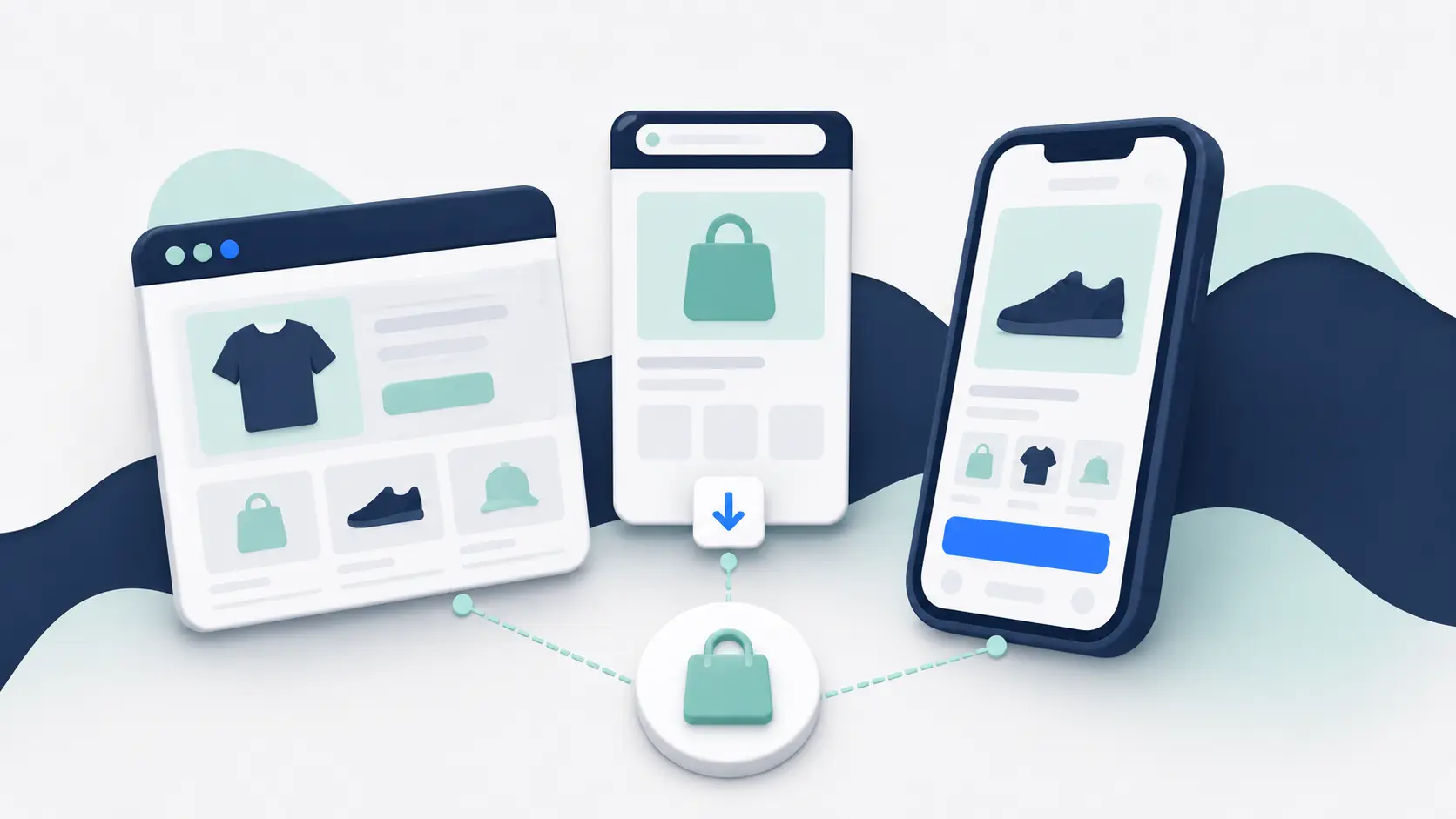
Native, hybrid, and cross-platform are often presented as three cleanly separated ways to build a mobile app.
The reality is messier.
A native app is built specifically for iOS or Android. A cross-platform app shares much of its code across both operating systems. A hybrid app usually combines web content with a native app shell.
But these categories can overlap. A cross-platform app can still render native interface components. A largely native app can use a WebView for checkout or help content. An app builder may combine native navigation, web-based shopping pages, and third-party native software development kits in the same product.
For an ecommerce brand, the label matters less than what the architecture lets you deliver and what your team will need to maintain.
This guide breaks down the practical differences.
The Short Answer
Native development offers the deepest platform control, but usually requires the most specialist work. Cross-platform development shares one codebase across iOS and Android, reducing duplication without limiting the app to web pages. Hybrid development reuses web technology inside an app, making it easier to preserve your existing storefront and integrations.
| Approach | How it works | Main advantage | Main tradeoff |
|---|---|---|---|
| Native | Separate iOS and Android codebases using platform tools | Maximum control over the device and platform | More duplicated development and maintenance |
| Cross-platform | One shared codebase produces apps for iOS and Android | Less duplicated work with broad native capability | Platform-specific work is still sometimes required |
| Hybrid | A native shell presents some or most of the experience using web technology | Reuses existing web experiences and integrations | Quality depends heavily on the website and native implementation |
For a standard ecommerce app, none of these approaches is automatically best. The right choice depends on what you need to preserve from your store, what must be built specifically for mobile, and how much ongoing software work you want to own.
What Is a Native Ecommerce App?
A fully native app is developed separately for each operating system using its own languages, frameworks, and interface components.
An iOS app might be built with Swift and SwiftUI. Its Android counterpart might use Kotlin and Jetpack Compose. The two apps can connect to the same ecommerce platform and backend services, but their client-side code is separate.
This gives developers direct access to platform capabilities and lets them shape each experience around the conventions of the operating system. It also creates two products to build, test, release, and maintain.
Native development is strongest when the app depends on unusually deep device integration, demanding real-time interactions, complex offline behavior, or an interface that should be independently optimized for each platform.
Most shopping apps don’t need that degree of separation. Product discovery, accounts, cart, checkout, loyalty, and order tracking can all be delivered through several architectures. The question is whether your requirements justify the extra ownership.
What Is a Cross-Platform Ecommerce App?
A cross-platform app uses a shared framework and codebase to produce apps for iOS and Android.
React Native, for example, lets developers describe an interface in JavaScript while using platform-backed native components. Flutter produces natively compiled applications from a shared Dart codebase. Both can call platform-specific code when a feature can’t be handled entirely through the shared layer. You can read the current explanations in the React Native documentation and Flutter documentation.
This approach avoids building the same product twice. Your team can share most screens, business logic, API connections, and tests while still releasing normal iOS and Android apps.
The word shared is important. It doesn’t mean every line of code will work identically on both platforms. Payments, notifications, permissions, navigation behavior, third-party SDKs, and new operating-system features may still require platform-specific implementation and testing.
For many custom ecommerce projects, cross-platform development is the practical middle ground. It provides broad native capability without committing to two completely separate application codebases.
What Is a Hybrid Ecommerce App?
Hybrid apps combine native application code with web technology.
The most familiar model is a native shell that loads part or all of your mobile website inside a WebView. The app can add native navigation, push notifications, deep links, biometric login, camera access, and other device features around the web experience.
Some hybrid apps use web content only for selected journeys. A native or cross-platform app might render the homepage and product pages itself, then open an existing web checkout in a WebView. Others use the website for nearly the entire shopping journey and reserve native code for the app-level controls.
This is why hybrid describes a spectrum rather than one fixed architecture.
For ecommerce, the major attraction is reuse. Your website already contains the catalog, merchandising logic, customer accounts, checkout, custom features, and third-party tools. A hybrid approach can keep more of that investment in place instead of rebuilding every part for a second storefront.
The quality of the result depends on more than whether a WebView is present. A slow mobile website inside a thin shell will still feel slow. A strong mobile storefront inside a well-built native framework can feel coherent and app-like.
For a deeper look at this architecture, see What Is a WebView App?.
Cross-Platform and Hybrid Don’t Mean the Same Thing
These terms are sometimes used as if they were interchangeable. They aren’t.
Cross-platform describes how the application code is shared across operating systems. Hybrid describes the combination of native and web layers within the app.
A React Native app can be cross-platform without being web-based. Its interface can use native views throughout. A WebView-based app can also use a cross-platform framework to build the native shell. In that case, the app is both cross-platform and hybrid.
When a provider says it builds “native apps,” ask what that means in practice. It may mean the app is distributed through the App Store and Google Play, not that every screen is written separately in Swift and Kotlin.
That distinction isn’t a gotcha. It simply tells you more about the product you’ll be buying.
How the Approaches Compare for Ecommerce
The technical architecture affects more than the first build. It determines how your store, app, and integrations evolve together.
Storefront Parity
A hybrid app can often preserve website functionality with the least rebuilding. Changes to your web storefront may appear in the app immediately because both surfaces use the same underlying experience.
Native and cross-platform apps usually recreate the storefront through APIs and app-specific components. This provides more control over the interface, but website features don’t automatically carry across. Each custom product option, loyalty tool, promotion, account function, and content block needs a supported app implementation.
Performance
Native development gives engineers the widest range of performance options. Cross-platform frameworks can also deliver fast, smooth interfaces when they are implemented well.
A hybrid app depends more directly on web performance, network conditions, and the behavior of embedded pages. Native caching, loading states, navigation, and selective native screens can improve the experience, but they don’t remove a slow storefront underneath.
Architecture creates possibilities. It doesn’t guarantee the result. A disciplined hybrid implementation can outperform a neglected native app, while a well-engineered native app can support experiences that a web-led architecture cannot.
Integrations
Website-based integrations are generally easiest to preserve in a hybrid app because the same scripts and pages continue running. Native and cross-platform apps normally need an API, SDK, supported component, or custom connection for each tool.
That difference matters for stores with loyalty, subscriptions, reviews, personalization, search, bundles, or custom account features. “Integrated” can mean anything from displaying basic data to supporting the complete customer journey. Ask to see the exact functionality working.
Design Freedom
Native and cross-platform development give you more freedom to design an app independently of your website.
That is valuable when the app is meant to be a distinct product. It is less valuable when your real requirement is to give loyal customers a faster way to use the store they already know.
A hybrid app can still use native menus, tabs, headers, transitions, and app-only screens. Its main constraint is that web-led sections inherit the strengths and weaknesses of your mobile storefront.
Maintenance
Fully native development creates separate iOS and Android release work. Cross-platform development reduces that duplication, although platform-specific maintenance doesn’t disappear.
Hybrid apps can reduce storefront duplication further. If a feature continues to run from your website, your web team may only need to change it once. The app shell, native integrations, operating-system compatibility, and store releases still need maintenance.
Which Approach Should You Choose?
Start with the experience the app must deliver, then work backward to the simplest architecture that supports it.
Choose fully native development when the value of deep platform-specific work clearly outweighs the cost of operating two codebases. This is most defensible when the app itself is a major software product, not simply another channel for your store.
Choose cross-platform development when you need a custom app experience but want to share most development across iOS and Android. It is a strong default for custom builds with substantial app-specific functionality.
Choose a hybrid approach when your mobile website already delivers the right shopping experience and preserving its features is more important than rebuilding them in app-specific components. It is particularly useful for complex storefronts that would lose functionality inside a template-led app builder.
Before committing, ask the provider or development team to explain:
- Which screens use native components and which use web content
- How products, prices, inventory, customers, carts, and orders stay synchronized
- How your current website features and integrations will work
- Which parts require separate iOS and Android code
- What happens when your website or ecommerce platform changes
- Who owns testing, operating-system updates, and app-store releases
The answers will tell you more than the architecture label alone.
Final Verdict
Native development gives you the most platform-specific control. Cross-platform development gives you much of that flexibility with less duplicated code. Hybrid development gives you the most direct route to reusing the storefront you already operate.
For most ecommerce brands, the best architecture isn’t the most technically pure one. It is the one that delivers the required customer experience while keeping integrations, updates, and long-term ownership manageable.
Judge the finished system, not the label on the proposal.
Frequently Asked Questions
Is a cross-platform app a real native app?
A cross-platform app is a normal installed iOS or Android app. Frameworks such as React Native use platform-backed native components, while Flutter compiles applications for each target platform. Some implementation details differ from apps written entirely in Swift or Kotlin, but cross-platform doesn’t mean the app is a website.
Are hybrid apps slower than native apps?
They can be, particularly when they depend on slow pages or repeatedly load web content without good caching and navigation. But the architecture alone doesn’t determine speed. Website performance, native-shell quality, backend latency, assets, and testing all affect the result.
Can one ecommerce app use more than one approach?
Yes. An app can use native or cross-platform screens for navigation and account features, web content for product and checkout journeys, and native SDKs for notifications or analytics. Mixed architectures are common.
Is this the same choice as an app versus a PWA?
No. Native, hybrid, and cross-platform describe ways to build an installed app. A PWA is delivered through the web. See Native App vs Mobile Website vs PWA for that comparison.