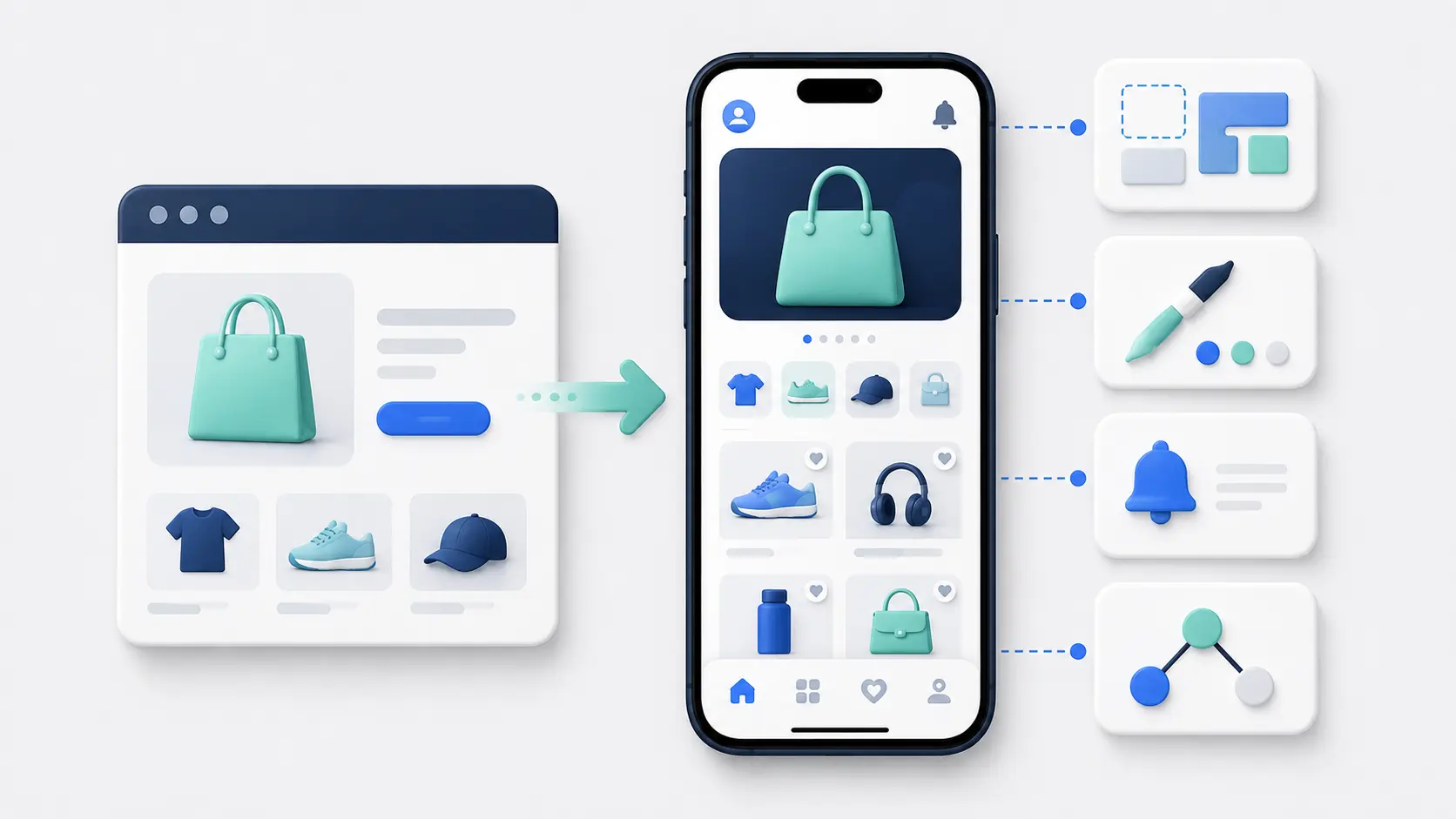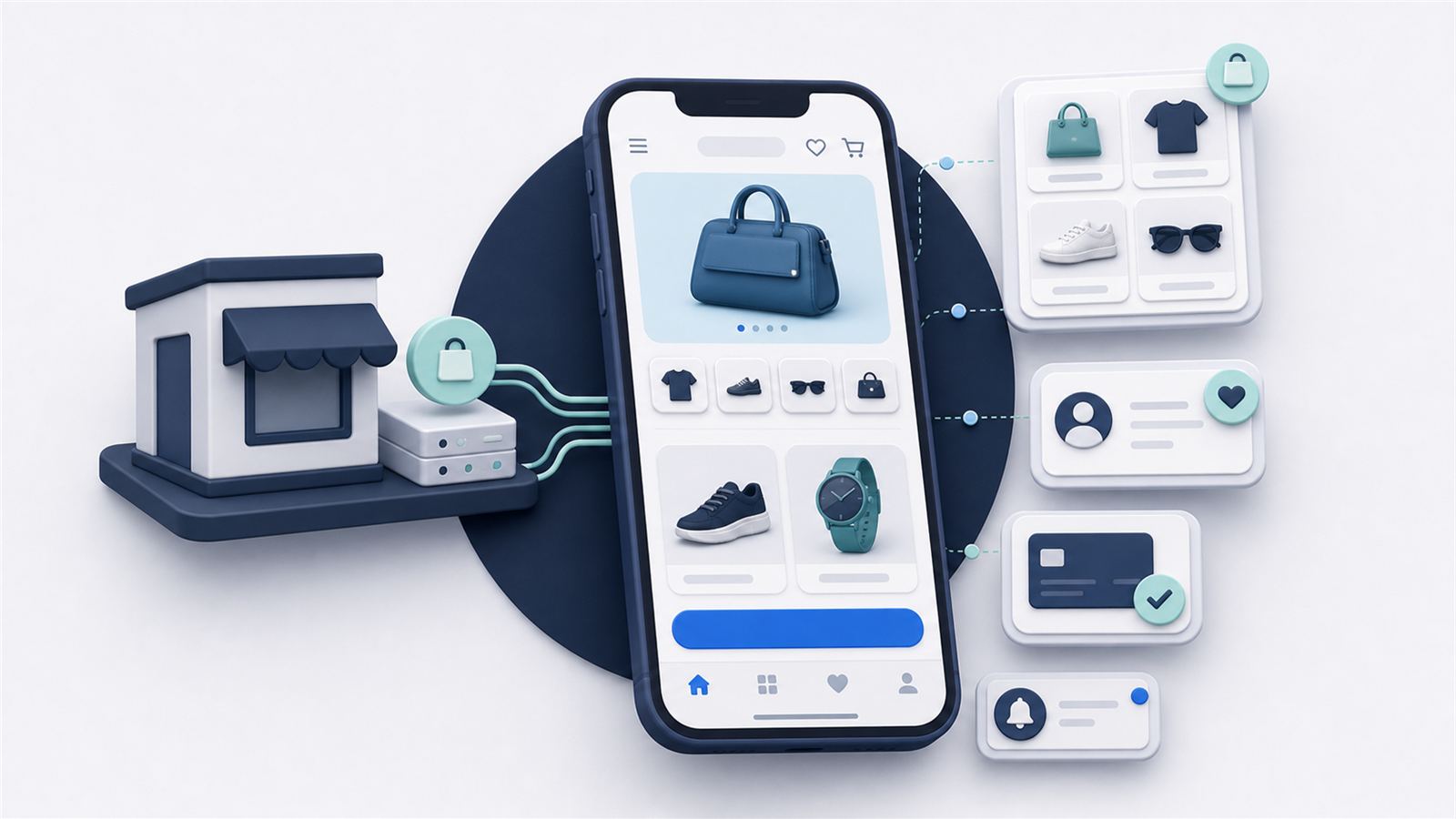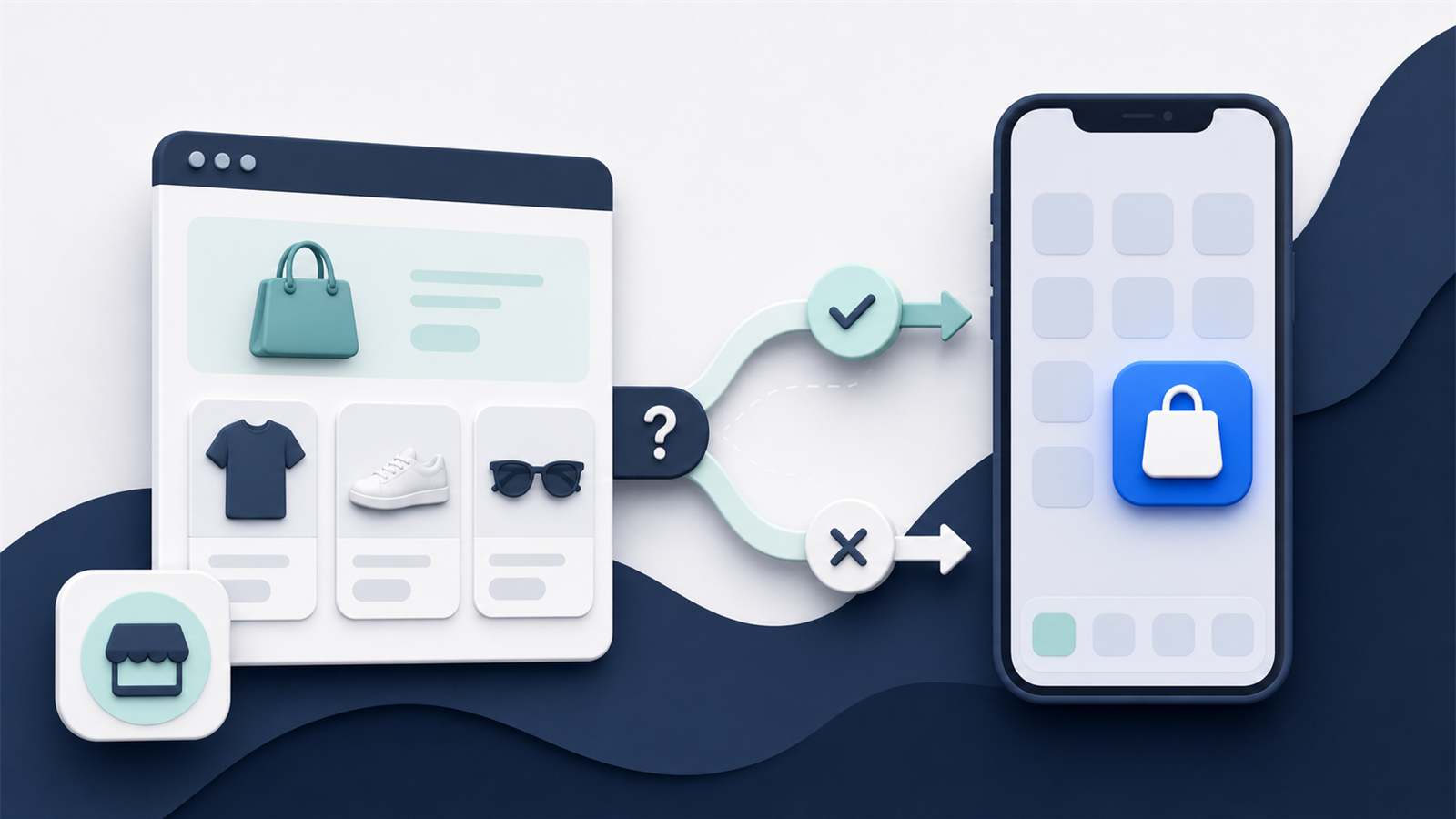
Your Shopify store already works on a phone. A mobile app gives your best customers a faster, more direct way to come back and shop again.
That doesn’t mean every Shopify store needs one. An app creates a new channel to launch, promote and manage. It makes the most sense when you have enough repeat customers to use it and a clear reason for them to download it.
This guide covers the whole decision: what a Shopify mobile app is, how it connects to your store, when it makes sense, the ways you can build one, and what happens after launch.
The Short Answer
A Shopify mobile app is a branded iOS and Android shopping app connected to your Shopify store.
Shopify remains the commerce engine. Your products, inventory, customers, orders and checkout stay connected to the systems you already use. The app gives customers an installed mobile experience around that operation, with features such as persistent login, native navigation and push notifications.
You can build the app with a visual app builder, use your existing mobile website as its foundation, or commission a custom app through an agency or development team.
For most stores, the main question isn’t whether an app is technically possible. It’s whether enough customers will download and use it to justify the cost and work.
What Do We Mean by a Shopify Mobile App?
The phrase “Shopify mobile app” can refer to three different products. Only one is your own customer-facing app.
The Shopify App Helps You Run Your Store
Shopify’s mobile app is the merchant app you use to manage your business. It lets you check orders, edit products, view analytics and handle store tasks from your phone.
It’s for you and your team. It isn’t a shopping app that customers download for your brand.
Shop Is Shopify’s Shared Shopping App
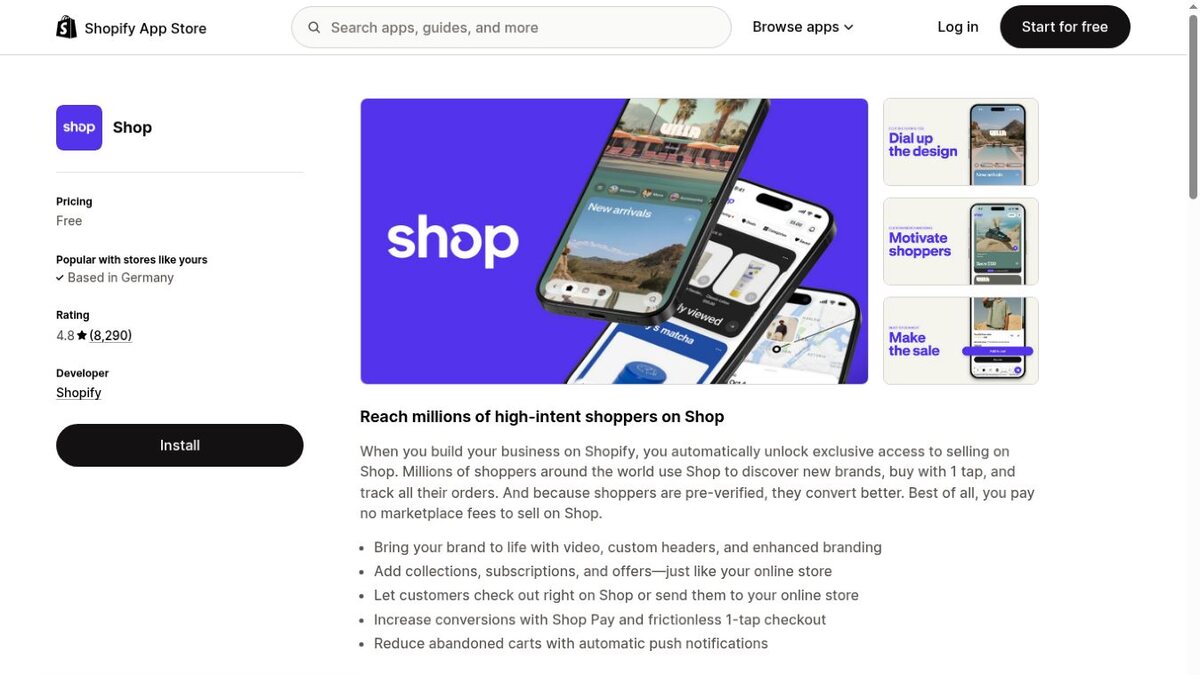
Shop is Shopify’s customer-facing marketplace and order-tracking app. Eligible stores can appear inside it, and customers can use the same Shop app to discover and buy from many different merchants.
Shop can be a useful sales and discovery channel. It doesn’t give you your own listing under your brand name in the Apple App Store and Google Play, and the experience still sits inside Shopify’s wider Shop environment.
A Branded App Belongs to Your Store
A branded Shopify app is published under your brand and built around your storefront.
Customers download your app from the Apple App Store or Google Play. The icon on their phone is yours, the shopping experience is yours, and your team controls the merchandising, messages and app-only offers.
This is the type of app we’re talking about throughout the rest of this guide.
Why Shopify Stores Launch Mobile Apps
A mobile app shouldn’t exist simply because large retailers have one. It needs to improve a part of your customer journey or commercial model.
For most Shopify brands, the case rests on three things: easier repeat shopping, direct customer communication and a stronger experience for loyal customers.
Make Repeat Shopping Easier
An installed app removes some of the friction between a returning customer and your store. Your brand is already on their phone. They can stay logged in, reopen the app in one tap and move back into a familiar shopping experience.
That matters more for products people buy repeatedly than for one-off purchases. A customer buying skincare, supplements, clothing or groceries every month has more reason to keep your app than someone making a single considered purchase.
Reach Customers With Push Notifications
Push notifications give you a direct way to bring app users back. You can send a product launch, price-drop alert, restock message or cart reminder to the lock screen without paying for each individual message.
The value isn’t that you can send more messages. It’s that you have another channel alongside email and SMS, with a very short path back into the relevant product or cart.
Push still needs restraint. If every notification is a generic promotion, customers can disable alerts or delete the app. The channel works best when messages are timely, relevant and connected to something the customer cares about.
Give Loyal Customers More
Your app can become the best place for high-value customers to shop.
You might offer early access to product drops, app-only discounts, loyalty benefits, saved preferences, faster reordering or content built around your community. These features give customers a reason to download the app and keep it installed.
The app doesn’t have to reinvent your store. It needs to make your strongest customer relationships more useful.
Does Your Shopify Store Need an App?
An app is usually a retention investment. It becomes more attractive once you have a meaningful base of customers who already know the brand and come back to buy again.
The strongest signs are practical:
- Mobile already accounts for a large share of your traffic and revenue.
- You have a healthy number of repeat customers.
- Customers buy often enough to keep the app installed.
- Email and SMS are important, but you want another owned channel.
- You can offer a clear download incentive or app-only benefit.
- Someone can own promotion, push and app performance after launch.
The case is weaker if your store is early, most customers buy only once, or you haven’t yet built reliable demand for the website. An app won’t fix weak acquisition, poor product-market fit or a difficult mobile shopping experience.
Start with the customer behavior you already have. If repeat shoppers form a valuable part of the business, an app can make that relationship easier to grow.
How a Shopify Mobile App Connects to Your Store
Your app shouldn’t become a disconnected ecommerce operation. Shopify should remain the source of truth for the parts of the business it already manages.
When you update a product, price or inventory level, the app needs to reflect the change. When someone places an order, it should enter the same Shopify order, payment, fulfillment and customer-service workflows as a website order.
The exact connection depends on how the app is built.
API-Based Apps Rebuild the Storefront
Most Shopify app builders and custom mobile apps use Shopify’s APIs to access products, collections, search, carts and customer data.
Shopify provides a dedicated mobile commerce development path. The Storefront API can power product discovery and cart management, while Checkout Kit can bring Shopify checkout into a mobile app.
This approach gives you a separate app frontend. You can design app-specific screens and navigation, but your website theme and customer-facing Shopify apps don’t automatically appear there. Each feature needs to be supported by the mobile platform or built into the app.
Website-Powered Apps Reuse Your Existing Storefront
A website-powered app uses your mobile Shopify site as the main shopping experience, then adds native app navigation, push notifications and other mobile features around it.
The advantage is continuity. Your theme, landing pages, custom code and customer-facing integrations can carry into the app because the app is using the storefront you already maintain.
The trade-off is that your mobile website needs to be good. An app can make it easier to return, stay logged in and receive push, but it won’t rescue a slow or confusing store.
Customer Accounts and Checkout Need Special Attention
Catalog sync is only the beginning. Test the workflows that sit closer to a purchase.
Customers need to move through login, cart and checkout without losing their session, market, discount or selected products. Shopify recommends its Customer Account API for customer-scoped data and authenticated actions in custom storefronts and apps.
Your subscriptions, loyalty program, product options, bundles, reviews, search and returns flow also need to behave correctly. An integration logo doesn’t prove the full journey works. Ask to see each important workflow using a store configured like yours.
The Features That Matter in a Shopify Mobile App
The best app isn’t the one with the longest feature list. It gets the basic shopping journey right and adds mobile features where they remove friction or help you retain customers.
Fast Navigation and Product Discovery
Customers should be able to move through collections, search, filters and product pages without fighting the interface.
Native tab navigation can make the main areas of your store easier to reach. Search and filters matter even more when you have a large catalog. If a customer knows what they want, the app should help them get there quickly.
A Checkout That Keeps the Shopify Experience Intact
Your app should preserve the checkout rules, payments, discounts, shipping methods and market logic you rely on in Shopify.
For custom mobile storefronts, Shopify’s Checkout Kit embeds Shopify checkout in iOS and Android apps and supports Shop Pay and other wallets. App-builder and website-powered routes usually handle this connection for you, but you should still test it with your real setup.
Persistent Customer Accounts
One of the small advantages of an app is that returning customers don’t expect to log in from scratch every time.
Persistent authentication, saved addresses, order history, loyalty status and subscription management can turn the app into a useful account hub. This is especially important if much of your value comes after the first purchase.
Push Notifications and Deep Links
A push notification should open the relevant place in the app. A restock alert should lead to the product. A cart reminder should return the customer to their cart.
That connection is called deep linking. Without it, the customer receives a specific message and lands on a generic homepage, adding more work before they can act.
Support for Your Existing Ecommerce Stack
Your store probably depends on more than Shopify. Reviews, loyalty, subscriptions, search, personalization, analytics and customer support all shape the experience.
Make a list of the customer-facing functions you can’t lose. Then test those exact functions in the proposed app. The question isn’t whether Recharge or Yotpo appears on a provider’s integration page. It’s whether your customers can complete the actions they use today.
Analytics That Separate App Performance
You need to see what happens inside the app and how it compares with mobile web.
At minimum, track users, sessions, conversion rate, average order value and revenue. Add app-specific measures such as download-to-registration rate, active users, retention, push opt-in and notification-driven revenue.
An app can produce a high conversion rate because your best customers are the people most likely to download it. That is still valuable, but it isn’t proof that moving every visitor into the app would produce the same result.
Three Ways to Build a Mobile App for Shopify
There are three practical routes. The right one depends on how different the app needs to be from your current store, how much technical control you need and who will maintain it.
| Approach | How it works | Main advantage | Main trade-off |
|---|---|---|---|
| Shopify app builder | Recreates the storefront with prebuilt mobile components connected to Shopify | Faster launch and lower starting cost | Separate app storefront to manage |
| Website-powered service | Uses your existing Shopify site inside a native app framework | Preserves your web experience and reduces duplicate work | App quality depends on the mobile site |
| Custom development | Builds a bespoke app with Shopify’s APIs and mobile tools | Maximum control over design and functionality | Highest cost, longest project and full maintenance responsibility |
Use a Shopify Mobile App Builder
A Shopify app builder gives you a ready-made mobile platform, design blocks and Shopify connection. You arrange the app in an editor while the provider generates and maintains the iOS and Android builds.
This is the most accessible route for a standard Shopify store. You can launch without assembling a full development team, and the provider handles much of the underlying mobile framework.
The main limitation is the platform boundary. Your app can use the components and integrations the builder supports. Custom web experiences may need to be rebuilt, replaced or left out.
Our Shopify mobile app builder comparison breaks down nine current options and their pricing models.
Use Your Shopify Website as the Foundation
Website-powered services package your existing mobile storefront as the core app experience and add the native features needed for app-store distribution.
This works well when your Shopify site is already heavily customized. Instead of rebuilding your merchandising, integrations and customer journeys in another editor, you continue improving the website and those changes carry into the app.
This route also reduces the work of running two storefronts. It offers less freedom to create a completely different app interface, but that separation is often unnecessary if the website already represents the experience you want.
Build a Custom App
Custom development gives you the most control. Your team can design a unique interface and use Shopify’s Storefront API, Customer Account API and mobile checkout tools as the commerce foundation.
You also take responsibility for the full product. That includes architecture, iOS and Android development, API changes, integrations, testing, app-store submission, security, monitoring and future operating-system updates.
Custom development makes sense when the app itself needs to become a differentiated product and an existing platform can’t support the requirements. If you mainly need a strong shopping app with push notifications, it can be more engineering than the project requires.
What Does a Shopify Mobile App Cost?
The cost changes dramatically by build route.
A self-service app builder typically costs around $150 to $1,000+ per month. Managed app services commonly sit around $1,000 to $2,500+ per month and may charge a setup fee. Custom development can start around $50,000 and move beyond $250,000 for complex projects or separate native iOS and Android apps.
These are planning ranges, not quotes. Our guide to ecommerce mobile app costs explains what sits behind them.
The headline price isn’t the whole cost. Include design and setup, integrations, revenue share, usage charges, custom work and the time your team spends running the app.
Publishing accounts are a small additional cost. The Apple Developer Program costs $99 per year, while Google Play Console charges a $25 one-time registration fee. Your business should generally own both accounts, even if a provider manages submission.
What It Takes to Launch the App
The build is only one part of the project.
You need to decide what the app will offer, confirm the required integrations, prepare the design and listings, test the full purchase journey and submit both versions for review.
Apple reviews apps and updates submitted through App Store Connect against its App Review Guidelines. Google also reviews apps before distribution through Play. Approval isn’t automatic, so leave room for questions and changes rather than planning around a single submission date.
Before you launch, make sure ownership is clear. Know who controls the developer accounts, app listings, signing credentials, source code where relevant, analytics properties and push audience. A provider can manage these assets on your behalf without owning them for you.
How to Get Customers to Download Your App
An app doesn’t create its own audience. Your existing customer base is the starting point.
Promote it where repeat shoppers already interact with you: your website, email, SMS, order-confirmation pages, packaging, loyalty program and physical locations. Give people a reason to make the switch, such as early access, a first-app-order offer or a more convenient account experience.
The best incentive depends on what happens after the download. A large discount can produce installs from customers who never return. A benefit tied to repeat behavior, such as app-only access or loyalty rewards, is more likely to attract the audience you want to keep.
Make the value clear before asking for the install. “Download our app” is a request. “Get early access to every new drop” is a reason.
How to Measure Whether the App Is Working
Downloads are the first step, not the result.
Track whether customers activate, return and buy. The most useful measures include monthly active users, app conversion rate, average order value, purchase frequency, customer retention and revenue per user.
Compare app users with relevant customer groups, not just every mobile website visitor. People who download your app are likely to be more loyal before the app enters the picture. Look at how behavior changes after adoption and how app customers develop over time.
Push performance needs context too. Opens and clicks are useful diagnostics, but revenue, repeat purchases and unsubscribes tell you more about whether the channel is creating value.
Final Thoughts
A Shopify mobile app can give your best customers a faster way to shop and give your team a direct channel to bring them back.
The case is strongest when repeat customers already matter to the business and you can offer a clear reason to download. From there, choose the build route that fits the experience you need and the work your team can realistically own.
You don’t need to build the most complicated app. You need one that stays connected to your Shopify operation, supports the customer journeys that matter and is easy enough to keep improving after launch.
Shopify Mobile App FAQs
Does Shopify Give You a Mobile App for Your Store?
Shopify provides a merchant app for managing your store and the shared Shop shopping app for customers. It doesn’t automatically create a standalone iOS and Android app published under your brand. You need an app builder, website-powered service or custom development project for that.
Can You Turn an Existing Shopify Store Into an App?
Yes. You can connect Shopify to a visual app builder, use your current mobile website as the app’s foundation or build a custom frontend with Shopify’s APIs. The right route depends on how much of your existing storefront you want to preserve and how much control you need.
Will Products and Orders Stay Synced With Shopify?
They should. Products, inventory and orders normally continue to run through Shopify. Confirm the exact sync behavior for prices, variants, customers, carts and any third-party tools before choosing a provider.
Do You Need Separate Apps for iPhone and Android?
Customers need an iOS version for Apple devices and an Android version for Google devices. Most app builders and cross-platform development frameworks share much of the underlying work, so you don’t necessarily need two completely separate projects.
Can Customers Use Shop Pay in a Shopify Mobile App?
Yes, if the app’s checkout implementation supports it. Shopify’s Checkout Kit supports Shop Pay and other wallets in mobile apps. Test the actual checkout flow because support depends on how the app is built and configured.
How Long Does It Take to Launch?
A platform-based app can often launch in weeks, while a custom build can take several months or longer. Your design, integrations, developer-account setup, testing and app-store review all affect the timeline.