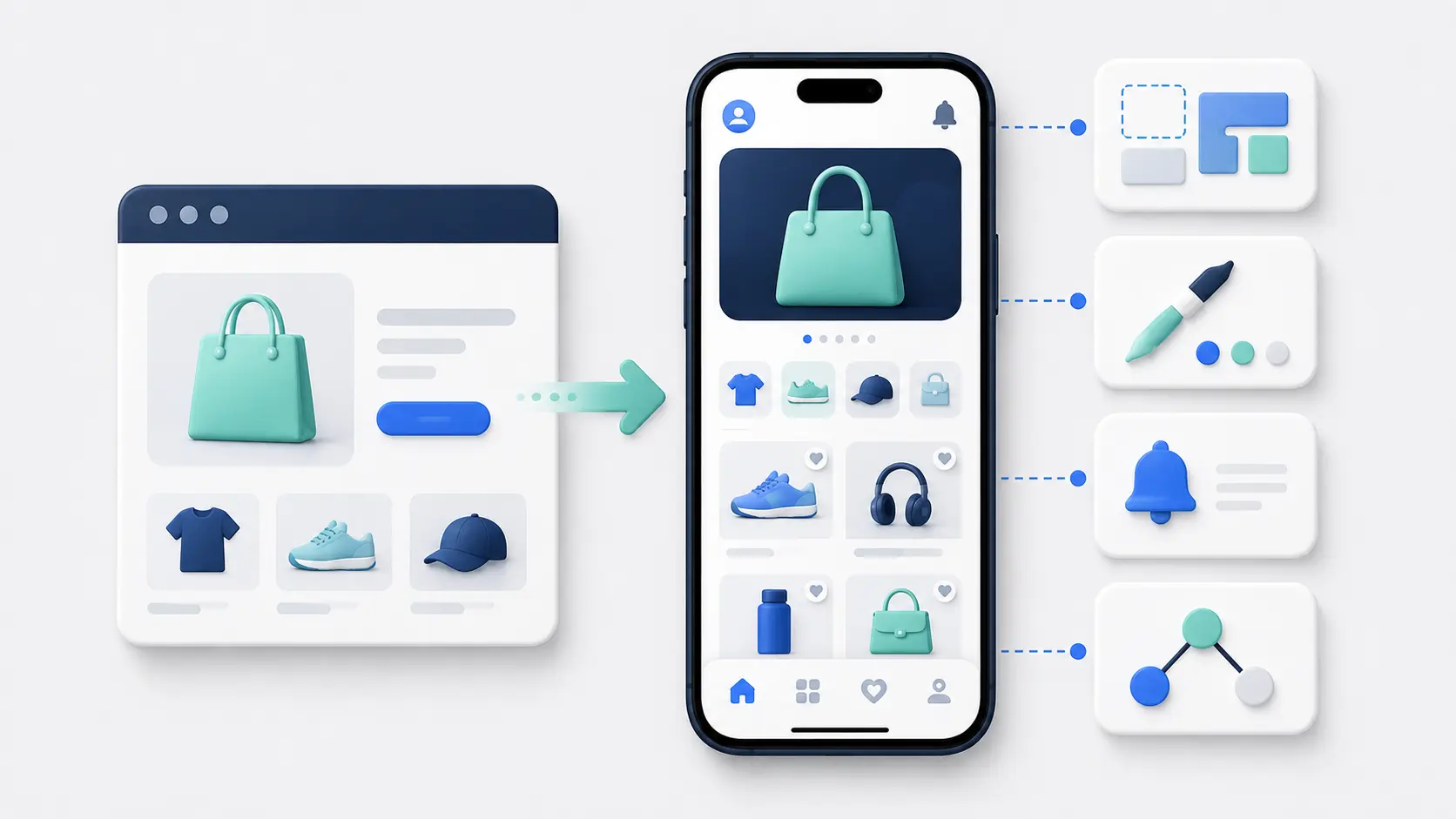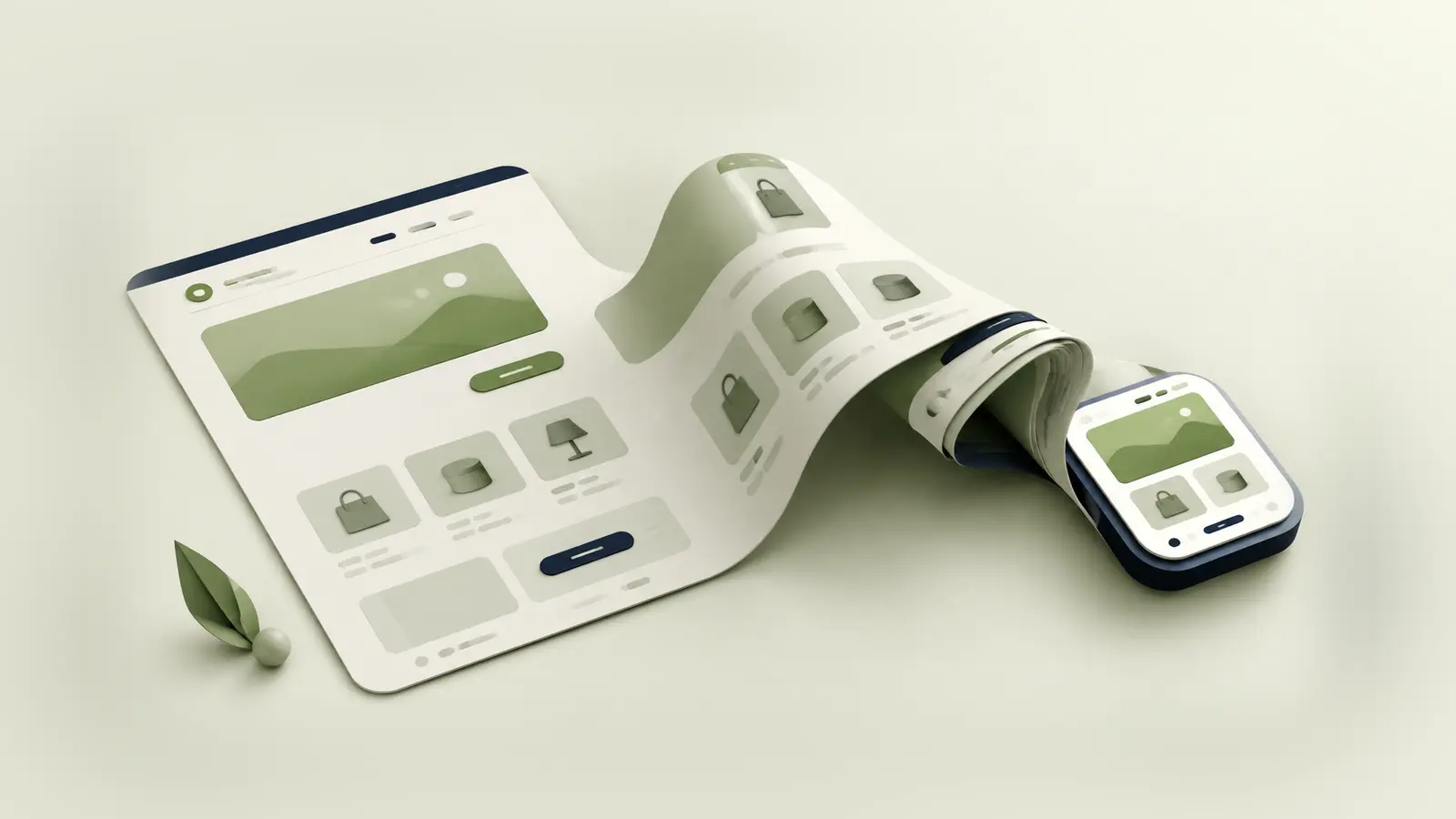
Your Shopify store can become a mobile app without moving products, orders or checkout into a new ecommerce platform.
Shopify stays at the center. The decision is how much of the customer-facing store you want to reuse and how much you want to rebuild as a separate mobile experience.
You can connect Shopify to a visual app builder, use your existing mobile website as the app’s foundation or create a custom app with Shopify’s APIs. Each route produces an iOS and Android app, but the work behind it is very different.
The Short Answer
The simplest way to turn a Shopify store into an app is to use an established mobile app platform.
Most platforms connect to Shopify, pull in your products and collections, and give you tools to create the app’s pages. Your catalog, inventory and orders stay in Shopify while you manage a separate app storefront.
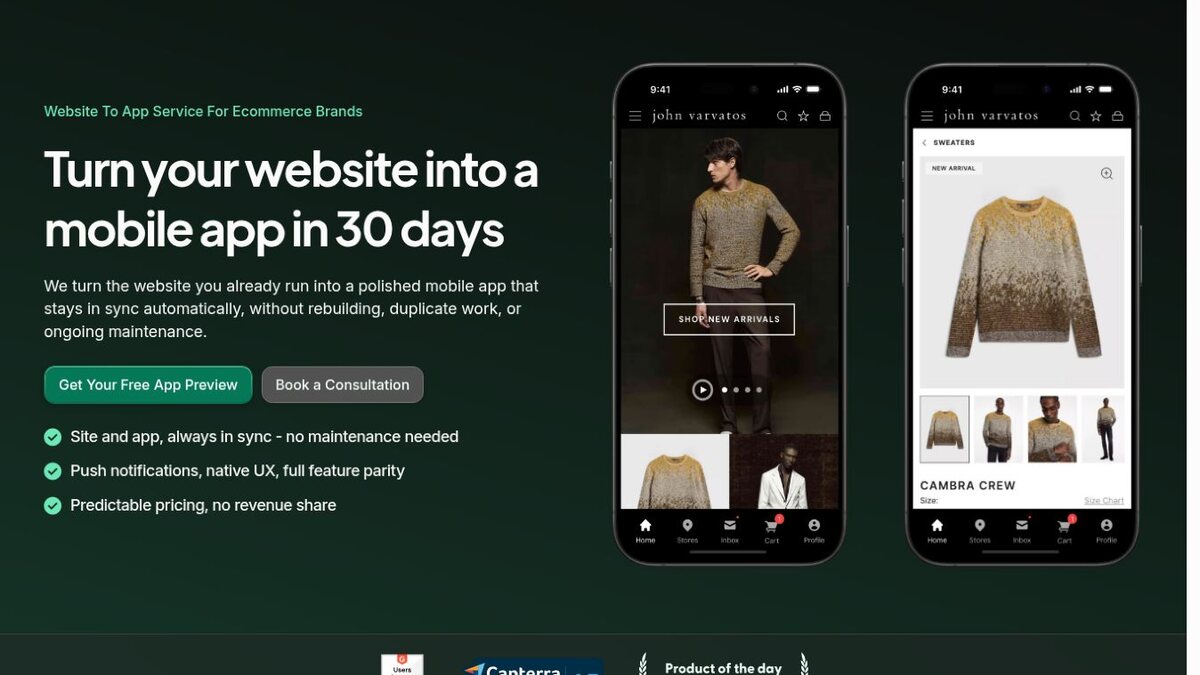
A website-powered service takes a more literal conversion route. It uses the mobile Shopify site you already run as the core app experience, then adds native navigation, push notifications, deep links and app-store packaging around it.
Custom development gives you complete control, but it also turns the project into a full software build.
The right route depends on one main question: do you want to recreate the store for the app, or keep the storefront you already have?
What “Turning Your Store Into an App” Really Means
There isn’t a button inside Shopify that exports your theme as a finished iPhone and Android app.
Your store is a set of systems. Shopify manages products, inventory, customers, carts, checkout and orders. Your theme creates the online storefront. Third-party apps add reviews, subscriptions, loyalty, search, personalization and other customer experiences.
Turning that setup into an app means creating a mobile frontend that stays connected to those systems.
Some approaches reuse the frontend itself. Others rebuild it with mobile components and connect those components to the same Shopify data.
This distinction affects almost everything that follows: design flexibility, feature parity, cost, launch time and how much work the app creates after launch.
What Can Stay in Shopify
You shouldn’t need to run a second commerce backend for the app.
Your product catalog, variants, prices, inventory and collections can remain in Shopify. Orders placed in the app should appear in the same Shopify admin and move through the same payment, tax, fulfillment, reporting and support workflows.
Shopify checkout can remain the purchase layer. Customer accounts can also stay connected, although the exact login and account experience depends on how the app is built.
This is the main reason the project is more manageable than building an ecommerce app from a blank codebase. You are changing the customer-facing channel, not replacing the operation underneath it.
What Doesn’t Automatically Become an App
The difficult part is the customer experience around Shopify’s core data.
With a standard API-based app builder, your theme doesn’t carry over. The builder uses Shopify data to populate its own product, collection and content components. You recreate the layout and navigation inside the builder’s editor.
The same applies to many Shopify apps. A reviews widget or subscription interface that runs on your website doesn’t automatically appear in a separate mobile frontend. The app platform needs its own integration, or the function needs custom development.
Custom code and unusual shopping flows need the same attention. Product builders, quizzes, bundles, loyalty experiences, custom accounts and market-specific behavior can all widen the gap between the site and the app.
A website-powered approach preserves more of this layer because the existing storefront continues to run inside the app. Even then, you need to test mobile behavior, logins, external links, payments and anything that interacts with device permissions.
Three Ways to Convert a Shopify Store Into an App
All three routes keep Shopify as the commerce platform. The difference is what happens to the frontend.
| Route | What happens to your storefront | Best fit | Main trade-off |
|---|---|---|---|
| Shopify app builder | You recreate it with the platform’s mobile components | Standard stores that want an app-specific visual editor | A second storefront to manage |
| Website-powered app | Your current mobile site becomes the core app experience | Customized stores that want web and app parity | The app depends on the quality of the mobile site |
| Custom development | A team builds a new mobile frontend against Shopify’s APIs | Unique product requirements outside existing platforms | Highest cost and maintenance responsibility |
Route 1: Rebuild the Storefront in a Shopify App Builder
Shopify mobile app builders give you a visual editor, prebuilt commerce components and a connection to your store.
Products, collections, customers and orders sync with Shopify. You use the builder to arrange the homepage, menus, product presentation and app-only content. The provider produces the iOS and Android builds and usually supports app-store submission.
This route can be quick and affordable when your store follows standard Shopify patterns. It also gives your team direct control over an app-specific layout and merchandising plan.
The trade-off is duplication. Changes to your website theme, landing pages or custom features won’t necessarily appear in the app. Someone needs to keep the app storefront current alongside the site.
Our Shopify app builder comparison covers nine current platforms and how their pricing and management models differ.
Route 2: Use Your Existing Shopify Site in the App
A website-powered app wraps a native mobile layer around your existing Shopify storefront.
Customers see the same core shopping experience you already run on the web, while the app adds native tab navigation, push notifications, deep links, persistent login and app-only elements where needed.
This route avoids rebuilding the store in another editor. When your team updates the site, those changes can carry into the app because both channels share the same customer-facing foundation.
It is particularly useful for customized Shopify and Shopify Plus stores. If you already have working subscription, loyalty, search, personalization or account experiences on the web, you don’t need to find a separate mobile component for each one.
The approach doesn’t improve a weak mobile site by itself. You need a fast, responsive and touch-friendly storefront before it becomes the center of the app.
Route 3: Build a Custom Shopify Mobile App
A custom team creates a new mobile frontend and connects it to Shopify’s development tools.
The Storefront API can supply products, collections, search and cart. The Customer Account API handles authenticated customer data, and Checkout Kit presents Shopify checkout in supported mobile frameworks.
This gives you control over the interface, architecture and roadmap. It also means designing, engineering and maintaining the full product.
Custom development makes sense when the app needs unique workflows, device capabilities or a product experience that existing platforms can’t support. It is usually excessive when the goal is a conventional shopping app with push notifications and the same features as the store.
Start by Checking Whether Your Store Is Ready
The conversion will only be as clean as the operation underneath it.
Review the mobile website first. Navigation, search, product selection, cart and checkout should already work well on a small screen. Fix slow pages, awkward popups, tiny controls and forms that fight the keyboard.
Then list the functions that the app can’t lose. Focus on customer actions, not vendor names: joining and managing a subscription, redeeming loyalty points, selecting product options, reading and writing reviews, tracking an order or starting a return.
Check the internal workflow too. Decide who will promote the app, manage push notifications, update app content where necessary and review performance.
An app can be technically easy to create and still be the wrong project if customers have no reason to download it or nobody has time to run the channel.
How to Turn the Store Into an App
Once you know the route, the project becomes much more concrete.
1. Define the App’s Job
Decide who the app is for and why they should install it. Repeat ordering, VIP access, loyalty, product drops and push notifications are stronger foundations than “we should have an app.”
Set a small group of success metrics, such as active users, repeat purchase frequency, retention and app revenue per user.
2. Map the Storefront and Integrations
Document the full purchase and account journey. Mark which parts come from Shopify, your theme, custom code and third-party tools.
This map shows what the app builder must support, what a website-powered route can preserve and what a custom team would need to create.
3. Choose the Conversion Model
Use an app builder if you want a separate mobile layout and your store fits the available components. Use a website-powered service if preserving the current experience matters more than separating the designs.
Choose custom development only after documenting a requirement the platform routes can’t meet.
4. Design the Native Layer
Even a website-powered app needs decisions about the icon, launch screen, tab navigation, push permission, deep links and any app-only screens.
For a visual builder or custom app, this stage also covers the complete mobile storefront.
Keep the first version focused. A clear home, navigation, search, products, cart, checkout and account experience matter more than a long roadmap of secondary features.
5. Connect and Test the Store
Confirm product, price and inventory behavior. Place orders with real discounts, payments, markets and shipping methods. Test login, checkout, order history and every essential integration.
Run the app on real iPhones and Android devices. Test slow connections, expired sessions, out-of-stock products and failed payments as well as the happy path.
6. Prepare the App Store Accounts and Listings
Your business should normally own the Apple and Google developer accounts, app listings and signing assets.
Prepare the app name, description, icon, screenshots, privacy information and reviewer instructions. The provider can handle the submission, but ownership should remain clear.
7. Launch to Existing Customers
Promote the app through the website, email, SMS, loyalty program, post-purchase pages and packaging.
Give customers a clear reason to download, then follow the first installs through activation, purchase and return behavior. Downloads alone don’t show whether the conversion created a valuable channel.
How Much Does It Cost?
The conversion route creates the largest cost difference.
Self-service Shopify app builders generally start around $150 to $1,000+ per month. Managed website-powered services often sit around $1,000 to $2,500+ per month and may add a setup fee. A custom app can start around $50,000 and move beyond $250,000 for a complex project.
Add the less visible costs: higher plans for integrations, revenue share, custom work, app-store accounts and the time your team spends managing another storefront.
Our mobile app cost guide breaks these planning ranges down in more detail.
How Long Does It Take?
A platform-based conversion can take several weeks from setup to app-store submission. A custom project usually takes several months or longer.
Store complexity matters as much as the chosen platform. A standard catalog and checkout are easier to move than a store with custom products, several markets, advanced accounts and many customer-facing integrations.
Developer-account verification, internal approvals, testing and app-store review also affect the date. Treat approval as a project phase, not an automatic final click.
Which Route Should You Choose?
For a standard Shopify store with a small internal team, a visual app builder is the obvious place to start. You can launch a dedicated mobile experience without funding a custom engineering project.
For a highly customized store, compare the cost of rebuilding and maintaining those features in a separate editor with a website-powered approach that preserves them.
Choose custom development when the app needs to become a unique software product. If you can’t identify what existing platforms prevent you from doing, custom development is unlikely to be the first route you need.
The best conversion is the one your team can sustain. A beautiful app that drifts away from the website or loses key customer features isn’t a successful version of the store.
Final Thoughts
Turning a Shopify store into an app doesn’t require replacing Shopify. It requires choosing the right way to present the store on mobile.
An app builder recreates the storefront with mobile components. A website-powered app carries the storefront you already have into a native framework. A custom build gives you complete control at a much higher cost.
Start with what your customers need and what your current store has already solved. Reuse as much of that working system as the project allows, and only rebuild the parts that create a better app.
Shopify Store-to-App FAQs
Can Shopify Turn Your Store Into an App Automatically?
No. Shopify provides the commerce backend and mobile development tools, but it doesn’t automatically publish a standalone iOS and Android app for your brand. You need an app builder, website-powered provider or custom development team.
Will the App Update When You Change Shopify?
Products, prices, inventory and orders should stay connected to Shopify. Design and content changes depend on the build route. Website-powered apps can reflect storefront changes directly, while a separate app-builder frontend may need its layout updated independently.
Will Your Shopify Apps Work in the Mobile App?
Not necessarily. API-based mobile frontends need a supported integration or custom implementation for each customer-facing tool. Website-powered apps can preserve more existing web functionality, but you should still test the exact journeys that matter.
Can You Keep Shopify Checkout?
Yes. App builders and website-powered apps normally continue using Shopify checkout. Custom mobile storefronts can pass a cart’s checkoutUrl into Shopify Checkout Kit.
Do You Need to Create Separate Product Listings for the App?
You shouldn’t need to maintain a second catalog. The app should use product and inventory data from Shopify. You may still create app-specific merchandising pages, collections, banners or offers depending on the platform.