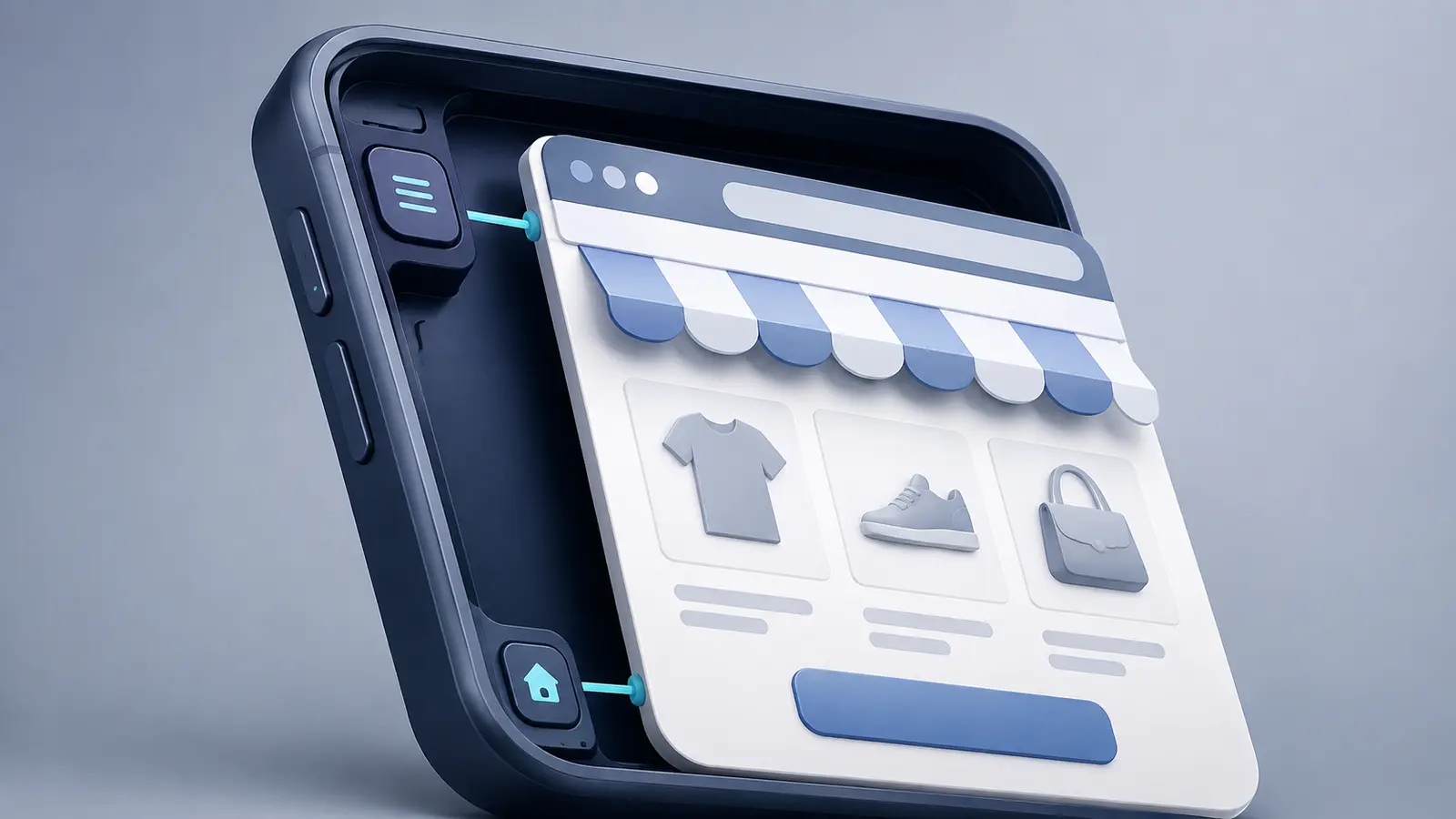
A WebView app displays web content inside an installed mobile application.
That description can make it sound like the app is nothing more than a website placed inside a box. Some are. Good WebView apps do considerably more.
They use the existing website for the parts it already handles well, then add a native layer for app navigation, push notifications, deep links, loading behavior, device features, and app-store distribution.
For ecommerce brands, that can solve a practical problem. Your website already contains years of work across design, checkout, customer accounts, merchandising, and third-party integrations. A WebView architecture lets the app reuse that system instead of rebuilding the storefront screen by screen.
The tradeoff is that the app inherits much of the website’s performance and behavior. It only works well when the mobile storefront and the native shell are both built for the job.
What Is a WebView?
A WebView is a browser component embedded inside an app. It can load and display HTML, CSS, JavaScript, images, and other web content without sending the customer into a separate browser application.
Android provides the WebView component for embedding and controlling web content. Its documentation covers page loading, JavaScript, navigation, and communication between the page and native application code. Apple provides the equivalent through WebKit and WKWebView.
The customer still installs the finished product from the App Store or Google Play. The WebView is one component inside that app, not the distribution method.
How a WebView-Based Ecommerce App Works
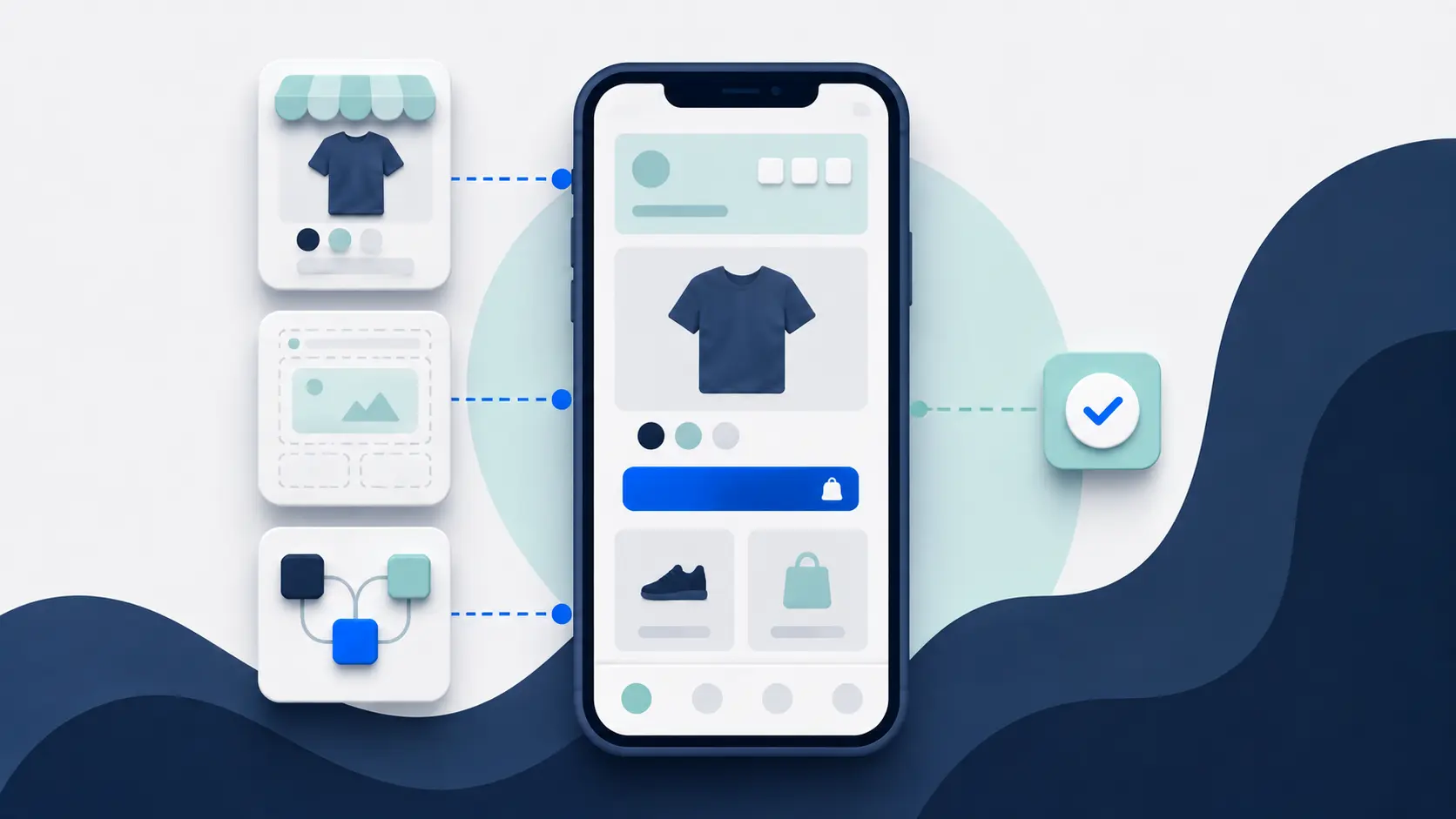
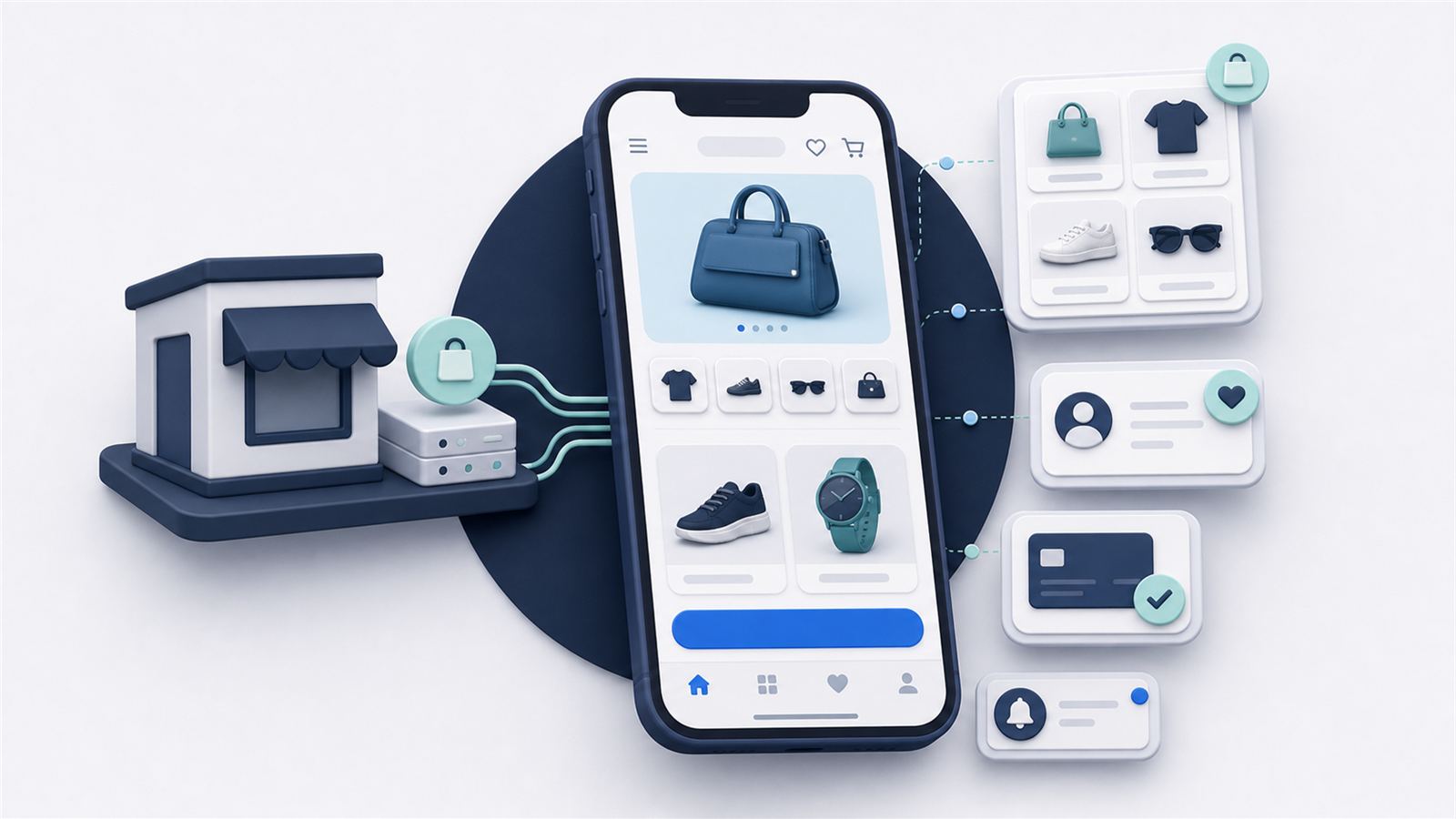
A typical WebView ecommerce app has three layers.
The first is your web storefront. It provides product pages, collections, search, cart, checkout, customer accounts, and the integrations already running on your site.
The second is the native app shell. It controls the app window, navigation, tabs, safe areas, loading states, external links, gestures, and app lifecycle. It also connects the app to services such as push notifications and deep linking.
The third is a bridge between the web and native layers. The bridge lets a page tell the app that a customer opened a product, signed in, added to cart, or reached checkout. It can also let native code pass information back to the web experience.
The balance varies. One app might use WebViews for nearly the entire shopping experience. Another might use native screens for onboarding, navigation, and account features while loading product and checkout pages from the website.
The shopping experience and the app work together through three connected parts.
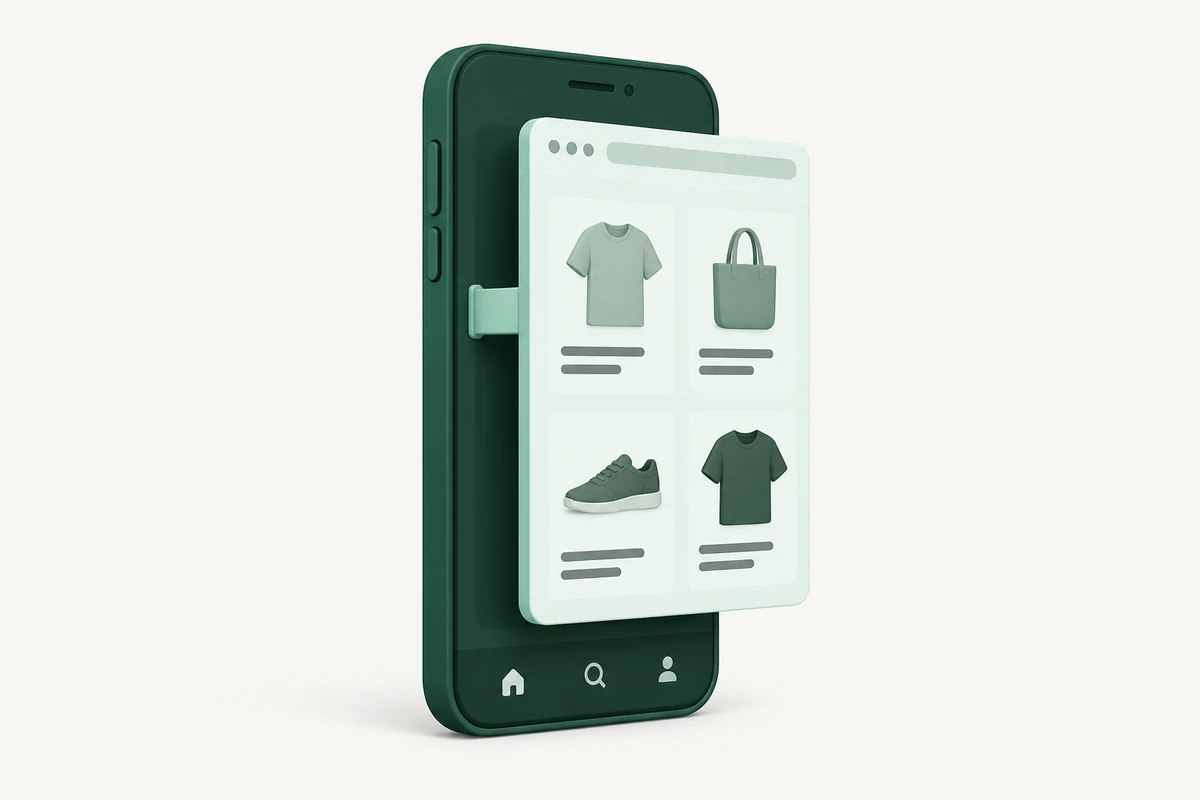
- Your web storefront Product pages, cart and checkout from your existing website.
- The native shell App navigation, device features, push notifications and deep links.
- The bridge Messages and actions passed between the webpage and native code.
Illustrative architecture. The connector represents a software bridge; the web/native mix and supported features vary by implementation.
Why Ecommerce Brands Use WebView Apps
Ecommerce stores are rarely isolated catalogs. They have promotions, content, localization, customer accounts, loyalty programs, subscription management, reviews, product options, search, and checkout behavior that have evolved over time.
An API-led app must reproduce those features through supported components or custom integrations. A WebView app can often run the existing experience directly.
That creates three main advantages.
First, the app can preserve more of your website. Customers don’t receive a simplified storefront that loses features your team already invested in.
Second, updates can be faster. A merchandising or content change on the website may appear in the app without waiting for a new mobile release.
Third, your team has less duplicate work. You can continue managing much of the shopping experience through the systems you already use.
This is particularly valuable for stores with a strong mobile website, significant customization, or integrations that app builders don’t support natively.
A WebView App Is Not the Same as a Mobile Website
The content may come from the same storefront, but the product around it is different.
A mobile website opens in Safari, Chrome, or another browser. It is reached through a URL and shares the browser’s interface and lifecycle.
A WebView app is installed, has its own icon and app-store listing, and can combine web content with native capabilities. It can provide persistent native navigation, receive app push notifications, process deep links, control how external pages open, and expose selected device features to the web layer.
It is also different from a progressive web app. A PWA remains a web product even when the customer adds it to the home screen. A WebView app is packaged and distributed as an iOS or Android application.
WebView App vs Native and Cross-Platform App
| Area | WebView-led app | Native or cross-platform app |
|---|---|---|
| Storefront interface | Reuses web pages | Rebuilt with app components |
| Existing website features | Often continue working directly | Need API, SDK, component, or custom implementation |
| Website updates | Can flow into the app immediately | May require separate app work |
| Platform control | Added through the native shell and bridge | Available directly to the app code |
| Offline experience | Limited unless deliberately engineered | More control over local data and offline journeys |
| Performance ceiling | Tied partly to web and network performance | More room for app-specific optimization |
| Long-term workload | Shared storefront plus native-shell maintenance | Separate app storefront plus backend and integration maintenance |
Neither side wins every row. The choice is about which system you want to reuse and which capabilities you need to build specifically for the app.
What Separates a Good WebView App From a Bad One
A weak WebView app loads the public homepage, adds little else, and leaves browser behavior untouched. Navigation feels awkward, links escape unpredictably, loading states are poor, and the customer repeatedly hits website elements that make no sense inside an app.
A strong implementation treats the website as one part of the app.
It uses native navigation where that improves orientation. It handles back gestures, external domains, downloads, popups, authentication, camera or file uploads, and payment handoffs deliberately. It provides proper loading, error, and offline states instead of a blank screen. It removes or adapts web elements that duplicate the app interface.
It also connects native actions to the right web destinations. A product push notification should open the product, not the homepage. An abandoned-cart message should restore the relevant cart state when the platform allows it. A customer who is already signed in shouldn’t be asked to authenticate again because the web and app sessions lost track of each other.
The app should feel like a coherent product even when much of its content is delivered through the web.
Performance Depends on the Storefront and the Shell
WebView performance starts with your mobile website.
Heavy scripts, unoptimized images, layout shifts, slow APIs, and intrusive overlays will still affect customers inside the app. The native layer can improve transitions, preload selected destinations, cache assets, display skeleton screens, and keep navigation responsive, but it can’t make a poor storefront disappear.
Test the real journeys on real devices and ordinary mobile connections. A fast homepage on office Wi-Fi says little about a product page with personalization, reviews, variants, and a large image gallery.
The shell matters too. Recreating the WebView on every navigation, mishandling cookies, or blocking the main interface while a page loads can make a capable website feel much worse inside the app.
Native Features Still Require Native Work
A WebView doesn’t automatically provide push notifications, camera access, biometrics, app links, native sharing, or offline storage.
Those capabilities have to be implemented in the surrounding app and, where necessary, connected to the page through a secure bridge. Third-party tools may also require native SDKs if their web implementation isn’t sufficient inside the app.
This is why “website wrapper” is an incomplete description. The web content can reduce how much storefront code needs to be rebuilt, but the app still needs real mobile engineering.
Can WebView Apps Be Approved by the App Stores?
WebView technology is not automatically disallowed. Both mobile platforms provide official ways to embed web content.
Approval depends on the finished app. Apple’s current App Review Guidelines say an app should provide features, content, and interface value beyond a repackaged website. Google Play also prohibits repetitive, low-quality, and low-functionality apps under its spam policy.
For an ecommerce app, that means the submission should be stable, useful, and designed as an app. Native navigation, push notifications, deep links, account utility, saved state, app-specific content, and a polished mobile experience can all contribute. Adding random native features solely to check a box won’t rescue a weak product.
No provider can guarantee approval. Ask who prepares the submission, responds to review feedback, and maintains compliance after launch.
Security and Privacy Need Deliberate Handling
A WebView can load active web content and communicate with native code. That bridge creates useful capabilities and potential security risks.
The app should restrict which domains it trusts, validate links before loading them, use encrypted connections, limit exposed bridge methods, and avoid giving untrusted pages access to sensitive native functions. Android’s security guidance warns specifically about unsafe URI loading, overly broad file access, and insecure JavaScript bridges in WebViews.
Authentication tokens, customer data, payment journeys, cookies, local storage, and cached content all need a defined policy. Security should be part of the architecture, not a final submission checklist.
When a WebView App Is a Good Fit
A WebView-led architecture is worth considering when your mobile website already provides a strong shopping experience and the app needs to preserve it closely.
It is especially suitable when your store has custom functionality, frequent content changes, a broad set of web integrations, or a lean ecommerce team that doesn’t want to manage a second storefront.
It is a weaker fit when the app must work extensively offline, render highly demanding real-time interfaces, or behave as a substantially different product from the website. Those requirements may justify native or cross-platform development.
Questions to Ask a WebView App Provider
Don’t stop at asking whether the provider “uses WebViews.” Ask how the finished system works.
- Which journeys use web content and which are native?
- How are navigation, loading, errors, external links, and the device back action handled?
- How do login, cookies, cart state, checkout, and payment handoffs work?
- Which native capabilities and third-party SDKs are included?
- How are trusted domains and web-to-native messages secured?
- How is the app tested when the website changes?
Some providers ship basic WebView apps that are cheap, loosely functional, and not really an option for a serious business.
Others give you a high-quality app that looks and feels just like Amazon or any other native shopping app - just with the benefit of not having to rebuild all your user experience inside another platform.
Final Verdict
A WebView app is not automatically a shortcut or a low-quality app. It is an architecture for sharing web functionality with an installed mobile product.
For ecommerce, that can be a major advantage. Reusing the storefront preserves features and reduces duplicate work. The model fails when a provider treats the native shell, mobile website, and connection between them as afterthoughts.
Choose it when your website is an asset worth carrying into the app. Then make sure the app layer adds the navigation, reliability, security, and mobile capabilities customers expect.