Key Takeaways
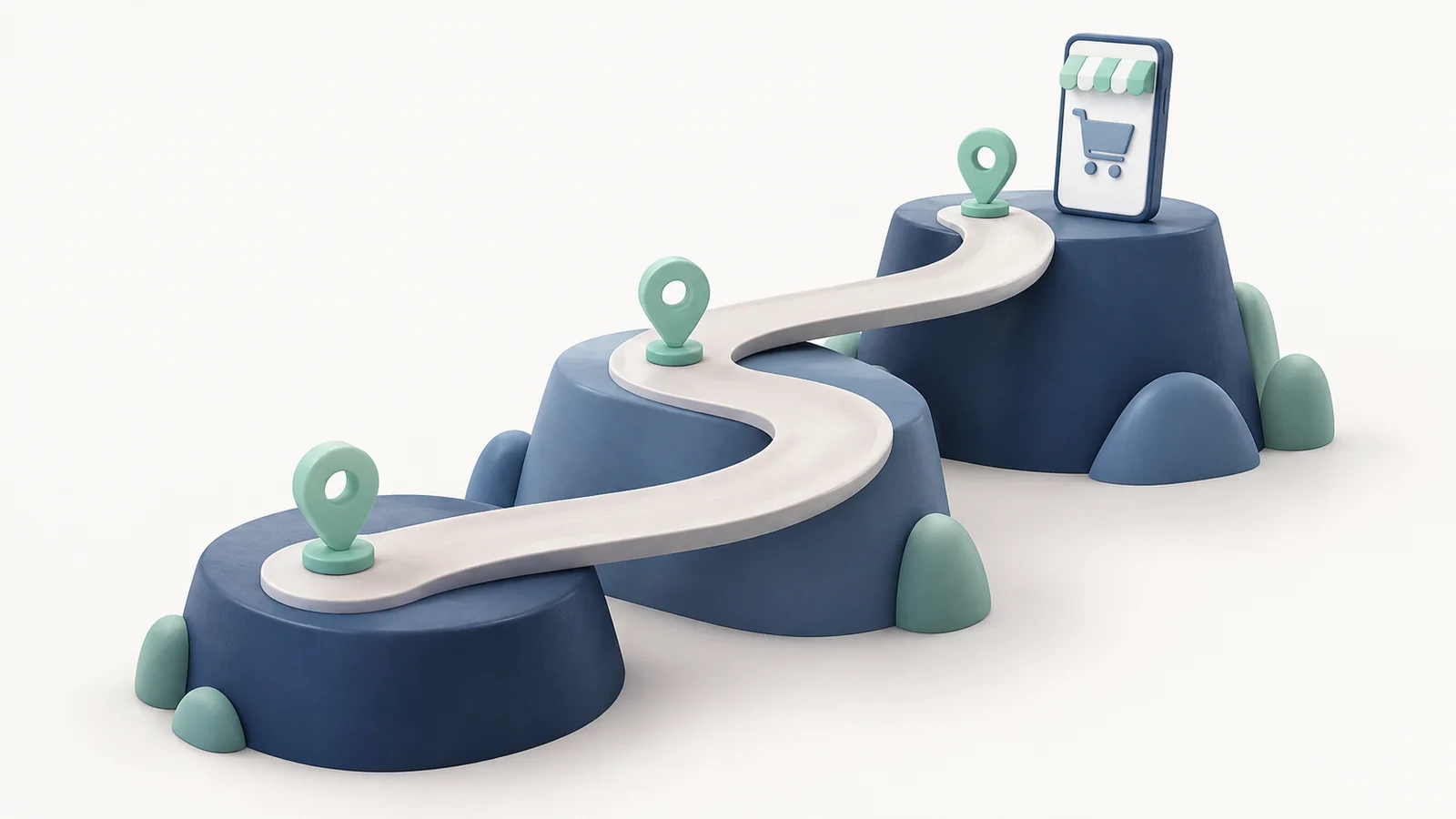
- An ecommerce app roadmap puts the work in order: what ships at launch, what has to work before it, and what waits for evidence from real shoppers.
- Build the first release around one complete customer journey that delivers your reason to install, and test that journey from sign-in to a finished order.
- Schedule prerequisites such as sign-in, checkout and purchase tracking before the campaigns and features that depend on them.
- After launch, let checkout data, support tickets and shopper requests decide the next release, and fix whatever blocks the core journey before you add anything new.
Once an app is approved, ideas arrive faster than anyone can build them. Marketing wants an install campaign. Merchandising wants app-only drops. Customer service wants better order tracking, and someone has already asked about back-in-stock alerts.
Every one of those ideas might be worth building. But if they all go into the first release, the launch slips, and the journey that gives shoppers a reason to install gets less testing than it needs.
This guide shows you how to turn that list into a roadmap your team can work from. It starts with a complete example roadmap, then explains how to decide what belongs in the first release, what has to happen before it, and how to choose what to build once real shoppers are using the app.
What Does an Ecommerce App Roadmap Look Like?
An ecommerce app roadmap is a shared plan for what your app will do, in what order, and why. Atlassian describes a product roadmap as “a shared source of truth that outlines the vision, direction, priorities, and progress of a product over time.”
For a store’s app, that shared plan covers the launch, the fixes that follow it and the improvements you’ll consider later.
The easiest way to see how one works is with an example. Say a fashion retailer is launching an app, and the reason to install is early access to new drops for its VIP customers. VIP shoppers get into each drop a day before everyone else, and only in the app.
Here’s what that retailer’s roadmap could look like:
| When | Outcome | Owner | Depends on | Evidence to move on |
|---|---|---|---|---|
| Launch | VIP shoppers sign in and the app recognizes their status | Ecommerce lead | Customer accounts and the VIP tag in the store | Test VIP and non-VIP accounts each see the right access |
| Launch | VIP shoppers can view and buy the drop before it opens to everyone | Merchandising | VIP sign-in | A test VIP order goes through while the drop is still closed to others |
| Launch | Every app order completes and appears in your reports | Developer and analytics | Checkout in the app, plus checkout and purchase events | Test orders match in the store admin and in analytics |
| Launch (in parallel) | Store listings are ready and support can answer VIP questions | Marketing and support lead | None on the build side | Listings are approved and support has answers for sign-in and access problems |
| Launch | VIP customers are invited to install | Marketing | All the launch rows above | The app is live in both stores and a test VIP has bought from a drop |
| First fixes | The biggest blocker in the VIP journey is fixed | Ecommerce lead | Data from the first drop | Fewer failed sign-ins, abandoned checkouts or support tickets on the next drop |
| Later | Shoppers get an alert when a sold-out size comes back | Developer and CRM | Variant stock, the shopper’s request, notification permission and a link to the right size | Shoppers keep asking for sold-out sizes and the launch journey is stable |
The order matters more than the dates. Each row says what has to be true before it can start, and what you need to see before you move on. The “Depends on” and “Evidence to move on” columns are what separate a roadmap from a feature list.
You can copy the columns as they are. Swap in your own reason to install, and the rest of the structure still holds.
What Belongs in the First Release?
The first release needs the journey that delivers your reason to install, working from start to finish, and not much else. Your app strategy should already name the customers the app is for and why they’d download it. The roadmap turns that into the work your team has to finish before launch day.
So answer two questions separately: which journey you’re promising, and what has to work underneath it.
The Shopping Journey You Promise at Launch
The journey you promise at launch is the path a shopper takes from opening the app to receiving what you told them they’d get. For the fashion retailer, a VIP shopper has to sign in, see that the early drop is open to them, add an item to the cart and complete the order.
Test that path as one journey, not as separate features. A sign-in screen that works and a product page that loads don’t add up to early access if the app forgets the shopper’s VIP status at checkout.
Writing the test as a sentence helps: “A VIP shopper can sign in on a new phone, open the drop while it’s closed to everyone else, and pay for a dress in their size.”
Your requirements checklist can turn sentences like that into acceptance tests for each part of the build.
Anything that doesn’t serve that sentence can wait. Wishlists, style quizzes and loyalty redesigns might all be good ideas, but none of them is the reason a VIP shopper installs this app.
What Has to Work Before You Can Ship?
Some work has to be finished before other work can start, and the roadmap should show it. Intercom’s guidance on prioritization puts it simply: “One project may be a dependency for another project, so it needs to happen first.”
For the VIP launch, three things come first:
- VIP eligibility. The app has to know who counts as a VIP before it can show them anything early.
- Checkout in the app. The early-access promise means nothing if the order fails at payment.
- Purchase tracking. You need to count app orders correctly from the first day, or you can’t judge the launch.
The invitation to VIP customers sits after all three. If you send it while sign-in still fails for some accounts, your most valuable customers find the problem first.
Purchase tracking is the easiest of the three to leave too late. Firebase’s ecommerce measurement, for example, logs a begin_checkout event when a shopper starts checking out and a purchase event when they buy. Test both before release, because comparing them later is how you’ll find where shoppers drop out.
Our guide to app analytics and KPIs covers what else to measure.
Other work doesn’t depend on the build at all, so run it alongside. Your store listings, screenshots and support answers can be ready by the time the app is.
Release sequencing belongs on the roadmap too. Apple’s TestFlight lets testers give feedback “before you publish,” so a small group of staff and friendly VIPs can try the journey first.
After that, neither store lets you release a brand-new app gradually. Google Play says staged rollouts “can only be used for app updates, not when publishing an app for the first time,” and Apple’s phased release is for updates as well.
So the VIP invitation gets its own row, after everything else. You control who arrives first through your promotion, not through the stores. The launch checklist covers the readiness checks for each of those steps.
What Should You Build After Launch?
After launch, your next release should come from what shoppers actually do in the app. Checkout events show where orders stall, support tickets show what confuses people, and shopper requests show what they want next. Bring all three back to the same roadmap, so new ideas compete with the fixes on equal terms.
Intercom’s RICE method scores ideas on “reach, impact, confidence and effort,” and those four words make useful prompts. How many shoppers does this affect? How much would it change for them? How sure are you? How much work is it?
Fix the Biggest Blocker First
A problem in the core journey usually outranks any new feature, because it affects every shopper you’ve already won. Its reach and impact are high, and your confidence is high too, because you saw it happen.
Say the first VIP drop goes live and the data shows two problems. A noticeable share of VIP shoppers start checkout and never finish, and support gets a run of tickets from VIPs who signed in but couldn’t see the drop.
Both problems go to the top of the next release, ahead of whatever was planned. Fix the sign-in issue first if it stops shoppers before they ever reach the drop. Then compare begin_checkout and purchase events on the next drop to confirm the checkout fix worked.
Whatever was planned for that release doesn’t disappear. It moves down one release, and the roadmap records why.
When Do Back-in-Stock Alerts Earn a Place?
Back-in-stock alerts earn a place once the launch journey is stable and shoppers keep asking about sold-out sizes. If popular sizes in a VIP drop sell out early, the fashion retailer will hear those requests soon. But demand alone doesn’t make the feature ready to build.
An alert that works needs four things in place:
- A reliable stock signal. On Shopify, the
availableForSalefield shows whether a product variant can be bought. But Shopify notes that the value “doesn’t separate delivery methods,” so check that the size is available the way the shopper wants to receive it, by delivery or in-store pickup, before you send anything. - The shopper’s request. The app needs to record which product, in which size, each shopper asked to follow.
- Permission to notify. iOS apps have to ask before they show alerts, and Android 13 and higher has a runtime permission for notifications. A shopper who taps “notify me” may still have notifications turned off.
- A link to the right variant. The alert should open the product in the shopper’s size, ready to buy, not the homepage.
Weigh that work against the demand. If only a handful of shoppers ask, an email from your existing tools may cover it for now.
If every drop sells out and VIPs keep asking, the alert becomes the obvious next row, and the four dependencies above become its launch checks. Our guide to push notification best practices covers how to ask for permission at moments like this.
Keeping the Roadmap Current
A roadmap stays useful when one person owns it and specific events trigger a review. Without an owner, every team keeps its own list, and the shared plan goes stale.
The owner is usually your ecommerce or product lead. They don’t decide alone, but they make the final call on order and keep the reasons written down. Marketing, merchandising, developers and support all bring evidence to it.
Review the roadmap when something changes the order, not only on a fixed schedule:
- After each release, once you’ve seen how shoppers used it.
- When a dependency changes, such as a new loyalty tool or a change to checkout.
- When a support theme keeps coming up.
- When a later item’s evidence arrives, like a run of requests for sold-out sizes.
At each review, ask two questions. Does the core journey still work for the shoppers it was built for? And what evidence would justify the next row? Those answers keep the plan honest, and they make ongoing maintenance part of the same conversation as new features.
Final Thoughts
A good ecommerce app roadmap is short at the start. It names one journey that gives shoppers a reason to install, puts the work that journey depends on first, and keeps everything else waiting until there’s a reason to build it.
For the fashion retailer, that meant VIP sign-in, checkout and purchase tracking before the first invitation, and back-in-stock alerts only once shoppers asked for them. Your journey will be different. The approach still works: launch one thing that works completely, watch what shoppers do with it, and let that decide what comes next.
Ecommerce App Roadmap FAQs
How Is a Roadmap Different From a Launch Checklist?
A roadmap and a launch checklist do different jobs. The roadmap sets the order of work and the reasons behind it, while the checklist confirms each item is ready before you ship. Use the roadmap to decide what’s in the release, and the checklist to test it.
How Far Ahead Should You Plan an Ecommerce App Roadmap?
An ecommerce app roadmap should put dates only on work whose scope and owners are known, which is usually the launch and the first fixes. Keep later items conditional on the evidence that would justify them. Our guide to how long an app takes to build can help you set the launch date.
Who Should Own the App Roadmap?
The app roadmap should have one owner, usually the ecommerce or product lead, who makes the final call on order. Marketing, merchandising, developers and support contribute evidence and estimates, but a single owner keeps the plan from splitting into separate team lists.
Can You Make a Roadmap Before Choosing an App Provider?
You can make a roadmap before choosing an app provider, and it helps. Set the outcome, the launch journey and its dependencies first. Then confirm with each provider what they’d build, what your team would handle and how long it would take. Our guide to choosing an app builder covers the questions to ask.