Key Takeaways
- MobiLoud is our top pick for established, customized WooCommerce stores. Its team designs, builds and maintains a custom native app on your existing website, with your plugins and checkout still working and app screens designed around your brand. Its $799 a month starting price makes it a poor fit for small stores on tight budgets.
- No single WooCommerce app builder suits every store. The right one depends on how customized your store is, your budget and how much app work your team wants to own.
- Builders that pull store data through WooCommerce’s APIs give you a separate app interface, but every plugin and checkout behavior you rely on needs explicit support.
- Builders that use your live website keep more of your theme, plugins and checkout. Some wrap your pages as they are. MobiLoud takes a different route: its team builds a custom native app on your existing site, keeping that functionality while designing app-specific screens.
- Entry prices run from free and one-time licenses to managed services costing hundreds or thousands of dollars a month, so compare first-year cost, not the headline price.
- Test your real customer journeys (subscriptions, bundles, add-ons and checkout) before you commit to any builder.
WooCommerce lets you shape your store almost any way you like. You can choose the theme, the checkout, the payment methods, and plugins for subscriptions, loyalty, bookings and translation.
That freedom is what makes picking a mobile app builder difficult. A builder that handles a simple catalog well can stumble on the plugins and custom code that make your store work, and you often won’t find out until a demo with your own products.
The right builder reproduces the shopping experience your customers already know, at a cost and workload your team can sustain. This guide compares seven credible options, from low-cost WordPress plugins to managed services, with current prices, how each one works and where each fits best.
MobiLoud comes first. It combines full plugin and checkout compatibility with a custom app design and a team that builds and runs the app for you. The other six follow for stores with smaller budgets, simpler catalogs or in-house developers.
How Do the Top WooCommerce App Builders Compare?
The seven builders below range from a fully managed service to a free self-serve plan. MobiLoud, our top pick, leads the table, and the rest follow in the order this guide covers them. The table shows each one’s approach and public starting price as of October 2026.
| Builder | Approach | Starting price | Best suited to |
|---|---|---|---|
| MobiLoud | Managed service that designs, builds and maintains a custom native app on your existing website | $799/month | Established, customized stores that want the work handled |
| AppMySite | Self-serve builder connected through WooCommerce APIs | Free Android plan; $19/month for Android and iOS | Standard stores that want to build the app themselves |
| ShopApper | Done-for-you WooCommerce app service | $245/month plus a $495 publishing fee | Smaller stores that want hands-on help |
| Twinr | Hosted platform that wraps your live store | $25/month | Stores with a strong mobile site and a self-serve team |
| WPMobile.App | WordPress plugin that turns your site into an app | €239 one-time for Android and iOS, excluding VAT | Simple stores wanting a one-off license |
| Mobikul | Flutter app package with optional source code | $129 one-time on sale ($249 regular) | Teams with in-house mobile developers |
| Mobile App Builder for WooCommerce | Woo Marketplace extension by FmeAddons | $149/year | Stores that prefer buying through the Woo Marketplace |
These are the vendors’ own listed prices. Developer accounts, usage charges, add-ons and custom work can change your real total.
Why Are WooCommerce App Builders Hard to Compare?
WooCommerce app builders are hard to compare because they take different routes to the same goal. Most fall into a few broad approaches, and the lines between them blur.
Some builders rebuild your store in a new interface. They pull products, categories, carts and orders from WooCommerce’s APIs into app screens. That gives you app-specific design control, but the builder has to support each plugin and checkout behavior you rely on.
Others use your live website inside a native app. This is often called a WebView app. Your theme, plugins and checkout carry over. How far the app goes beyond your mobile site varies, and some builders wrap your pages as they are.
A managed service can build a custom app on your existing site. MobiLoud’s team designs and builds a custom native app on top of your WooCommerce store, so your plugins and checkout keep working while the app gets its own navigation, screens and native features.
Another group sells you an app package or source code. The upfront cost can be low, but someone has to customize, publish and maintain the app after you buy it.
Those differences show up in ordinary shopping tasks. If you sell a subscription box with configurable add-ons, syncing the product name and price isn’t enough. Your customer still needs to choose the box, set a delivery schedule and manage the subscription later.
Keep that complete journey in mind as you read about each builder. The approach decides what carries into your app and who maintains it once it’s live.
MobiLoud: Best Overall for Established, Customized Stores
MobiLoud is a managed service that designs, builds and maintains a custom iOS and Android app on your existing WooCommerce website. Because the app is built on top of your existing site, your theme, plugins, checkout and custom code keep working without being rebuilt against a separate template, and updates to your site flow into the app. MobiLoud’s team adds the native pieces: tab bar and navigation, push notifications, deep linking, social sign-in and custom screens.
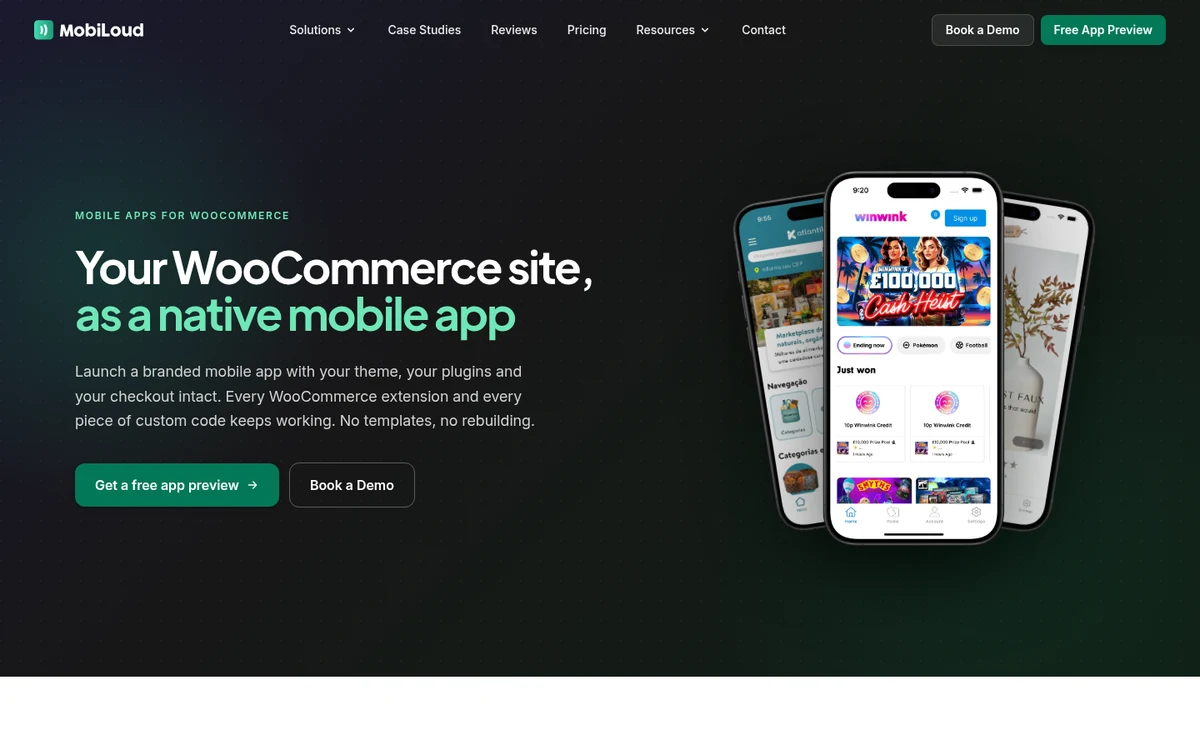
The app is designed around your brand rather than a template, so it can elevate a weak or outdated mobile website instead of reproducing it. On its Business and Enterprise plans, MobiLoud builds a custom app experience with custom home screens and navigation, and that work can extend to product pages, filters and the cart, while keeping the store functionality behind them. Enterprise adds custom app pages, sections and native features.
Every plan also includes the iOS and Android build, native configuration, push notification and analytics setup, testing, app store submission and ongoing native maintenance, so your team doesn’t have to staff the project.
MobiLoud’s pricing page lists three plans:
- Growth: $799 a month, or $679 a month billed annually, including 5,000 monthly active users, app branding and small design adjustments.
- Business: $1,499 a month, or $1,274 a month billed annually, including 10,000 monthly active users, a custom app experience with custom home screens and navigation, and ongoing custom app improvements.
- Enterprise: Custom pricing based on usage and scope, with unlimited monthly active users, multiple stores, sites and countries, custom app pages and sections, custom native features and third-party SDK integrations.
There are clear tradeoffs:
- Its starting price is the highest in this comparison. MobiLoud is hard to justify for a small store looking for the cheapest possible app.
- The deepest design work sits on the higher plans. Growth covers branding and small design adjustments, while the custom app experience work starts on Business.
- Usage affects the bill. Growth charges $100 per extra 1,000 monthly active users, and Business charges $50.
- Push runs through your own OneSignal account, which bills you directly above 1,000 app monthly active users.
- Growth and Business cover one store and one country. On those plans, your own web team builds any new pages the app needs.
- New native features and third-party SDK integrations are quoted separately.
- MobiLoud keeps the platform the app runs on. Your developer accounts, listings and users stay yours, but if you leave, you’ll need a replacement app built elsewhere. It can ship as an update to the same store listing.
MobiLoud earns the top spot because it avoids the usual compromise. You keep the plugins, checkout and custom features your store depends on, get an app designed around how customers shop on a phone, and hand the build and maintenance to a team that does it full time. It’s the strongest choice when rebuilding your store would be risky, when you want an app designed for your brand rather than a template, or when the cost of running a second storefront matters more than the subscription price alone.
AppMySite: Best for a Low-Cost Self-Serve App
AppMySite is a no-code builder for WordPress and WooCommerce. You connect your store through the AppMySite plugin and WooCommerce’s APIs, design the app with visual tools, then test it in a simulator or on a real device before publishing.
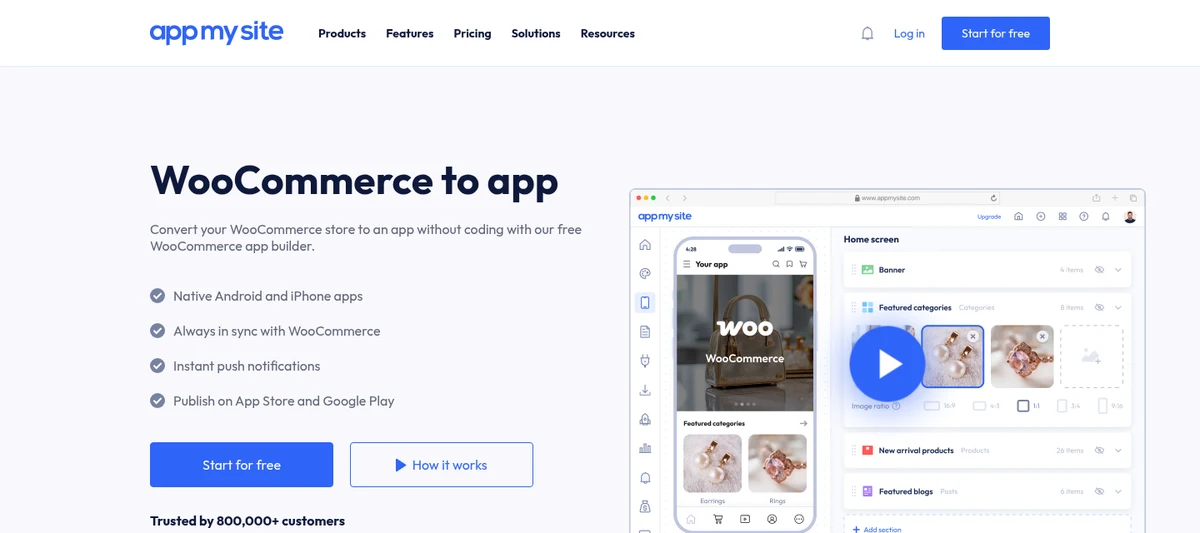
Product details, categories, prices, stock status, shipping rules, tax settings, coupons and order history come from WooCommerce. AppMySite says the app updates as your store changes, without a new app store release each time.
Its WooCommerce pricing page lists these monthly plans:
- Free: One Android app, with AppMySite branding.
- Starter: $5 a month for Android only.
- Pro: $19 a month for Android and iPhone.
- Premium: $49 a month for Android and iPhone, adding language translation, offline mode, app analytics, in-app purchases and assisted publishing.
Yearly billing lowers those to $4, $15 and $39 a month, and one-time lifetime licenses cost $199, $699 and $1,499. AppMySite notes that its prices vary by region, so check the figure shown to you.
AppMySite is a strong fit for a fairly standard store whose team is happy to configure the app itself. AppMySite’s WooCommerce page is open about the limits of the API approach. The app cart isn’t synced with your website cart, the final checkout screen loads as a web page, and plugins that only change your site’s front end may need web screens to work.
AppMySite says it doesn’t yet send automated or usage-based push notifications, such as abandoned-cart or back-in-stock reminders. If those campaigns matter to you, confirm the roadmap before you commit.
ShopApper: Best for a Done-for-You Build at a Moderate Price
ShopApper is a managed app service for WooCommerce and WordPress stores. You install its plugin, and its team designs, builds and submits your app to the App Store and Google Play.
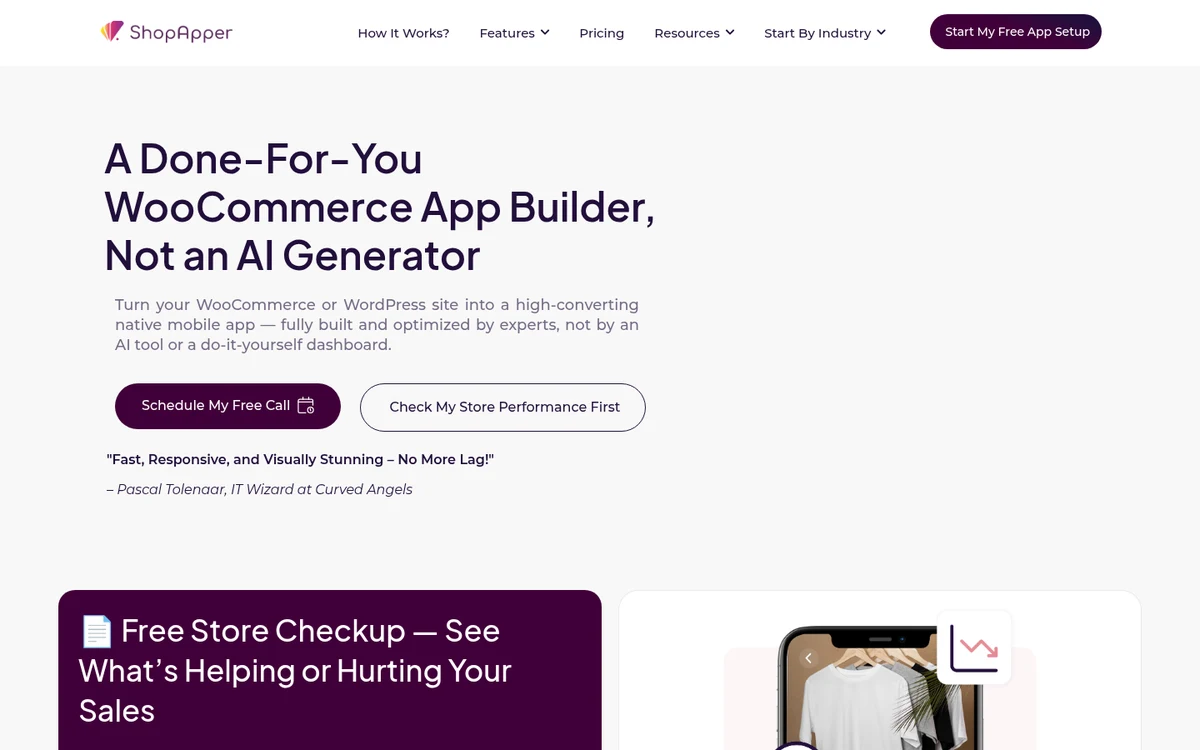
ShopApper’s plans page lists three monthly plans in US dollars:
- Starter: $245 a month plus a $495 publishing fee, with unlimited push notifications and email support.
- Growth: $495 a month, adding automated push notifications and with app store setup and publishing included.
- Scale: $795 a month, adding membership systems, a barcode and QR scanner, and eight hours a month of custom development credit.
ShopApper also offers a one-time payment option starting at £1,950, which includes three years of app update assistance.
ShopApper sits between a DIY plugin and a premium managed platform. It’s ideal for a store that wants human help without a four-figure monthly bill.
Read the cancellation terms before you sign. ShopApper says plans can be canceled at any time, and that the app then stops working and shows an on-screen message. Ask which plugins, checkout methods, design changes and future updates each plan covers.
Twinr: Best for a Low-Cost Website-Powered App
Twinr turns websites, including WooCommerce stores, into iOS and Android apps. The app loads your live store inside a native layer with a tab bar, push notifications, persistent login and analytics. Your theme, plugins and checkout come with it.
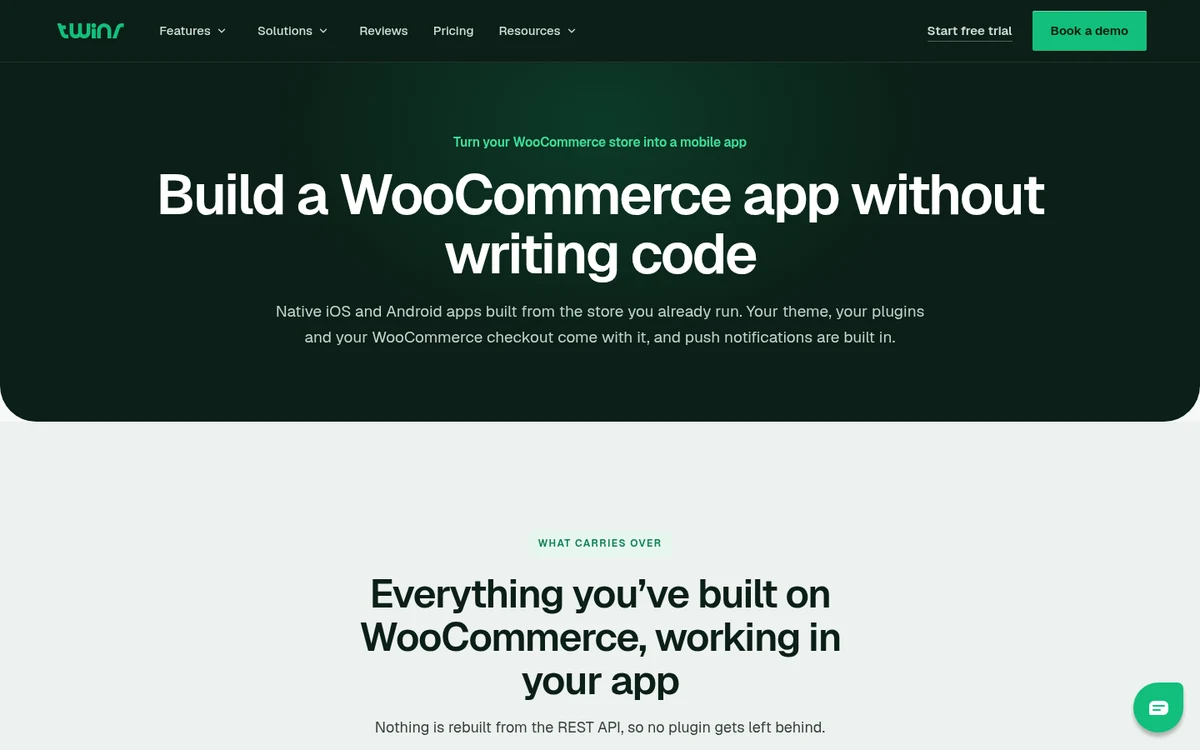
Twinr’s pricing page lists four plans:
- Basic: $25 a month, with app customization, unlimited push campaigns and app analytics.
- Standard: $85 a month, adding deep linking, two languages and in-app purchases.
- Premium: $125 a month, adding native screens, automated push flows such as abandoned cart and a customer success manager.
- Enterprise: From $599 a month billed annually, including implementation by Twinr’s team.
Optional session bundles cost from $3 to $84 a month on top. There’s a 14-day free trial with no credit card, but Twinr doesn’t refund subscriptions.
Twinr is broader than a WooCommerce-only product, and its own WooCommerce page lists the risks to test for. Apple can reject apps that sell digital goods through your web checkout, firewall and caching rules can block or stall the app, and a slow host means a slow app.
It’s a good match for a store whose mobile site already works well and whose team is comfortable configuring a hosted dashboard. More complex stores should price the plan and session volume they’d really need, not just the entry plan.
WPMobile.App: Best for a One-Time License
WPMobile.App is a WordPress plugin that turns your site into Android and iOS apps. Your existing pages appear inside the app, with white-label branding and unlimited push notifications through your own Firebase and Apple accounts.
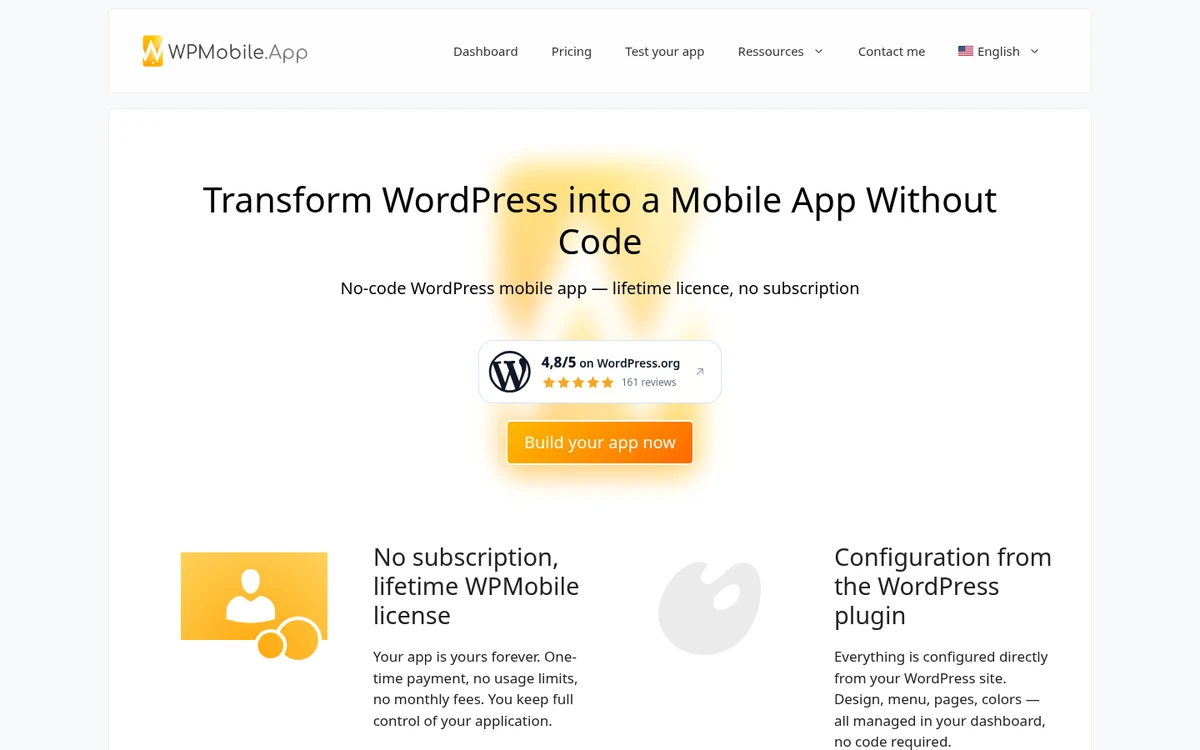
Its pricing page lists lifetime licenses with no subscription: €129 for Android or iOS, and €239 for both, excluding VAT. You publish under your own developer accounts with its step-by-step guidance.
WPMobile.App is a general WordPress product rather than a WooCommerce-specific one. Its help pages list WooCommerce among the plugins it supports for notifications, but they don’t describe shop or checkout features.
That makes it best suited to a simple store whose mobile site already works well. Test your cart, checkout, account pages and payment redirects inside the app before you rely on it.
Mobikul: Best for Teams With Mobile Developers
Mobikul by Webkul sells a Flutter-based WooCommerce app for Android and iOS. It supports WooCommerce’s simple, grouped, external and variable product types, and Webkul says it works with more than 100 payment and shipping methods. Push notifications, deep linking and multilingual stores (including Arabic) are also listed.
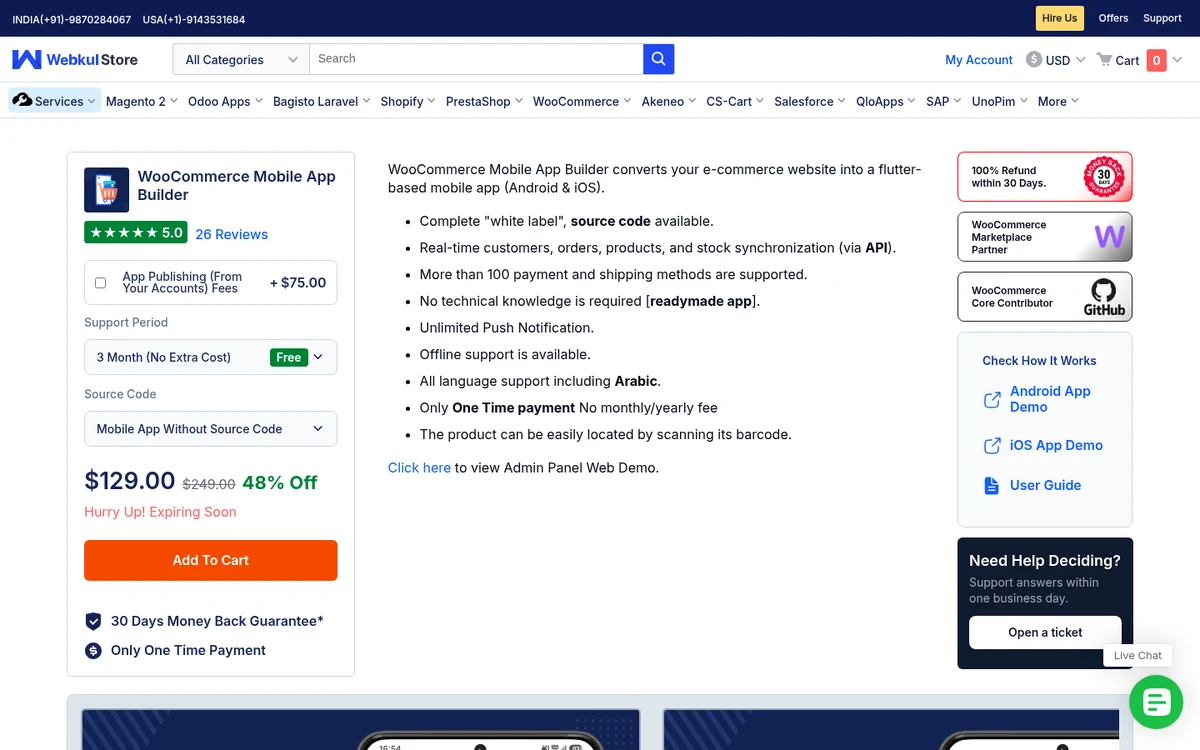
The product page lists a regular one-time price of $249, shown on sale at $129. Source code costs an extra $129, and publishing from your own accounts costs $75. Three months of support are included, with longer support available for an extra fee.
This model is different from paying for a hosted builder. You buy a packaged app foundation, then pay for source code or customization when you need more control.
That can be good value for a team with Flutter skills. For a nontechnical store, the low price can mislead. Ask who will handle Flutter upgrades, iOS and Android changes, plugin compatibility, security fixes, store submissions and regressions after WooCommerce updates.
Mobile App Builder for WooCommerce: Best for Buying Through the Woo Marketplace
Mobile App Builder for WooCommerce is an extension by FmeAddons, sold through the official Woo Marketplace. It costs $149 for one year or $238.40 for two years, including product updates, support and a 30-day money-back guarantee.
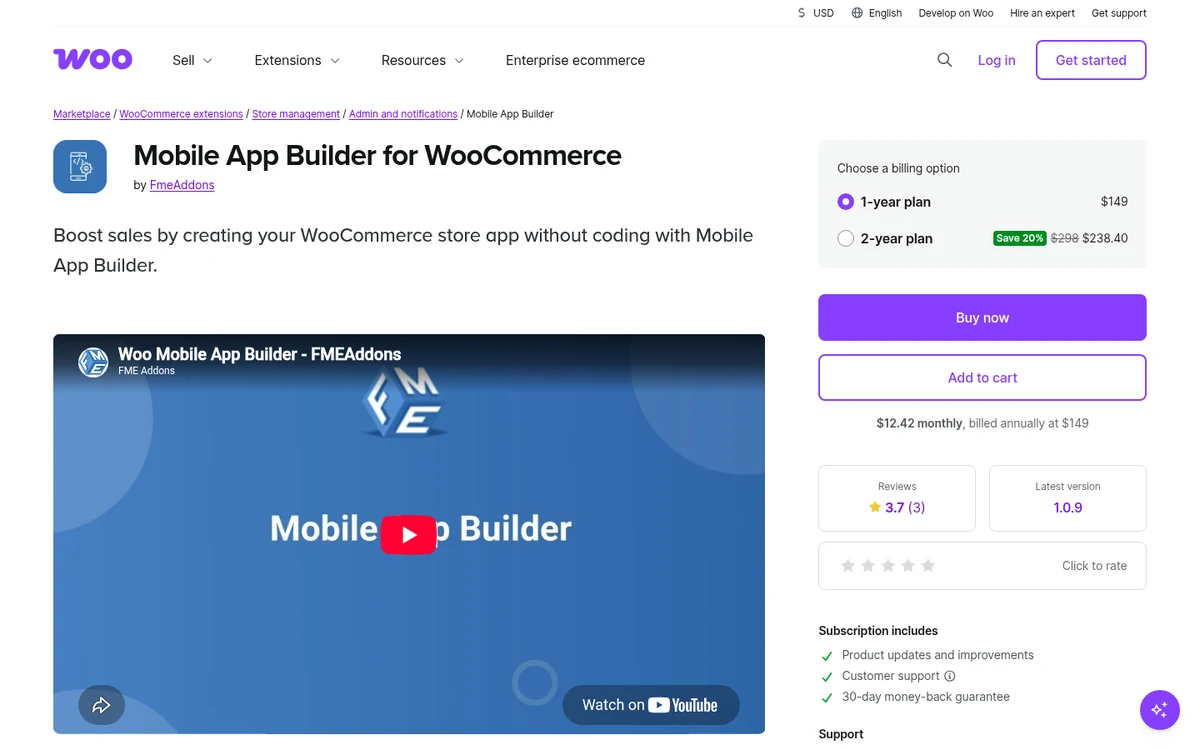
You create WooCommerce REST API keys, and FmeAddons builds the app, connects it to your store and sends it to you. The listing mentions Android and iOS, but its setup steps only describe delivering an Android APK file. The listed features include product and order sync, theme colors, product sections, category and banner sliders, brands, translation and unlimited push notifications.
Buying through the Woo Marketplace may feel more familiar than signing up with a separate platform. FmeAddons is still the vendor, though, and its service is part of what you’re buying.
The listing had three reviews averaging 3.7 out of 5. Two praise the support team, and one says support stopped responding after setup. Ask how it handles iOS delivery, release maintenance and compatibility with your plugins before treating the low annual price as the full cost.
Isn’t There an Official WooCommerce App?
WooCommerce’s official mobile app is for merchants, not shoppers. It isn’t a branded shopping app for your customers.
The Woo mobile app lets you manage products and orders, track sales and take in-person payments through a built-in point of sale. Your customers don’t download it to shop your store.
To publish a branded shopping app, you still need an app builder, a managed service, a source-code product or a custom build. You can compare those routes in our guide to building a mobile app for WooCommerce.
How Should You Choose a WooCommerce App Builder?
The most useful way to choose a WooCommerce app builder is to test how each one handles your own store. A demo with a simple catalog won’t show you what happens to your subscriptions, bundles or custom checkout.
List Every Customer-Facing Plugin and Customization
Start with a full inventory of what your customers touch. Include subscriptions, bundles, memberships, rewards, product configurators, search, filters, reviews, wishlists, bookings, translation, multi-currency, regional catalogs, B2B pricing and custom account pages.
Mark each item as required, optional or irrelevant to the app, then ask vendors to demonstrate the required journeys on your real store. Our ecommerce app requirements checklist can help you build the list.
For a made-to-order furniture store, for example, that might mean choosing a fabric, seeing the right price, paying a deposit and checking the delivery estimate. A generic product grid won’t answer those questions.
Test the Entire Checkout
Checkout is where app builders most often fall short, so confirming that products sync isn’t enough.
Test coupons, taxes, shipping rules, address validation, payment methods, redirects, express wallets, failed payments, account creation, guest checkout and order confirmation. A polished home screen won’t make up for a broken purchase flow.
Decide Whether You Want One Storefront or Two
An API-based builder usually gives you a separate app interface to manage, while a website-powered app stays tied to your live store.
Neither is better for everyone. A separate interface gives you more app-specific control. A shared storefront cuts duplicate work and keeps the app and website in step.
Calculate the Real First-Year Cost
The headline price is rarely what you’ll pay. Add setup, subscriptions, usage charges, publishing, customization, source code, developer accounts, design, internal time and ongoing maintenance.
A $149 extension can get expensive if it needs a developer every time WooCommerce or a key plugin changes. A managed service can look expensive until you compare it with the people and duplicated work it replaces. Our guide to total cost of ownership walks through the full calculation.
Keep the Developer Accounts in Your Name
Your business should own its Apple and Google developer accounts, store listings, analytics, push accounts and customer data. That keeps a future change of vendor difficult rather than impossible, and it’s worth confirming before you submit your app to the stores.
Which WooCommerce App Builder Should You Choose?
The right WooCommerce app builder depends on how much of your store is standard and how much app work you want to own.
For an established, customized store, MobiLoud is our top pick, provided the budget fits. It keeps your existing plugins and checkout, designs a custom native app around your brand, and builds and maintains the app for you.
If MobiLoud’s price is out of reach, the alternatives cover narrower needs. For a standard store and a team happy to configure the app, AppMySite is the natural starting point. If your mobile site is already strong and you want a website-powered app at a low monthly price, look at Twinr. WPMobile.App suits a simple store that prefers a one-time license.
If you want someone else to build and publish the app on a modest budget, ShopApper is worth a call. Teams with Flutter developers should evaluate Mobikul.
Whatever you choose, test it against the parts of your store that aren’t standard. WooCommerce’s flexibility is its greatest strength, and your app builder shouldn’t make you give it up.
WooCommerce Mobile App Builder FAQs
Does WooCommerce Have Its Own App Builder?
WooCommerce doesn’t offer its own builder for branded shopping apps. Its official mobile app is for merchants managing their stores, so a customer-facing app needs a third-party builder, a managed service, a source-code product or custom development.
How Much Does a WooCommerce Mobile App Builder Cost?
A WooCommerce mobile app builder costs anywhere from nothing for a basic Android-only plan to $1,499 a month or more for a managed service, based on current vendor pricing. Your real cost also depends on publishing, customization, usage, developer accounts and maintenance.
Will Every WooCommerce Plugin Work in the App?
Not every WooCommerce plugin will work in every app. API-based builders need explicit support or custom work for many plugins, while website-powered apps keep more of your site’s functionality. Either way, test each important customer journey inside the app.
Can You Build a WooCommerce App Without Coding?
You can build a WooCommerce app without coding using a visual builder or a managed service. You may still need technical help if your store has custom plugins, unusual login methods, complex checkout behavior or integrations the builder doesn’t support.
Should You Buy the App’s Source Code?
Buying an app’s source code is only worth it if someone can maintain it. Confirm the framework, license, documentation, upgrade path, third-party dependencies and build process, and decide who will handle future iOS and Android changes.